AI Instructor Voice Generator
Struggling to find the perfect voice for your educational content? FineVoice AI instructor voice generator can help you transform written content into clear, confident, and professional instructional audio in seconds. Whether you’re creating online courses, training videos, tutorials, or presentations, you can deliver lessons that sound natural, engaging, and easy to follow. You stay in control of tone, speed, and delivery—so every explanation sounds just right. If you want your teaching content to sound polished, authoritative, and learner-friendly, FineVoice is designed for you.
Text to SpeechHistory
Examples:
Settings
AI Voice

- Voice Name
- 0 Used
Create your AI voice for free.
Model
 FineVoice TTS Max
Hear Our AI Instructor Voice Samples
Mark Sullivan
Mid-baritone with crisp articulation. Speaking speed is slightly brisk but controlled. Tone is confident, motivating, and approachable.
Laura Bennett
Soft soprano with bright clarity. Speaking speed is moderate with gentle pacing. Tone is friendly, upbeat, and supportive.
Dr. Emily Chen
Clear mezzo-soprano with calm resonance. Speaking speed is moderate and unhurried. Tone is warm, professional, and reassuring.
Professor Alan Reed
Deep baritone with steady projection. Speaking speed is moderate and deliberate. Tone is authoritative, patient, and reassuring, with clear emphasis on key concepts.
Full Creative Control Over Your Instructor Voice
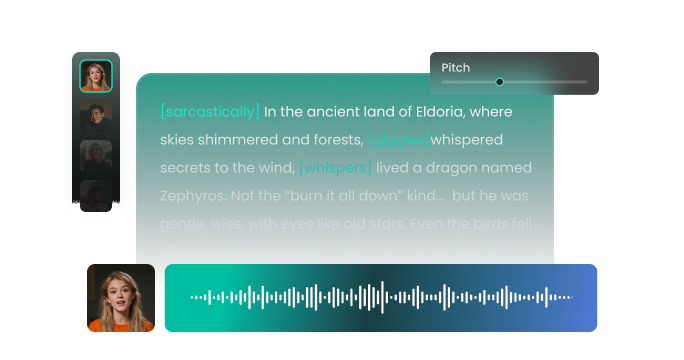
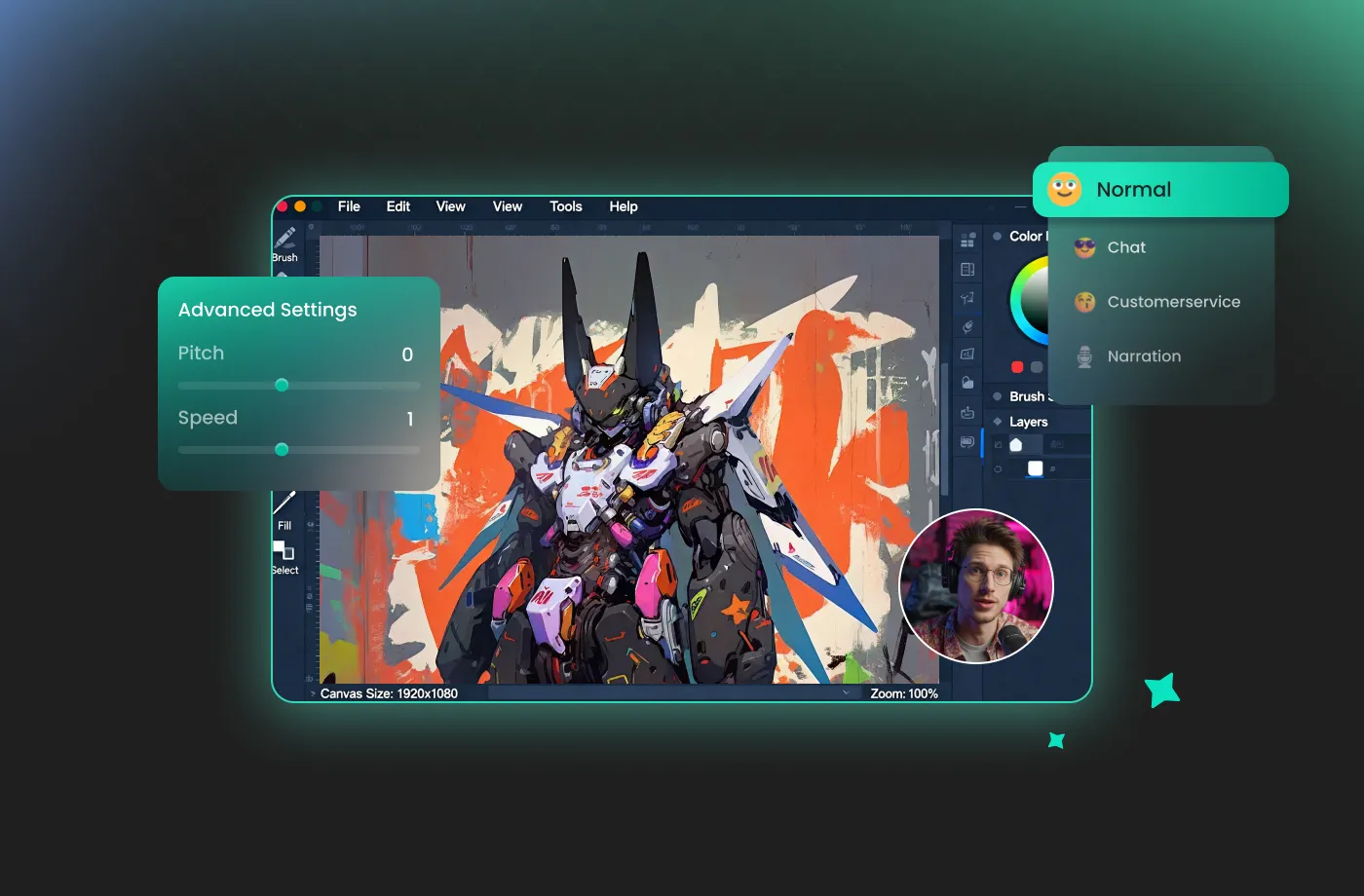
FineVoice AI instructor voice generator gives you the director's chair for your audio production. You can fine-tune pitch, speed, tone, and emotional intensity to match your instructional goals. Need a calm, patient voice for beginners? Or a confident, energetic tone for professional training? You decide. This creative control ensures your instructor AI voice sounds natural and human, not robotic or flat. The result is audio that keeps learners focused, improves comprehension, and reinforces your authority as an instructor. Instead of adapting your content to a fixed voice, you shape the voice to fit your teaching style perfectly.
Built for Real-World Teaching & Content Use Cases
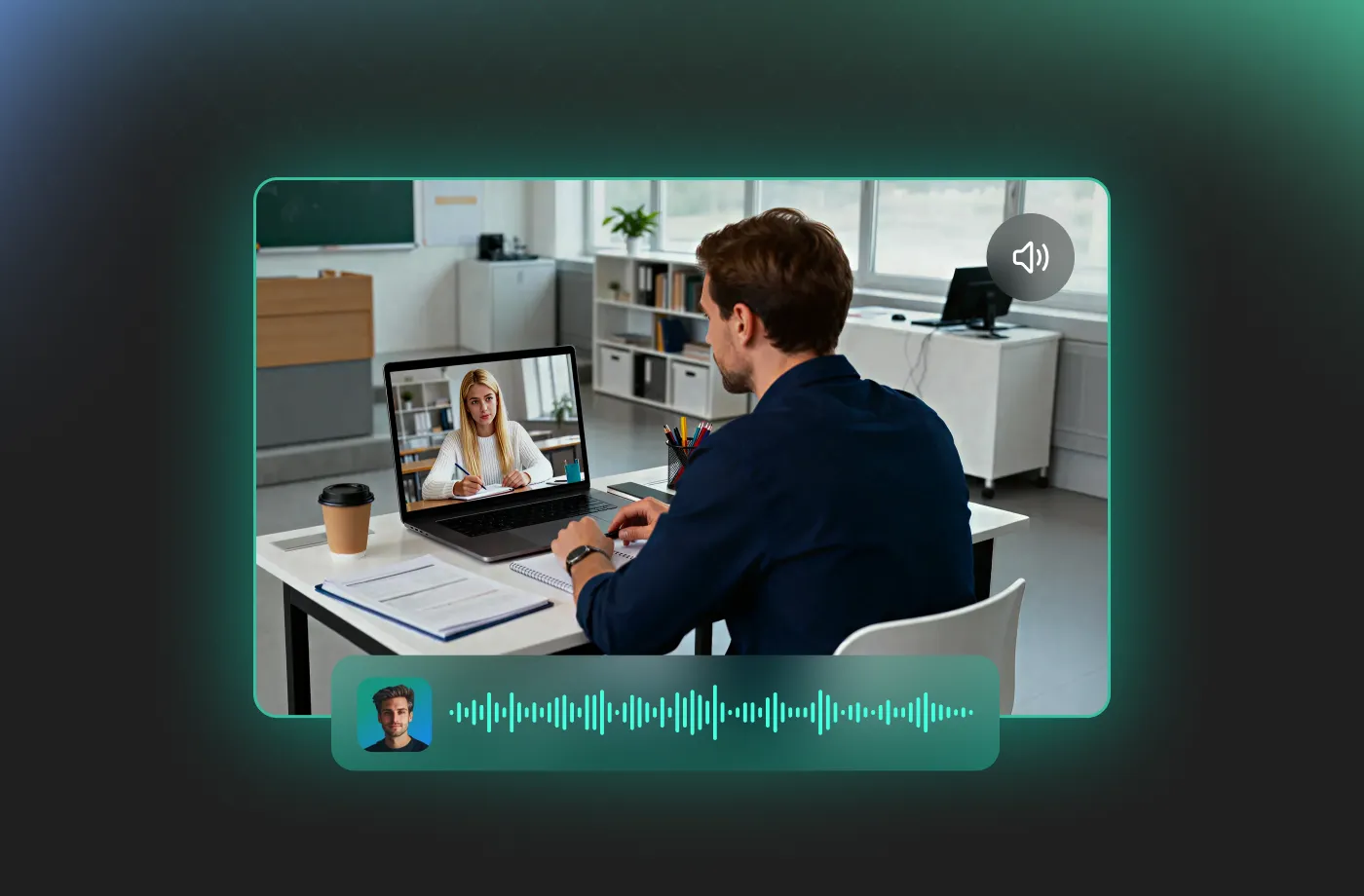
FineVoice AI instructor voice generator is designed for how you actually teach and create. Use it for online courses, YouTube tutorials, corporate training, eLearning modules, explainer videos, presentations, and even audiobook-style lessons. You can quickly update content, fix mistakes, or localize lessons without re-recording. This flexibility saves time while keeping your content consistent and professional. Whether you’re an educator, trainer, creator, or coach, FineVoice adapts to your workflow and helps you scale high-quality instructional content with ease.
Teach Globally with 154+ Supported Languages
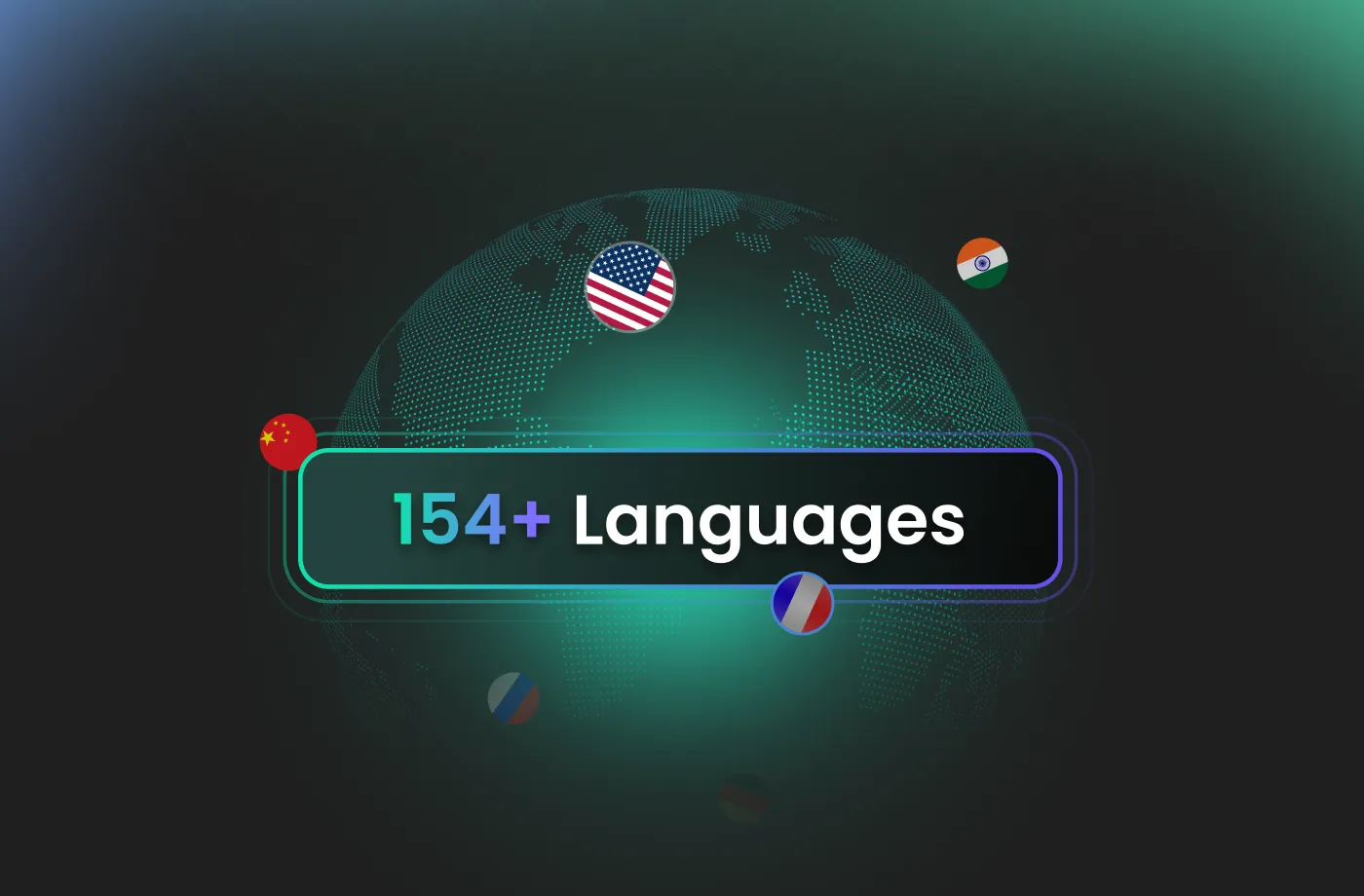
Want to reach learners worldwide? FineVoice supports 154+ languages and accents, allowing you to create multilingual instructional content effortlessly. Simply switch languages and generate accurate, natural-sounding instructor voices without hiring multiple voice talents. This makes it ideal for global courses, international training programs, and multilingual audiences. With our instructor AI voice generator, you can expand your reach, improve accessibility, and communicate clearly across cultures. One script, multiple languages—your lessons stay consistent while your audience grows.
Designed for Educators, Trainers, and Creators
FineVoice instructor AI voice generator is built for anyone who teaches or explains. It’s perfect for teachers, online instructors, corporate trainers, course creators, HR teams, YouTubers, and educational content producers. Even if you have no technical background, you can create professional audio in minutes. The interface is intuitive, beginner-friendly, and fast—so you spend less time producing and more time teaching. Whether you’re just starting or scaling your content library, this free instructor AI voice generator helps you sound professional from day one.
How to Use the AI Instructor Voice Generator
Creating a professional instructor voice has never been easier. With FineVoice AI instructor voice generator, you can turn any text into magical speech in just three simple steps.
1
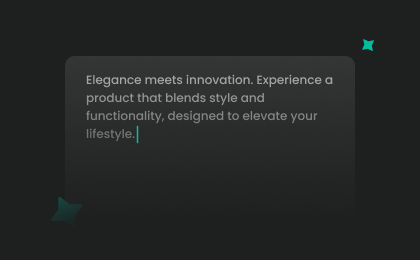
Step 1: Enter Your Text
Input your lesson script or upload a prepared text file (.txt, .docx, .srt) into the AI instructor voice generator.
2
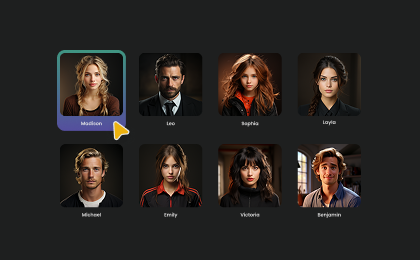
Step 2: Select Your Voice
Browse our library to find your favorite instructor AI voice. Adjust settings such as pitch and speed, or add emotions or accents to match your teaching style and audience level.
3
Step 3: Generate Instructor Audio
Click the "Generate" button to hear your script come to life. Download your high-quality audio instantly. Your instructional voice is ready to use in videos, courses, or presentations.
More Than an AI Instructor Voice Generator

News Anchor

Motivational

Mad Scientist

Podcast

Latin

Voicemail

Explainer Voice Over

IVR Voice Over

Documentary Voice Over

eLearning Voice Over

Serious

Doctor

Calm

Meditation

Professional

Authoritative

Teacher

Professor

Presenter

Hope

History

Customer Support

Demonstrator

Tour Guide

First Aid Trainer

Fitness Guru

Intelligent

Knowledgeable

Language Tutor
Explore More Voice Categories
FAQs About FineVoice AI Instructor Voice Generator
1. What is the FineVoice AI instructor voice generator?
FineVoice AI instructor voice generator is an online tool that converts your text into clear, professional, instructor-style voiceovers. It’s designed for teaching, training, tutorials, and educational content creation.
2. Is the FineVoice instructor voice generator free to use?
3. What languages does the instructor AI voice generator support?
4. Can I use the instructor AI voice for commercial purposes?
5. Can I customize pitch and speed in the instructor AI voice?
6. Does the tool support emotional or tonal adjustments?
7. What are the best use cases for an instructor AI voice?
 FineVoice
Start Creating Realistic AI Instructor Voices
Generate instructor voices instantly with our AI Voice Generator & Text-to-Speech. Easily create high-quality voiceovers for your projects in just a few clicks.