AI Explainer Voice Over Voice Generator
Tired of expensive voice actors or robotic-sounding narration? FineVoice explainer voice over AI voice generator helps you turn scripts into clear, professional explainer narration in minutes. Whether you’re producing product demos, app walkthroughs, e-learning videos, or startup pitch explainers, this tool delivers natural-sounding voices without the need for studio costs or voice talent scheduling. FineVoice combines a vast library of voices with simple customization options. It is ideal for creators, marketers, educators, and businesses who need consistent, high-quality explainer voiceovers.
Text to SpeechHistory
Examples:
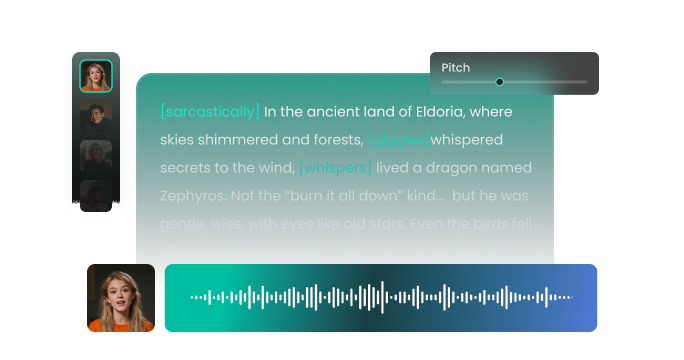
Settings
AI Voice

- Voice Name
- 0 Used
Create your AI voice for free.
Model
 FineVoice TTS Max
Hear Our AI Explainer Voice Over Voice Samples
Samantha Ray
A soft, warm mezzo-soprano. Speaking speed is medium-slow with gentle pauses to ensure comprehension. The tone is reassuring, clear, and easy to follow.
Michael Trent
A medium-deep baritone with smooth, precise enunciation. Speaking speed is medium, slightly rhythmic. The tone is calm, friendly, and trustworthy, ensuring comprehension and retention.
Lucas Everett
A bright tenor with a dynamic, lively inflection. Speaking speed is slightly faster than neutral, with rhythmic emphasis on key points. The tone is enthusiastic, approachable, and motivating.
Perfect for Any Creator: Solve Common Narration Pain Points
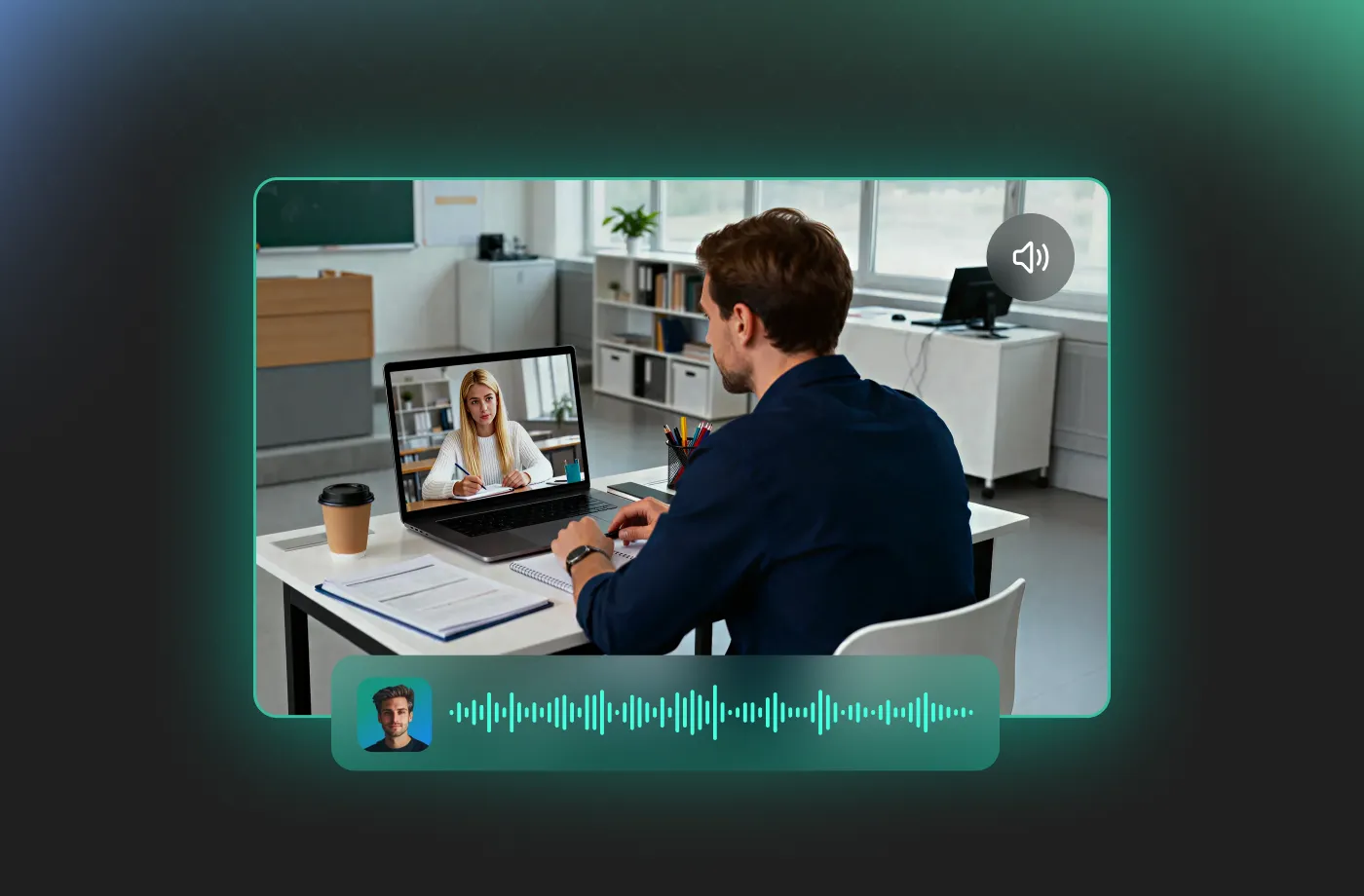
Whether you are a corporate trainer, a YouTube educator, a small business owner, or a course developer, our FineVoice explainer voice over AI voice generator is built to solve your unique narration challenges. If you've struggled to find affordable talent, dealt with inconsistent recording quality, or simply don't like the sound of your own voice, our tool provides a consistent, high-quality solution. You can get professional-grade audio results without needing any complex equipment or training, making this the ideal, practical, and effective way to achieve professional content quickly.
Flexible Voice Customization for Any Explainer Style
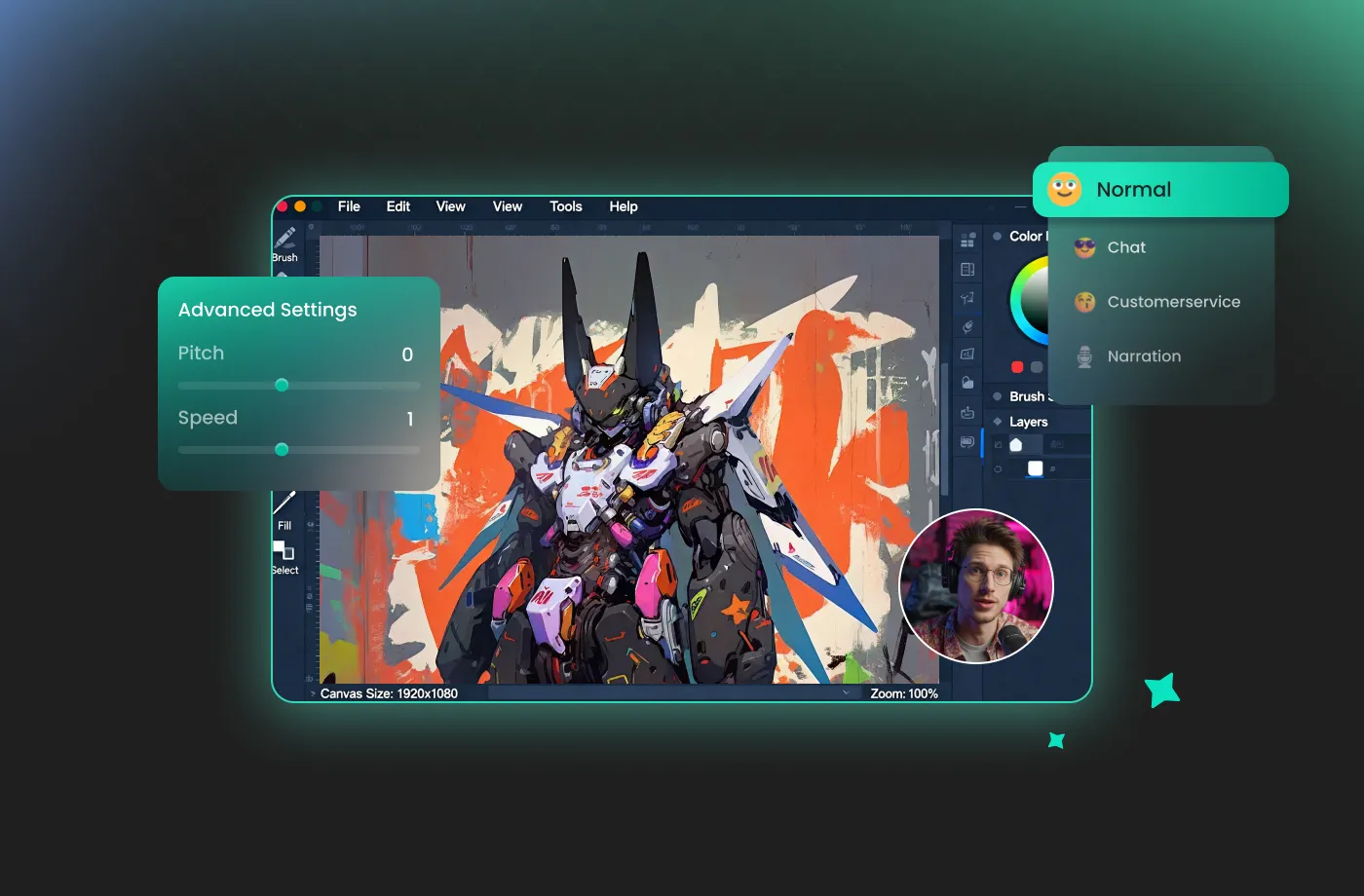
Every explainer has a different goal, and FineVoice explainer voice over AI voice generator gives you control to match the voice to your message. You can easily adjust speed, tone, and emphasis to suit product demos, educational explainers, or marketing videos. Want something calm and instructional, or energetic and persuasive? FineVoice lets you fine-tune the delivery so your explainer sounds natural, not robotic. It is ideal for creators who want their audio to align perfectly with visuals and branding.
Built for Clear, Easy-to-Understand Explainers
FineVoice is designed specifically for explainer-style narration, producing voices that sound natural, confident, and well-paced. You can choose voices that feel professional yet approachable—perfect for breaking down complex ideas, features, or workflows. FineVoice explainer voice over AI voice generator focuses on clarity and structure, helping your audience stay engaged from start to finish. Whether you’re explaining software features, onboarding steps, or business concepts, this voice generator ensures your message is heard and understood.
Unrivaled Speed and Efficiency: Generate Voice Overs in Seconds
With the FineVoice explainer voice over voice generator, you can convert a full script into polished audio in seconds. This rapid production cycle allows you to iterate faster, make quick last-minute script changes without penalty, and scale your content creation efforts effortlessly. You input or upload your scripts, select a voice, and download the finished product almost instantly. You don’t need audio production experience to create professional explainer narration. FineVoice gives you room to create.
How to Use the AI Explainer Voice Over Voice Generator
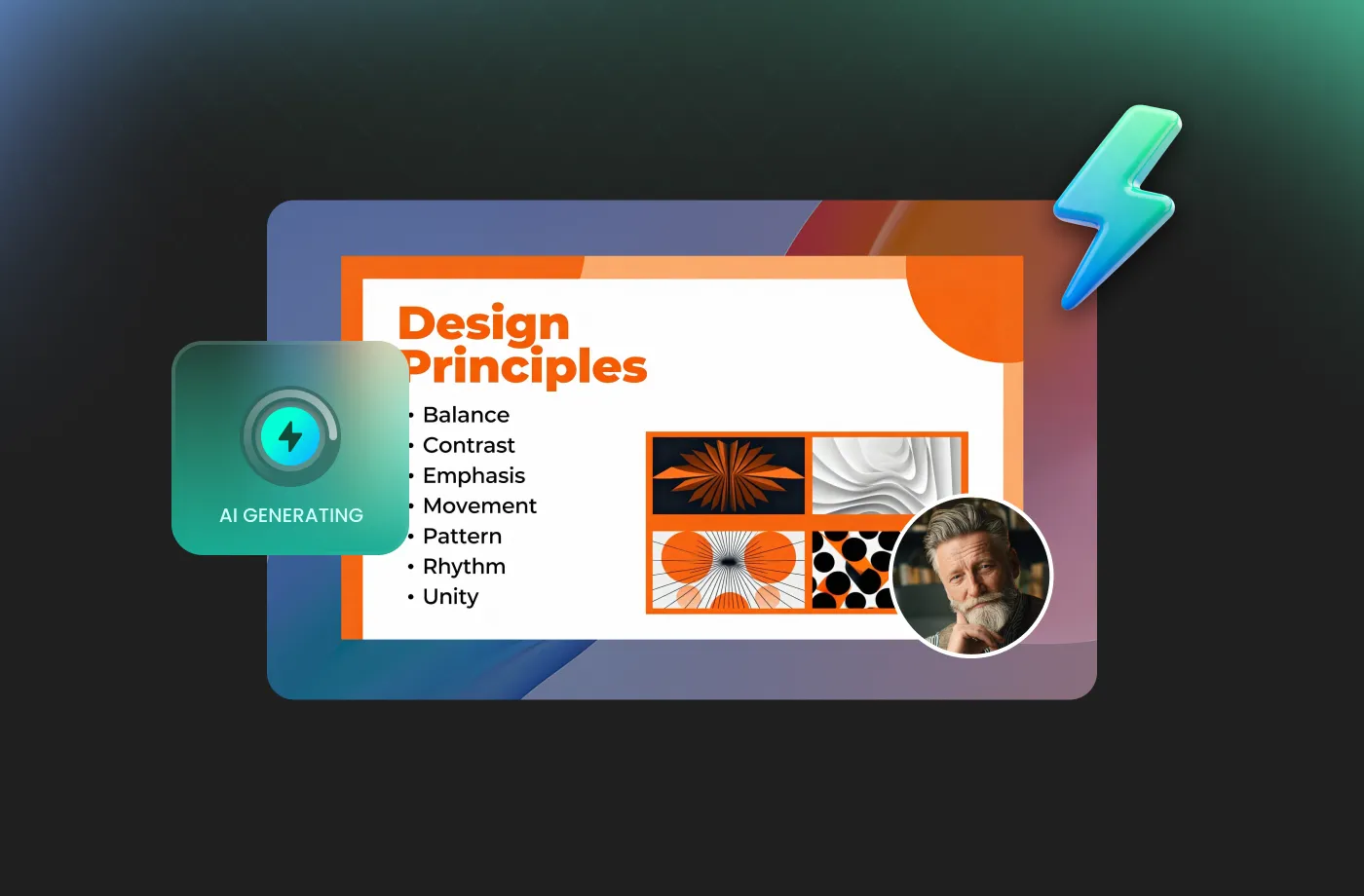
Transform complex information into clear, engaging, and authoritative spoken content. With the FineVoice AI explainer voice over voice generator, you can turn any text into magical speech in just three simple steps.
1
Step 1: Input Content
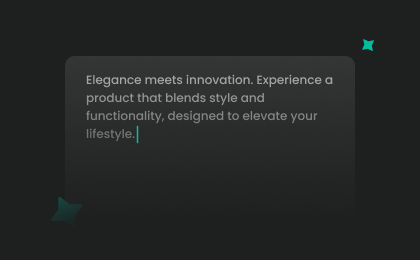
Enter your explainer script or import your script file (.txt, .docx, .srt) into the AI explainer voice over voice generator.
2

Step 2: Select Your Voice
Choose an AI voice model, then adjust settings such as pitch and speed, or add emotions or accents to match your explainer’s purpose.
3
Step 3: Generate Explainer Voice Over Voice
Click “Generate” to convert your text into high-quality spoken audio. Processing time varies based on file length, taking seconds to minutes.
More Than an AI Explainer Voice Over Voice Generator









Explore More Voice Categories
FAQs About FineVoice AI Explainer Voice Over Voice Generator
1. Is FineVoice truly an explainer voice over voice generator free to use?
Yes. FineVoice offers a generous explainer voice over voice generator free tier. This tier allows you to use 2,000 text-to-speech conversion characters per month to start your first project.
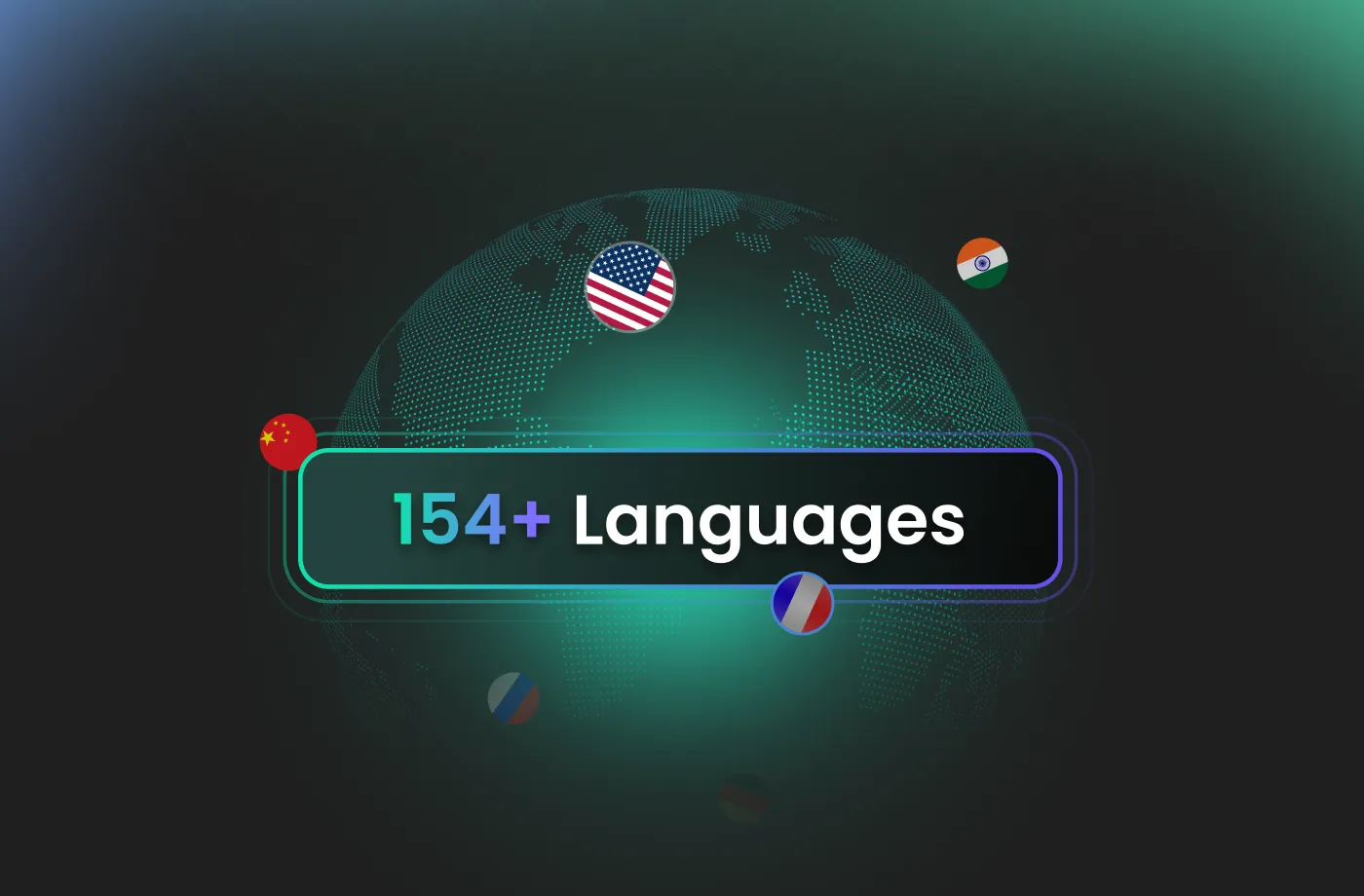
2. What languages and accents are available for explainer videos?
3. Is FineVoice suitable for explainer videos and product demos?
4. Can I use FineVoice explainer voiceovers for commercial projects?
5. Can I customize the voice tone and speed for my explainer video?
6. How can I make my AI explainer voice sound more natural?
7. Is FineVoice suitable for beginners with no audio experience?
 FineVoice
Start Creating Realistic AI Explainer Voice Over Voices
Generate explainer voice over voices instantly with our AI Voice Generator & Text-to-Speech. Easily create high-quality voiceovers for your projects in just a few clicks.