AI eLearning Voice Over Voice Generator
Are you struggling to find a professional, consistent, and affordable voice for your training modules? FineVoice eLearning voice over AI voice generator is the modern solution for content creators, course developers, and businesses looking to scale their educational efforts. Transform any text into natural-sounding, studio-quality speech in seconds. Say goodbye to the high costs of professional narrators and the long delays of recording. FineVoice ensures your courses are engaging, accessible, and delivered with a polished, authoritative voice, making it the perfect tool to handle all your demanding eLearning voiceover needs.
Text to SpeechHistory
Examples:
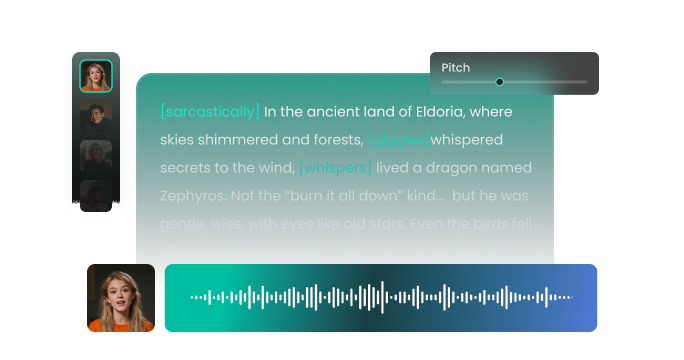
Settings
AI Voice

- Voice Name
- 0 Used
Create your AI voice for free.
Model
 FineVoice TTS Max
Hear Our AI eLearning Voice Over Voice Samples
Sophie Grant
A warm mezzo-soprano with gentle articulation. Speaking speed is medium-slow with natural pauses. The tone is soothing, reassuring, and easy to follow.
Olivia Hayes
A clear soprano with precise diction. Speaking speed is medium, slightly upbeat to maintain attention. The tone is confident, motivating, and friendly.
Aaron Blake
A bright tenor with lively inflection. Speaking speed is slightly faster than neutral, with rhythmic emphasis to maintain energy. The tone is enthusiastic, friendly, and encouraging.
Daniel Foster
A medium baritone with smooth, steady enunciation. Speaking speed is medium, with natural pauses to emphasize key points. The tone is calm, patient, and authoritative without being intimidating.
Natural, Engaging AI eLearning Voices for Every Course
FineVoice offers a wide range of AI eLearning voices, each designed to sound natural, expressive, and human-like. From friendly and conversational tones for onboarding modules to professional and authoritative voices for corporate training, you can select the perfect voice for your eLearning scripts. You can produce content quickly, maintaining a consistent vocal brand across all your training materials. FineVoice ensures your content is both understandable and engaging, helping you retain information and stay motivated throughout every lesson.
Designed for Educators, Trainers, and Course Creators
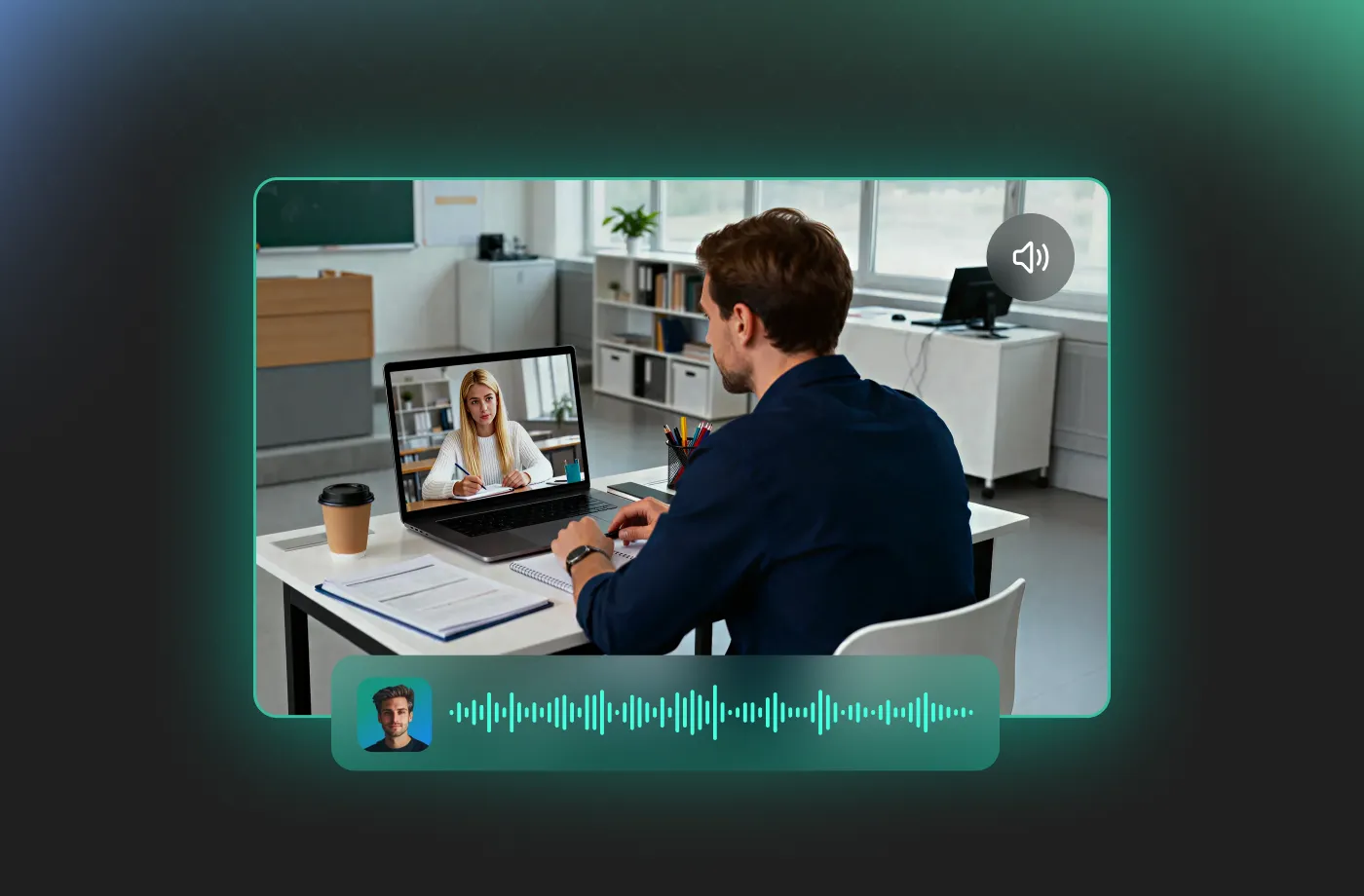
FineVoice is built with real eLearning workflows in mind. If you’re an educator, instructional designer, or content creator, you can focus on teaching instead of audio production. The interface is intuitive, allowing you to turn scripts into high-quality eLearning voiceovers in minutes. This makes it ideal for creating onboarding courses, compliance training, tutorials, and certification programs. Even users exploring eLearning voiceover jobs can rely on FineVoice to quickly produce professional demo samples or client-ready narration. No advanced audio knowledge is required—just your text and a few clicks to get started.
Flexible Voice Customization for Better Learning Outcomes
With the FineVoice eLearning voice over AI voice generator, you can customize voice speed, tone, and delivery style to suit different learning environments, from calm and instructional to energetic and engaging. FineVoice provides an extensive library of diverse, high-quality voices suitable for various eLearning voice over scripts. Whether you need a warm, friendly voice for an introductory module or a crisp, clear voice for complex data, our generator offers consistency and variety.
Fast, Cost-Effective, and Scalable for Any Project
FineVoice helps you create eLearning voiceovers faster and at a fraction of the cost of traditional methods. Instead of scheduling recording sessions or managing revisions, you can generate and download voiceovers instantly. This makes it easy to scale your content production, whether you’re launching a single course or managing an entire eLearning library. For teams and solo creators alike, FineVoice offers a practical alternative to manual recording, including options for eLearning voice over voice generator free use. You save time, reduce costs, and still deliver professional, high-quality audio every time.
How to Use the AI eLearning Voice Over Voice Generator
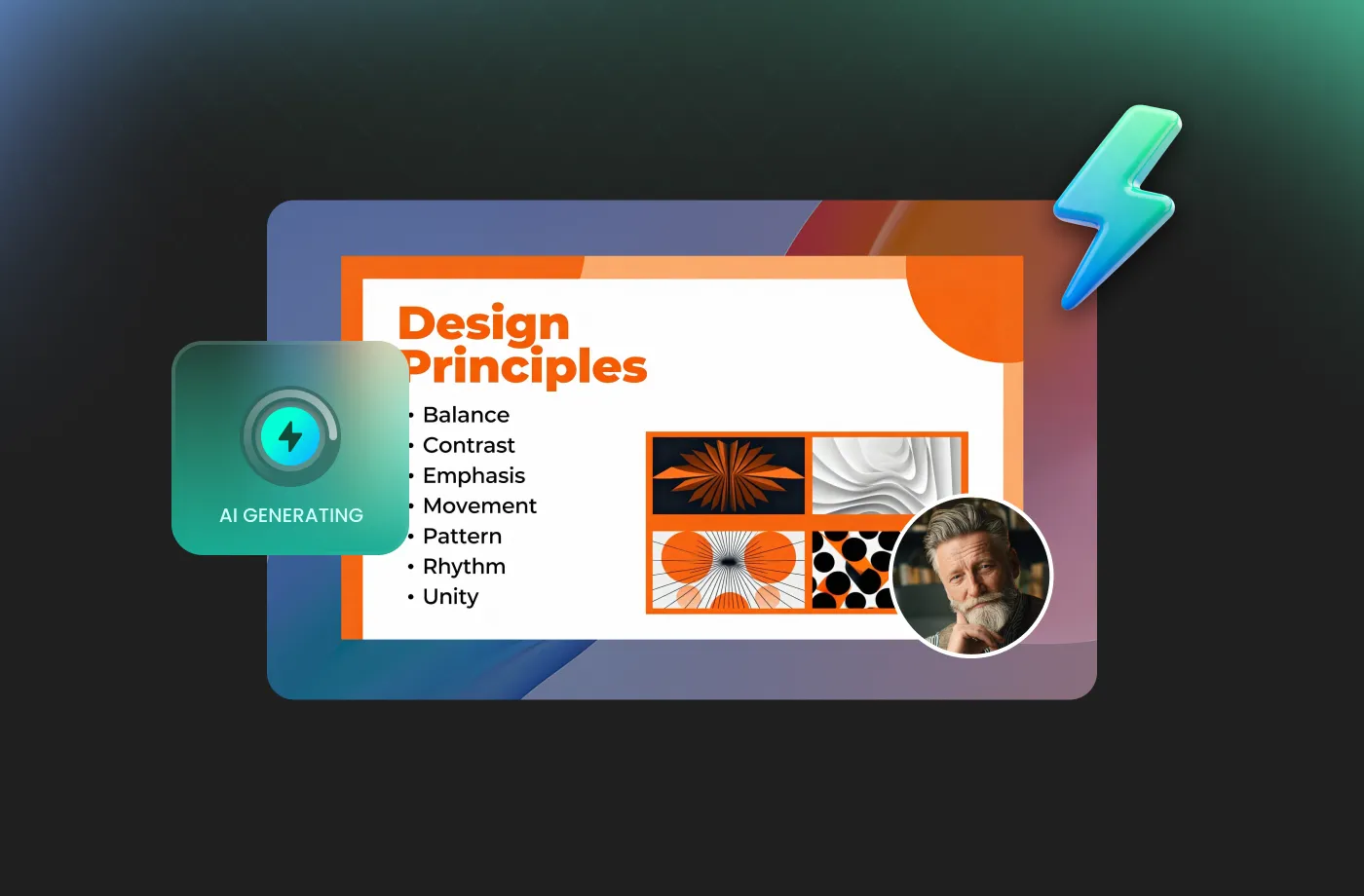
Transform complex information into clear, engaging, and authoritative spoken content. With the FineVoice AI eLearning voice over voice generator, you can turn any text into magical speech in just three simple steps.
1
Step 1: Input Content
Enter your e-learning scripts or import your script file (.txt, .docx, .srt) into the AI eLearning voice over voice generator.
2

Step 2: Select Your Voice
Choose an AI voice model, then adjust settings such as pitch and speed, or add emotions or accents to suit your course needs.
3
Step 3: Generate eLearning Voice Over Voice
Click “Generate” to convert your text into high-quality voiceovers. Processing time varies based on file length, taking seconds to minutes.
More Than an AI eLearning Voice Over Voice Generator









Explore More Voice Categories
FAQs About FineVoice AI eLearning Voice Over Voice Generator
1. Can I use FineVoice eLearning voiceovers for commercial purposes?
Yes. FineVoice allows commercial use of generated eLearning voiceovers, making it suitable for paid online courses, corporate training, client projects, and monetized educational content. Always review the current license terms for specific plan details.
2. Is FineVoice suitable for professional eLearning voice over jobs?
3. Does FineVoice offer a free eLearning voice over generator?
4. Does FineVoice support multiple languages and accents for global training?
5. Can I customize the AI voice to match my course style?
6. Is FineVoice useful for corporate training and onboarding?
7. Do I need technical or audio editing skills to use FineVoice?
 FineVoice
Start Creating Realistic AI eLearning Voice Over Voices
Generate eLearning voice over voices instantly with our AI Voice Generator & Text-to-Speech. Easily create high-quality voiceovers for your projects in just a few clicks.