AI IVR Voice Over Voice Generator
FineVoice IVR voice over AI voice generator is a powerful yet easy-to-use tool designed to help you create professional IVR voice messages in minutes. Whether you’re building a customer support phone system, an automated call menu, or a business voicemail greeting, FineVoice transforms your text into clear, natural-sounding IVR voiceovers. With a wide range of realistic AI voices, flexible customization options, and instant online generation, you can deliver consistent, high-quality caller experiences without hiring voice talent or recording equipment. It’s the smart, scalable solution for businesses seeking the best IVR voice over voice generator online.
Text to SpeechHistory
Examples:
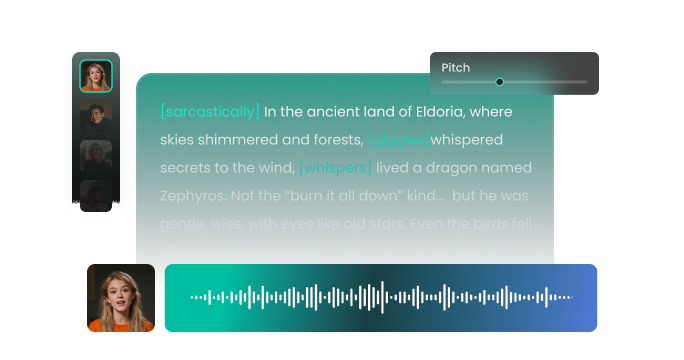
Settings
AI Voice

- Voice Name
- 0 Used
Create your AI voice for free.
Model
 FineVoice TTS Max
Hear Our AI IVR Voice Over Voice Samples
Elliot Hayes
A medium-range tenor with a smooth, conversational style. Speaking speed is slightly faster than neutral, with subtle pauses for clarity. The tone is welcoming, clear, and polite.
Clara Voss
A warm, clear mezzo-soprano with steady pacing. Speaking speed is medium. The tone is gentle, empathetic, and highly intelligible.
Maya Sinclair
A bright soprano with clear, precise articulation. Speaking speed is slightly brisk, lively, and efficient. The tone is professional, confident, and approachable.
David Mercer
A deep, smooth baritone with clear enunciation. Speaking speed is moderate and steady. The tone is professional, reassuring, and neutral, instilling confidence in callers.
Professional IVR Voices That Build Trust from the First Call
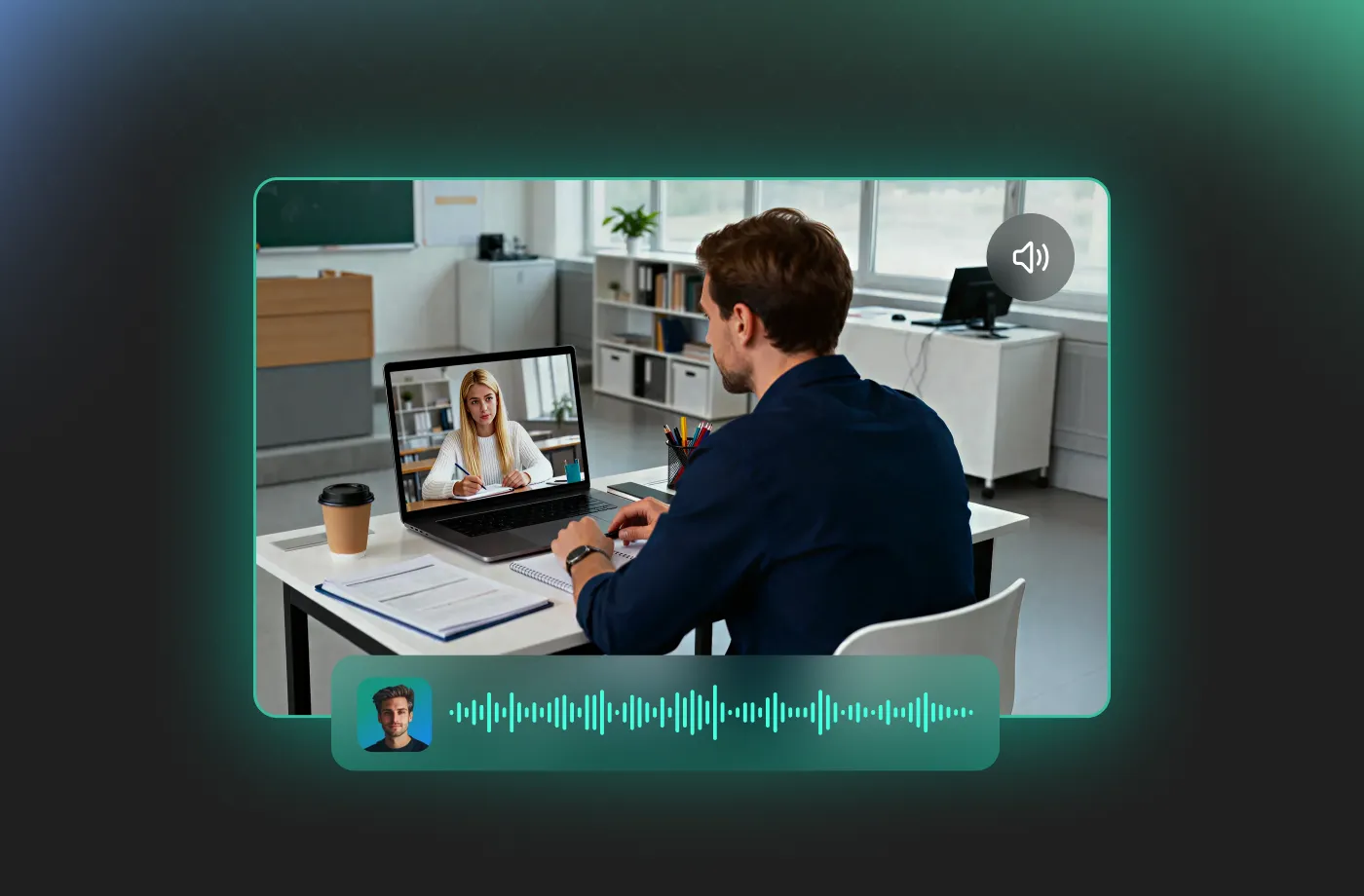
FineVoice IVR voice over AI voice generator helps you make a lasting first impression. Our AI voices are carefully designed to sound natural, clear, and professional—never robotic or rushed. Whether you need a calm, friendly tone for customer service menus or a confident, authoritative voice for corporate call routing, you can find a voice that fits your brand perfectly. This ensures callers immediately feel guided and reassured, reducing confusion and frustration. With FineVoice, your IVR system sounds polished, consistent, and trustworthy every time someone calls.
Easy Online Generation with Full Voice Customization
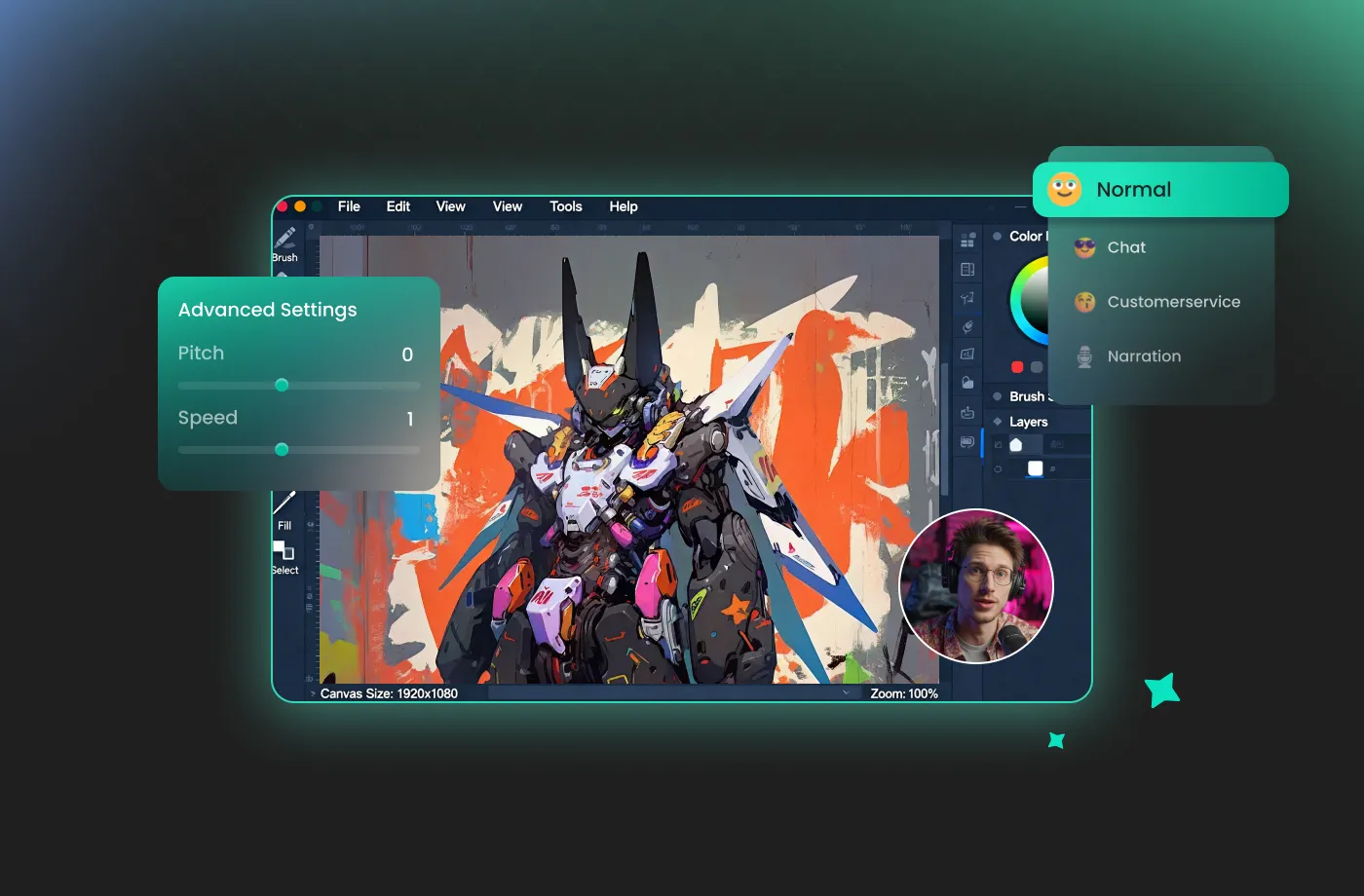
You don’t need technical skills or audio experience to use FineVoice. The platform is built for simplicity, allowing you to generate IVR voiceovers online in just a few clicks. You can easily adjust speaking speed, tone, and style to match different call scenarios, such as after-hours messages, queue announcements, or menu prompts. You can tailor each IVR message to its specific purpose without extra cost or complexity. If you’re looking for an IVR voiceover voice generator that is free to try and powerful enough for real business use, FineVoice delivers both convenience and control.
Cost-Effective Solution for Businesses of Any Size
FineVoice eliminates the need for studio sessions, voice actors, or repeated re-recordings. You can update scripts instantly, regenerate audio, and deploy new IVR messages whenever your business changes. This makes FineVoice an ideal choice for startups, growing companies, call centers, and enterprises alike. By using the best IVR voice over voice generator online, you save time, reduce costs, and maintain full control over your automated phone system without sacrificing quality.
Perfect for Multiple IVR Scenarios and Use Cases
FineVoice IVR voice over AI voice generator is designed for real-world communication needs. Use it for welcome greetings, call routing menus, hold messages, after-hours notifications, payment reminders, or multilingual IVR systems. It’s also suitable for industries such as healthcare, finance, e-commerce, education, and customer support. No matter your use case, FineVoice ensures your IVR messages are clear, consistent, and easy to understand. This versatility makes it one of the most reliable and best IVR voice over voice generator solutions available today.
How to Use the AI IVR Voice Over Voice Generator
Transform complex information into clear, engaging, and authoritative spoken content. With the FineVoice AI IVR voiceover voice generator, you can turn any text into magical speech in just three simple steps.
1
Step 1: Input Content
Enter your IVR script or import your script file (.txt, .docx, .srt) into the AI IVR voiceover voice generator.
2

Step 2: Select Your Voice
Choose an AI voice model, then adjust settings such as pitch and speed, or add emotions or accents to match your IVR scenario.
3
Step 3: Generate IVR voiceover Voice
Click “Generate” to convert your text into high-quality spoken audio. Processing time varies based on file length, taking seconds to minutes.
More Than an AI IVR Voice Over Voice Generator









Explore More Voice Categories
FAQs About FineVoice AI IVR Voice Over Voice Generator
1. Can I use FineVoice IVR voice overs for commercial purposes?
Yes. FineVoice allows commercial use, making it suitable for businesses, call centers, startups, and enterprises that need IVR voice messages for customer-facing phone systems.
2. Is FineVoice IVR voice over AI voice generator free to use?
3. Can I customize IVR voice tone and speaking speed?
4. Does FineVoice support multiple IVR use cases?
5. Do I need audio recording equipment or voice actors?
6. What industries benefit most from IVR voice over AI generators?
 FineVoice
Start Creating Realistic AI IVR Voice Over Voices
Generate IVR voice over voices instantly with our AI Voice Generator & Text-to-Speech. Easily create high-quality voiceovers for your projects in just a few clicks.