AI Demonstrator Voice Generator
FineVoice AI demonstrator voice generator helps you turn explanations, walkthroughs, and presentations into clear, confident audio in seconds. Whether you’re creating product demos, tutorials, explainer videos, or training content, FineVoice delivers natural, engaging speech that sounds polished and professional. You don’t need recording equipment or voice talent—just enter your text, choose a voice, and generate instantly. With flexible voice controls and support for 154+ languages, FineVoice gives you the freedom to communicate ideas clearly, consistently, and at scale.
Text to SpeechHistory
Examples:
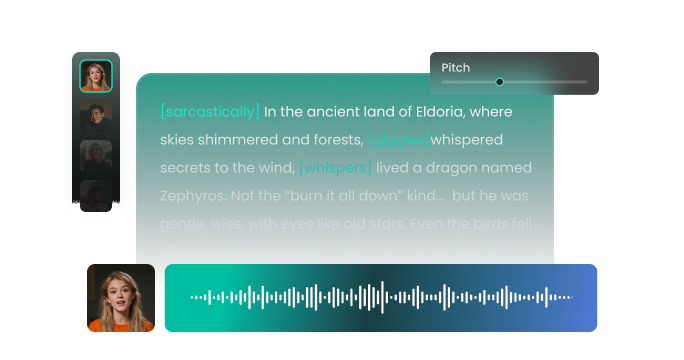
Settings
AI Voice

- Voice Name
- 0 Used
Create your AI voice for free.
Model
 FineVoice TTS Max
Hear Our AI Demonstrator Voice Samples
Nina Patel
Bright mezzo-soprano with expressive inflection. Speaking speed is lively but controlled. Tone is upbeat, confident, and inviting.
Brian Keller
Low baritone with steady projection. Speaking speed is slightly slower for clarity. Tone is professional, composed, and instructional, ensuring easy comprehension.
Alex Morgan
Clean mid-baritone with strong clarity. Speaking speed is moderate and well-paced. Tone is confident, friendly, and instructional, with emphasis on key points.
Laura Mitchell
Soft soprano with excellent enunciation. Speaking speed is moderate and unhurried. Tone is calm, friendly, and encouraging.
Total Control Over Your Demonstrator Voice
With FineVoice, you’re always in control of how your message sounds. This AI demonstrator voice generator lets you fine-tune pitch, speed, tone, and emotional expression so your audio perfectly matches your content. Want a calm, instructional voice for a software walkthrough? Or a confident, energetic tone for a product demo? You can adjust every detail with simple sliders—no technical expertise required. This level of control ensures your demonstrator AI voice sounds intentional, natural, and aligned with your brand. The result is clearer explanations, better engagement, and a more professional listening experience for your audience.
Built Versatile Scenarios with High-quality Demonstrator Voices
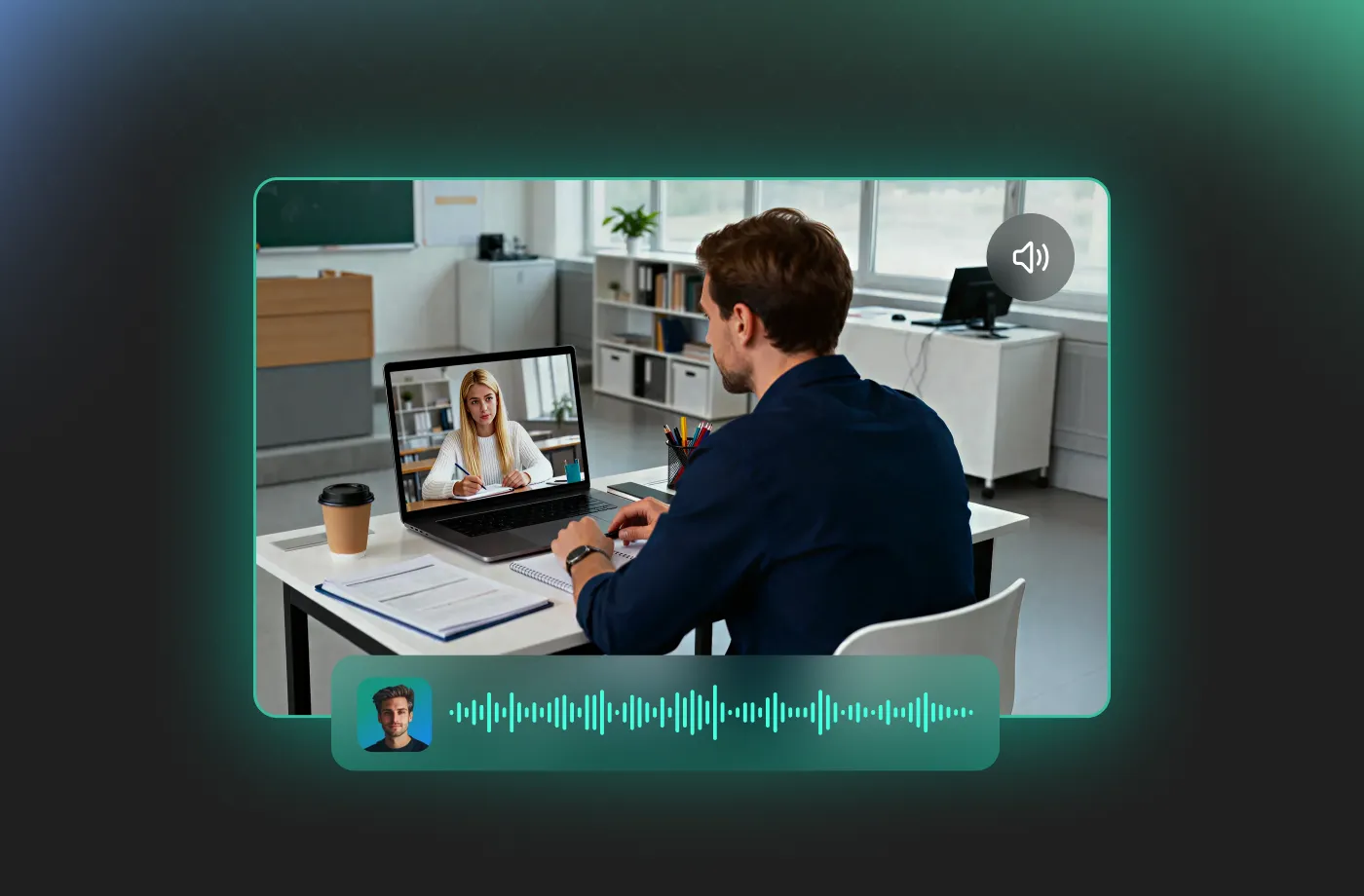
FineVoice AI demonstrator voice generator is designed for real-world use cases where clarity matters most. It’s an ultimate multi-tool for the modern creator, ideal for product demonstrations, onboarding videos, e-learning lessons, marketing explainers, YouTube content, and internal training materials. Instead of waiting days for a freelancer to return a recording, you can generate and download your audio instantly. Wherever you need to explain, guide, or demonstrate, this demonstrator AI voice generator fits seamlessly into your workflow.
Made for Busy Creators Who Need Results Fast
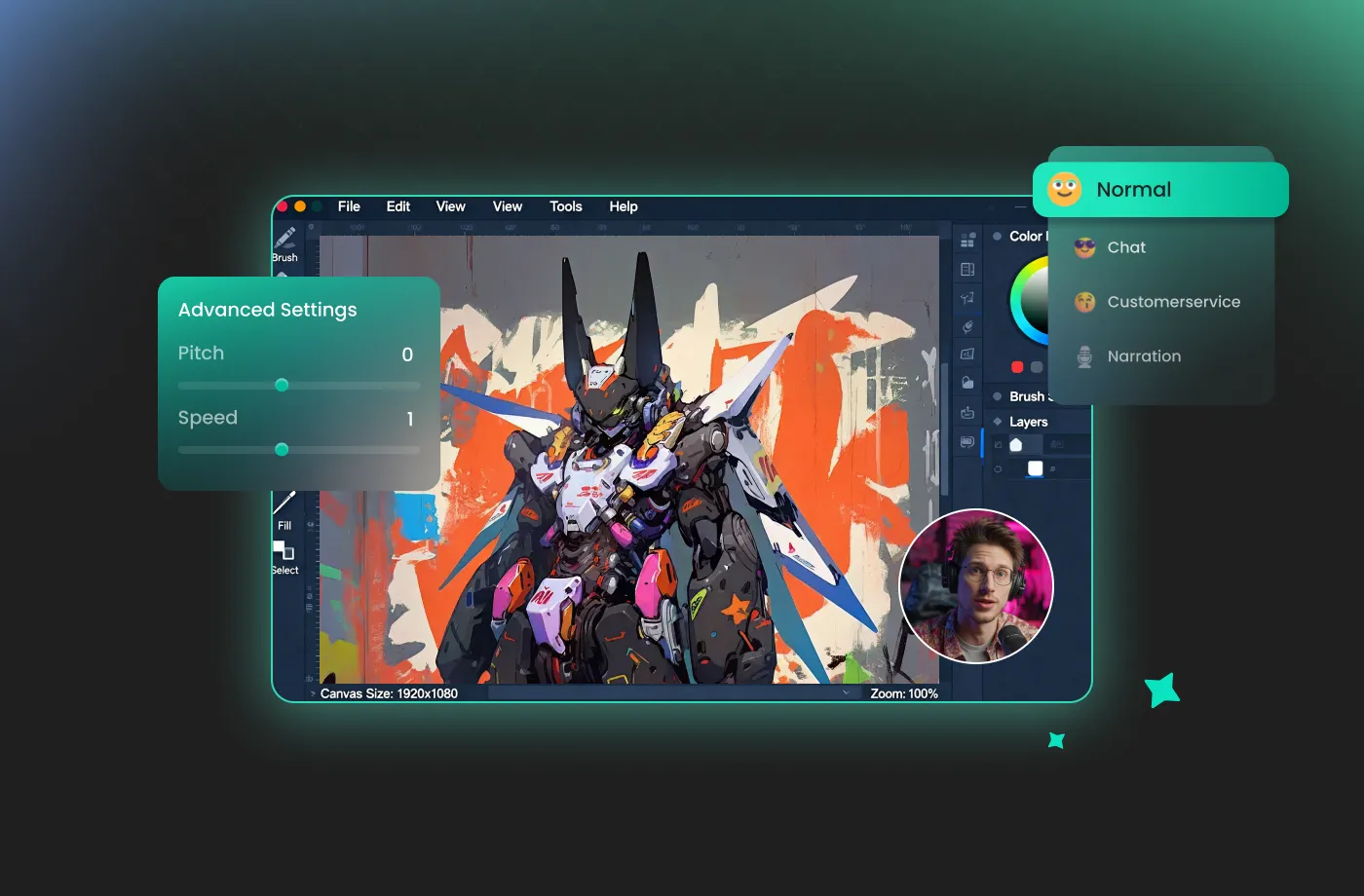
If you’re a content creator, marketer, educator, or product manager working on tight deadlines, FineVoice is built for you. Our demonstrator AI voice generator runs completely online, so you can skip installations, setup, and technical barriers. Just paste your script, choose a demonstrator AI voice, and generate polished audio in seconds. Whether you’re creating demos from your office, editing tutorials at home, or updating explainers on the go, you always have instant access to professional-quality voice output—whenever inspiration or urgency strikes.
Global Reach with 154+ Supported Languages
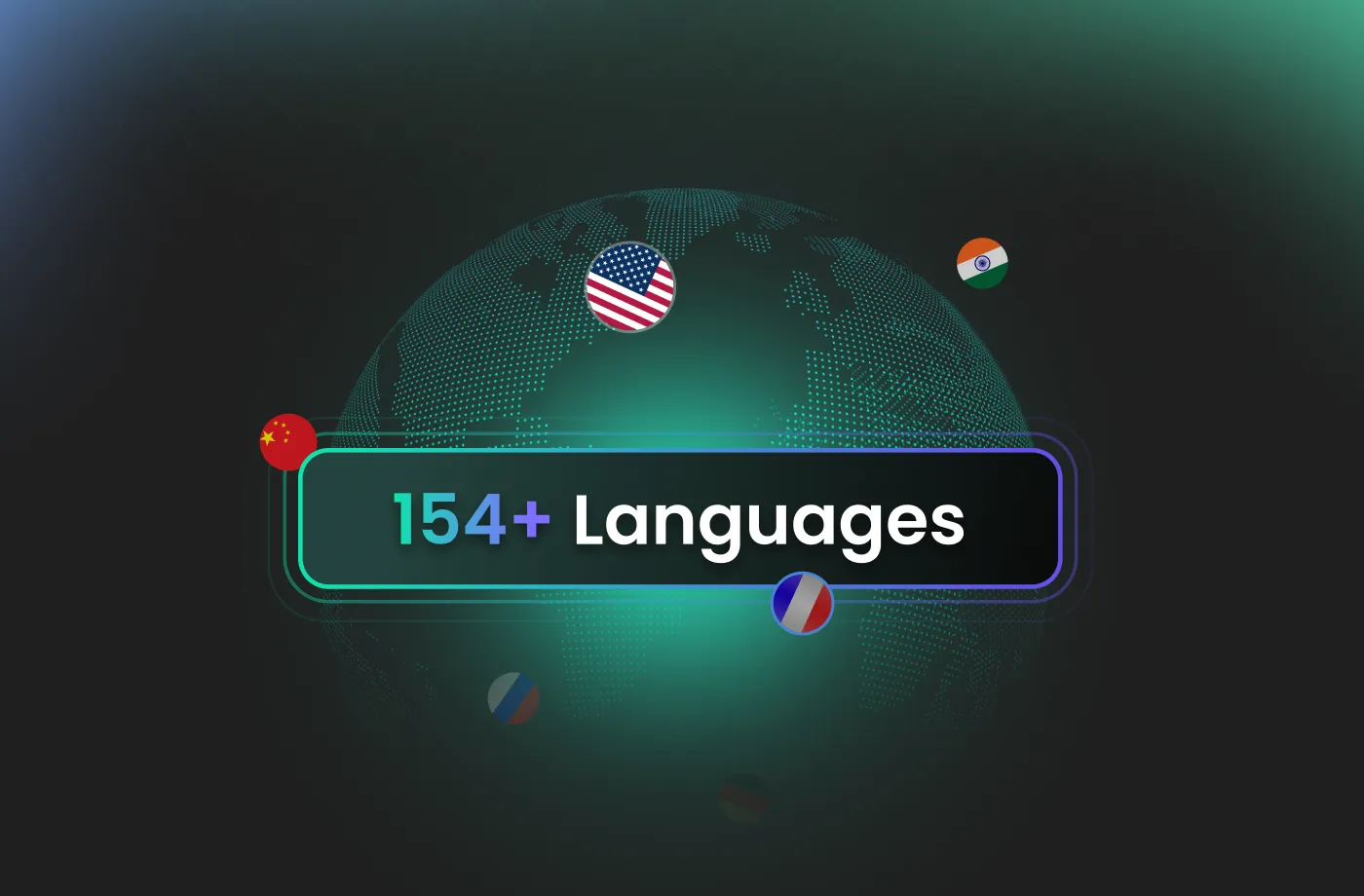
Your message deserves to be heard around the world, and our AI demonstrator voice generator is your passport to global markets. FineVoice supports over 154 languages and regional accents, allowing you to localize your content with ease. Whether you’re creating multilingual product demos or training materials for international teams, the demonstrator AI voice adapts effortlessly. With FineVoice, you can expand your brand’s footprint and connect with global customers in their native tongue.
How to Use the AI Demonstrator Voice Generator
Creating a professional demonstrator voice has never been easier. With FineVoice AI demonstrator voice generator, you can turn any text into magical speech in just three simple steps.
1
Step 1: Enter Your Script
Input your script or upload a document (.txt, .docx, .srt) into the AI demonstrator voice generator.
2
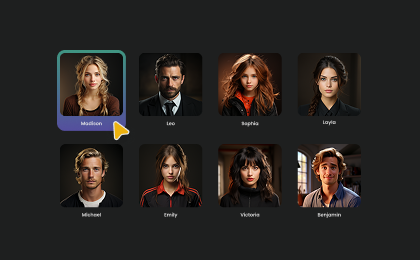
Step 2: Select Your Voice
Browse our library to find your favorite demonstrator AI voices. Adjust settings such as pitch and speed, or add emotions or accents to fit your project’s unique personality.
3
Step 3: Generate Demonstrator Audio
Hit the "Generate" button to hear your script come to life. Within seconds, your high-quality audio file will be ready. Download it and use it in your project.
More Than an AI Demonstrator Voice Generator

News Anchor

Motivational

Mad Scientist

Podcast

Latin

Voicemail

Explainer Voice Over

IVR Voice Over

Documentary Voice Over

eLearning Voice Over

Serious

Doctor

Calm

Meditation

Professional

Authoritative

Teacher

Professor

Presenter

Hope

History

Customer Support

Instructor

Tour Guide

First Aid Trainer

Fitness Guru

Intelligent

Knowledgeable

Language Tutor
Explore More Voice Categories
FAQs About FineVoice AI Demonstrator Voice Generator
1. Is the FineVoice demonstrator voice generator free to use?
Yes! FineVoice offers a free tier that includes 2,000 text-to-speech conversion characters per month, perfect for trying out our AI demonstrator voice generator.
2. How many languages does the AI demonstrator voice generator support?
3. Can I use the generated demonstrator voice for commercial purposes?
4. Who is the AI demonstrator voice generator best suited for?
5. Can I adjust the pitch and speed of the demonstrator AI voice?
6. Can beginners use this demonstrator voice generator easily?
7. What audio file formats can I download?
8. How fast is demonstrator voice generation?
 FineVoice
Start Creating Realistic AI Demonstrator Voices
Generate demonstrator voices instantly with our AI Voice Generator & Text-to-Speech. Easily create high-quality voiceovers for your projects in just a few clicks.