AI History Voice Generator
Imagine hearing the voices of the past speak directly to your audience today. With FineVoice, that vision becomes a reality. Our history AI voice generator uses industry-leading technology to provide authentic, emotionally resonant voices that bring historical scripts and narratives to life. Whether you are a YouTuber, an educator, or a storyteller, FineVoice lets you create immersive audio in seconds. No expensive studios or voice actors are required—just pure, high-quality audio at your fingertips. Start building your legacy and experience how engaging history can sound today!
Text to SpeechHistory
Examples:
Settings
AI Voice

- Voice Name
- 0 Used
Create your AI voice for free.
Model
 FineVoice TTS Max
Hear Our AI History Voice Samples
Helena Moreau
Warm soprano with elegant resonance. Speaking speed is slow to moderate, allowing ideas to unfold naturally. Tone is evocative, refined, and contemplative.
Thomas Caldwell
Warm mid-baritone with clear articulation. Speaking speed is steady, slightly deliberate. Tone is informative, trustworthy, and engaging, balancing authority with accessibility.
Margaret Ellis
Clear mezzo-soprano with calm authority. Speaking speed is moderate and precise. Tone is thoughtful, warm, and confident, with an academic yet inviting presence.
Edmund Whitaker
Deep baritone with a refined, steady resonance. Speaking speed is moderate and measured. Tone is authoritative, calm, and intellectually engaging, with subtle gravitas.
Authentic Voices for Historical Storytelling & Education
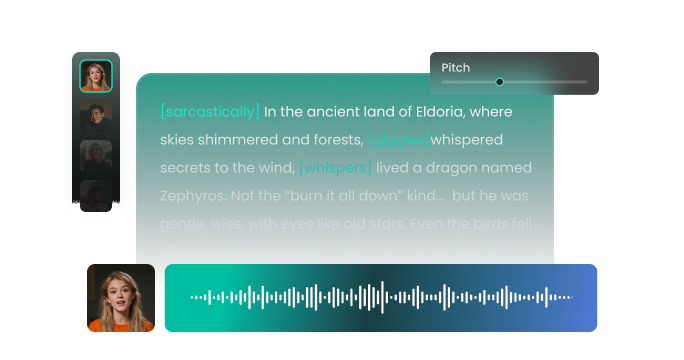
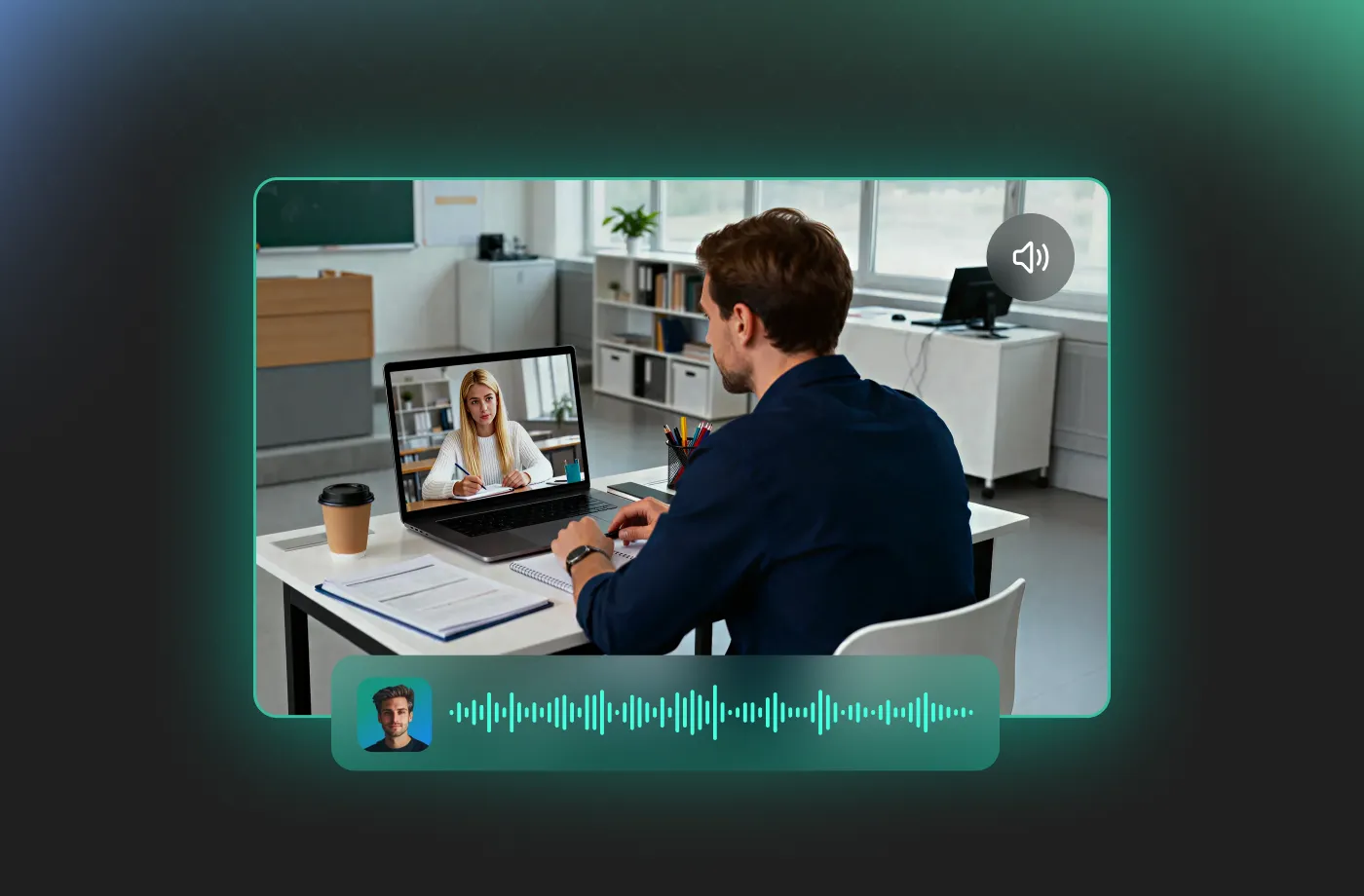
From viral documentaries to captivating classroom lessons, the FineVoice history AI voice generator is your ultimate creative partner. Instead of flat, robotic audio, you get a history AI voice that sounds confident, engaging, and human. With FineVoice, you can narrate epic battles, intimate biographies, or sweeping historical overviews with absolute authority. Educators can use these voices to make history lessons unforgettable for students, transforming dry facts into living, breathing stories. Even podcasters can add a layer of professional polish to introduce their shows with a classic, vintage tone.
Support for 154+ Languages and Global History Content
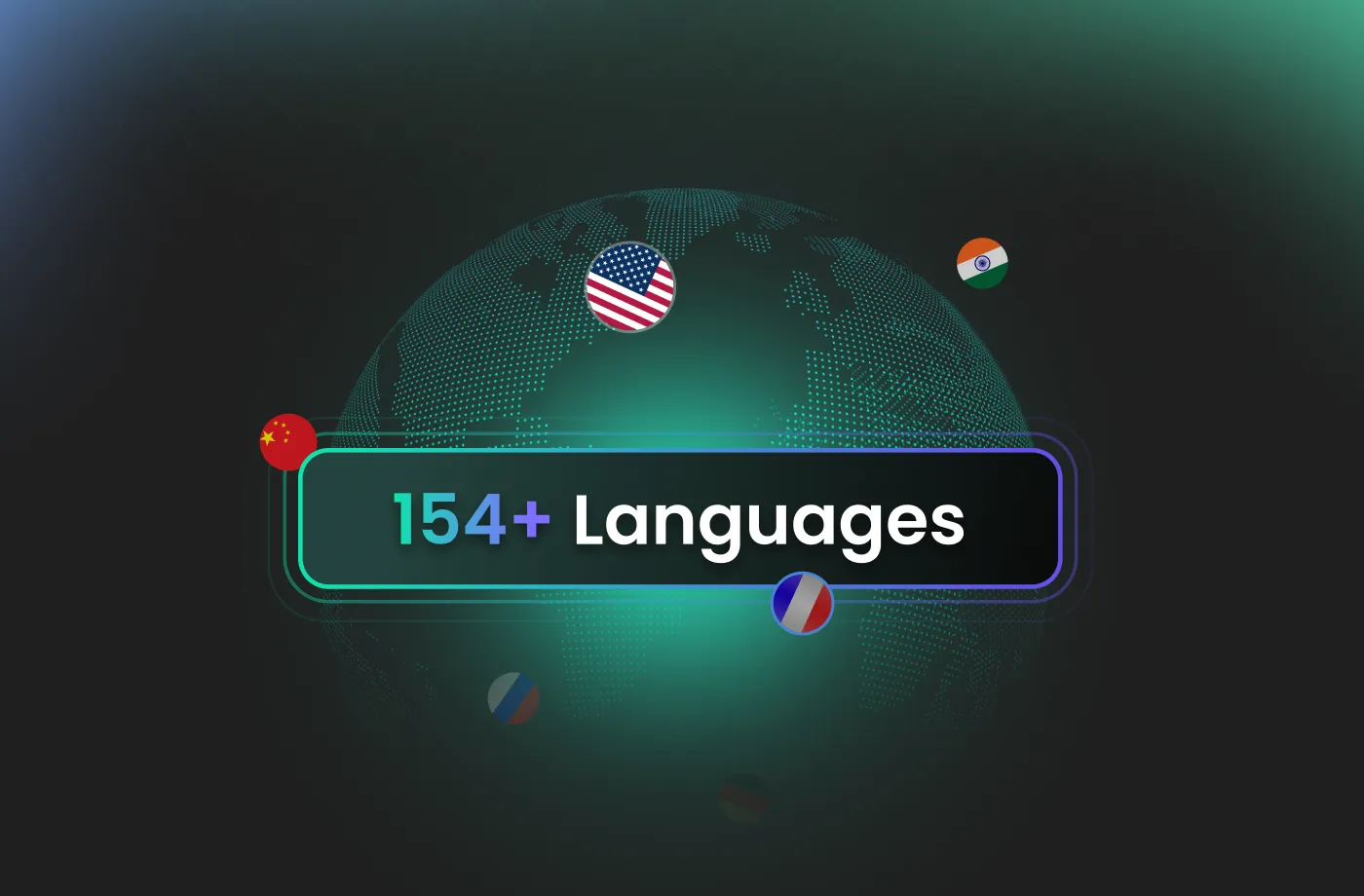
FineVoice supports over 154 languages and accents, making it easy to create historical AI voice content for international audiences. From European history to Asian, African, and Middle Eastern narratives, you can generate localized audio that feels natural and culturally appropriate. This makes FineVoice a powerful history AI voice generator for multilingual education, global documentaries, and international platforms. You can reach a global audience without ever worrying about a language barrier. Every accent sounds authentic, and every pronunciation is spot-on, maintaining the integrity of the historical context.
Customize Your History AI Voice with Ease
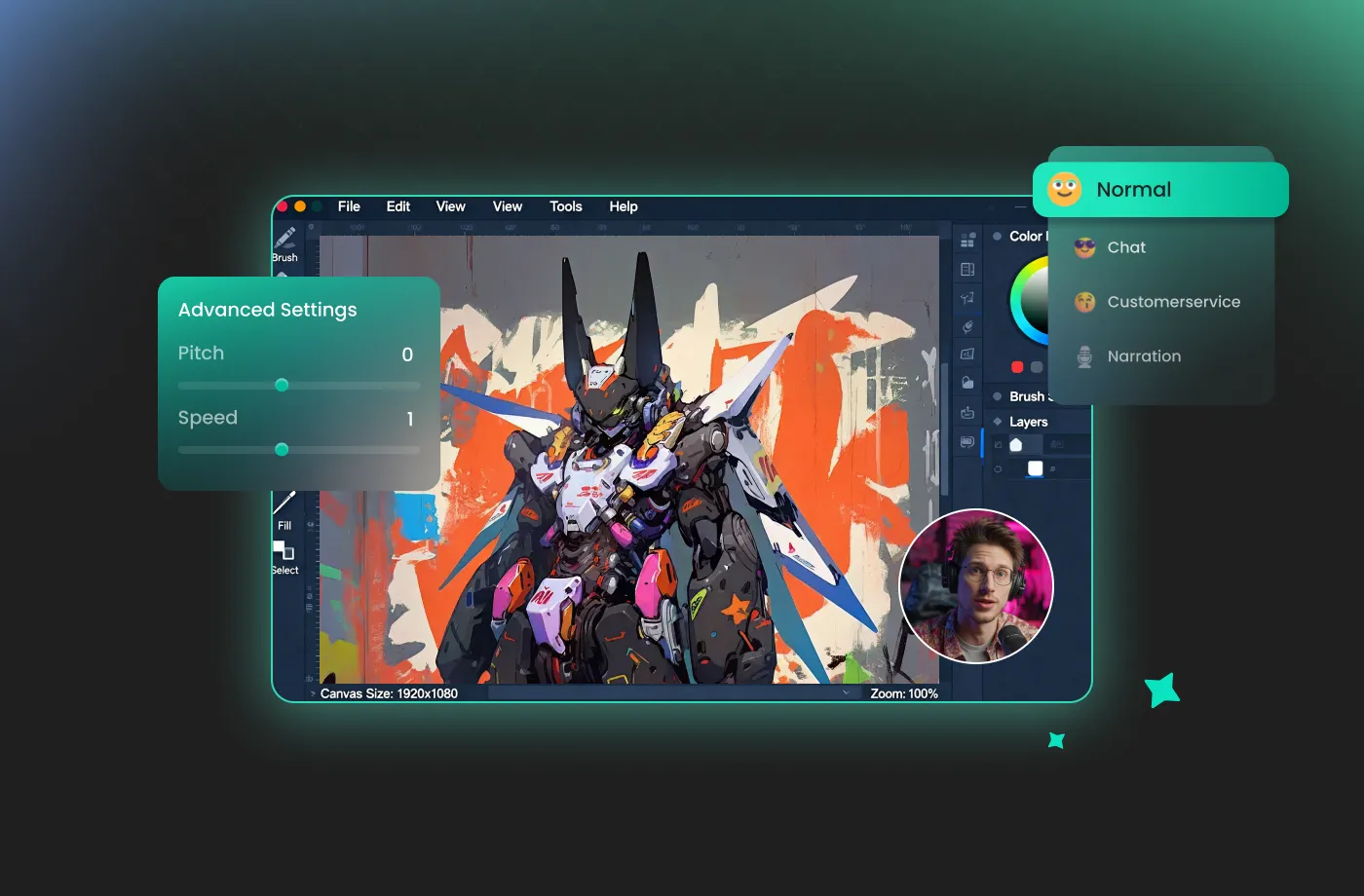
Every historical story needs the right delivery. With FineVoice, you can easily customize your history AI voice generator output to match your content. Adjust excitement, pacing, and voice style to sound calm and informative—or bold and dramatic. You don’t need technical experience to get professional results. The interface is clean, intuitive, and built for speed, so you can experiment freely and refine your narration in seconds. This level of control makes FineVoice ideal for both short history clips and long-form educational audio. You stay in control of how history is heard, without complexity.
Create Professional AI History Voices Without Limits in Seconds
Why wait for a voiceover artist when you can generate studio-quality audio instantly? FineVoice history AI voice generator keeps your workflow moving at lightning speed. You can start creating the moment inspiration hits—no downloads, no setup, no waiting. Simply paste your text, choose a voice, and let FineVoice turn your script into polished narration in seconds. It is the ideal solution for creators on a tight deadline who refuse to sacrifice quality for speed.
How to Use the AI History Voice Generator
Creating historical narration is simple, even if you’re a beginner. With FineVoice AI history voice generator, you can turn any text into magical speech in just three simple steps.
1
Step 1: Enter Your Script
Input your historical script or upload a text file (.txt, .docx, .srt) into the AI history voice generator.
2

Step 2: Select Your Voice
Browse our library to find your preferred historical voice. Adjust settings such as pitch and speed, or add emotions or accents to match your content and audience.
3
Step 3: Generate History Audio
Click the "Generate" button to hear your script come to life. Within seconds, your high-quality audio file will be ready. Download it instantly to use in any project.
More Than an AI History Voice Generator

News Anchor

Motivational

Mad Scientist

Podcast

Latin

Voicemail

Explainer Voice Over

IVR Voice Over

Documentary Voice Over

eLearning Voice Over

Serious

Doctor

Calm

Meditation

Professional

Authoritative

Teacher

Professor

Presenter

Hope

Customer Support

Demonstrator

Instructor

Tour Guide

First Aid Trainer

Fitness Guru

Intelligent

Knowledgeable

Language Tutor
Explore More Voice Categories
FAQs About FineVoice AI History Voice Generator
1. Is FineVoice history voice generator free to use?
Yes. FineVoice offers a free plan with 2,000 text-to-speech conversion characters per month, allowing you to generate historical voices. Paid plans are available for users who require higher-quality downloads, longer audio recordings, or commercial usage.
2. Can I use generated history AI voices for commercial purposes?
3. How many languages does the history voice generator support?
4. Can I customize pitch and speed in the history AI voice generator?
5. How fast is histroy audio generation?
6. Can I generate long historical scripts or full lessons?
7. Do I need voice acting or technical skills to use the history voice generator?
 FineVoice
Start Creating Realistic AI History Voices
Generate historical voices instantly with our AI Voice Generator & Text-to-Speech. Easily create high-quality voiceovers for your projects in just a few clicks.