AI Presenter Voice Generator
FineVoice AI presenter voice generator helps you create clear, professional, and engaging presenter-style voiceovers in just minutes. Whether you’re producing explainer videos, business presentations, online courses, or marketing content, FineVoice delivers polished narration that sounds confident and natural. With advanced voice customization, realistic intonation, and support for over 154 languages and accents, you can tailor each voice to match your brand or audience. FineVoice empowers you to turn any script into a compelling presentation voice—no recording studio required.
Text to SpeechHistory
Examples:
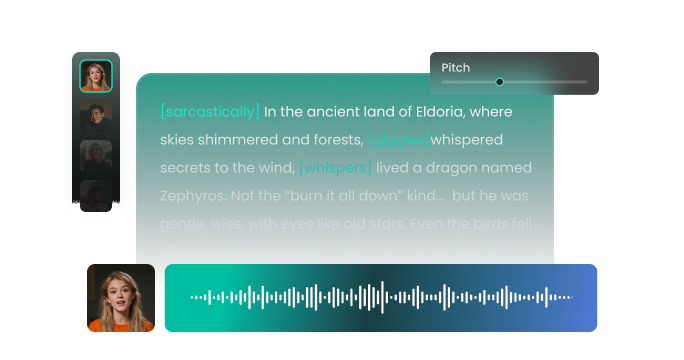
Settings
AI Voice

- Voice Name
- 0 Used
Create your AI voice for free.
Model
 FineVoice TTS Max
Hear Our AI Presenter Voice Samples
Samantha Reid
A bright soprano with clear, dynamic articulation. Speaking speed is medium-fast, expressive, and rhythmic. The tone is friendly, energetic, and captivating.
Michael Grant
A medium-deep baritone with warm resonance. Speaking speed is medium, slightly brisk to maintain energy. The tone is enthusiastic, professional, and inviting.
David Sinclair
A medium tenor with strong, precise articulation. Speaking speed is medium, steady, and deliberate. The tone is confident, professional, and trustworthy.
Victoria Lane
A clear mezzo-soprano with smooth, confident articulation. Speaking speed is medium, steady, and authoritative. The tone is professional, approachable, and trustworthy.
Command Authority with Professional-Grade AI Presenter Voices
FineVoice stands out as the best presenter voice generator by offering an extensive library of voices specifically tuned for narration and broadcasting. Unlike generic text-to-speech tools, FineVoice is optimized for pacing, emphasis, and pronunciation, making it ideal for presentations, tutorials, and video content. You get studio-quality output with natural rhythm and smooth transitions, ensuring your message sounds authoritative and easy to follow. From a commanding female presenter voice for news clips to a warm, trustworthy tone for corporate training, you can find the perfect persona to represent your brand and captivate your listeners from the very first sentence.
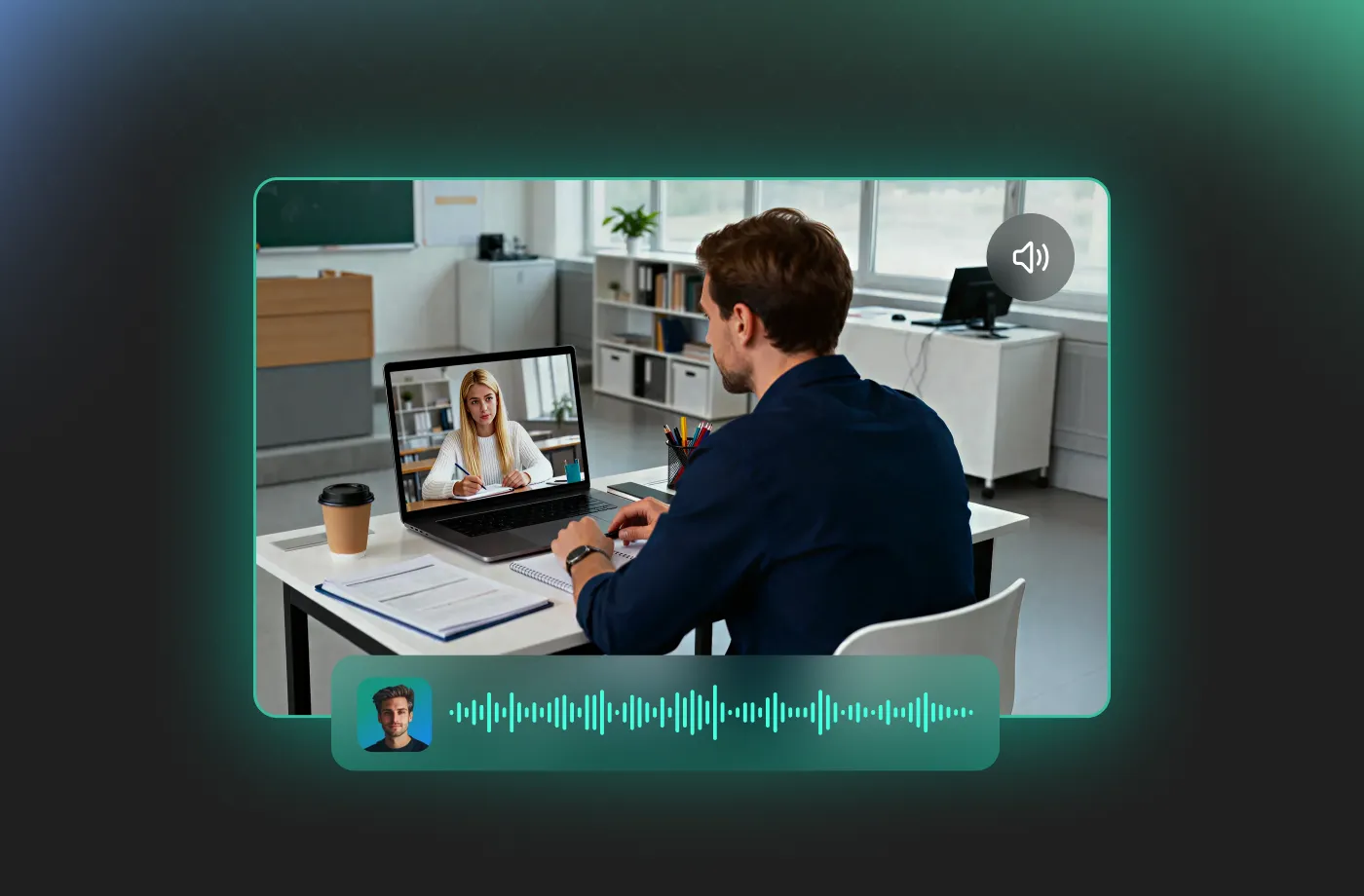
Perfect for Presenters, Creators, and Businesses
FineVoice presenter voice generator is designed for a wide range of users and scenarios. You can use it to create voiceovers for product demos, corporate presentations, webinars, YouTube videos, e-learning courses, and promotional content. Educators, marketers, entrepreneurs, and content creators benefit from fast production without sacrificing quality. Whether you need a confident keynote-style voice or a friendly on-screen host, FineVoice adapts to your needs. By removing the logistical hurdles of hiring talent and editing raw audio, FineVoice allows you to focus on what matters most: your creativity and your message.
Tailor Every Detail with Fully Customizable Presenter Voices
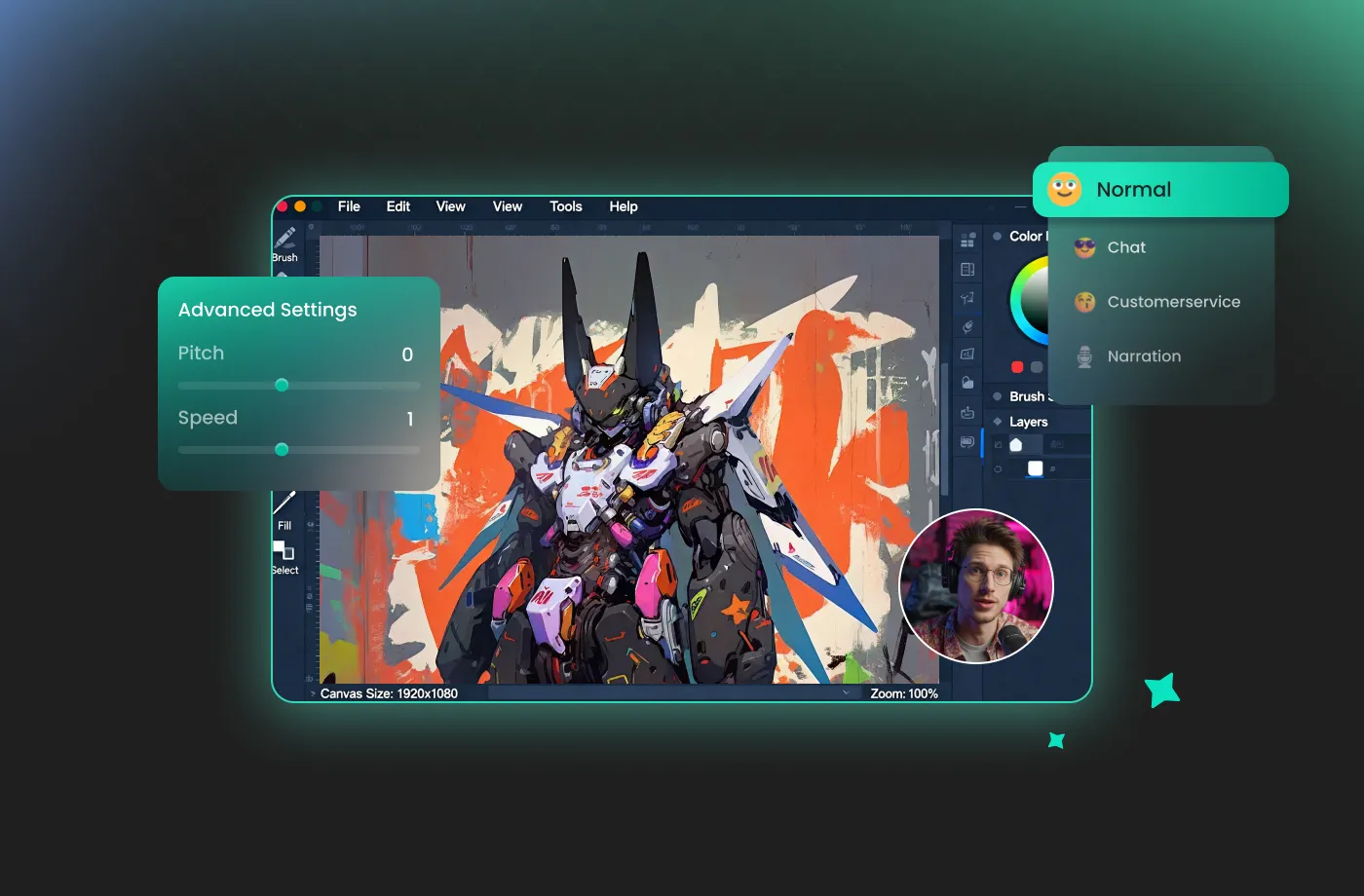
FineVoice gives you full control over how your presenter sounds. You can customize the speed, pitch, and volume to fit the timing of your visuals. You can add pauses for dramatic effect or emphasize specific keywords to ensure your most important points resonate. With FineVoice, you can match different presentation scenarios—from formal business briefings to engaging marketing videos. Choose from multiple voice profiles, including highly requested options like a female presenter voice for clear, warm, and persuasive narration. Whether your content is a fast-paced breaking news alert or a slow, methodical instructional guide, the delivery is always pitch-perfect.
Global Reach with 154+ Languages and Accents
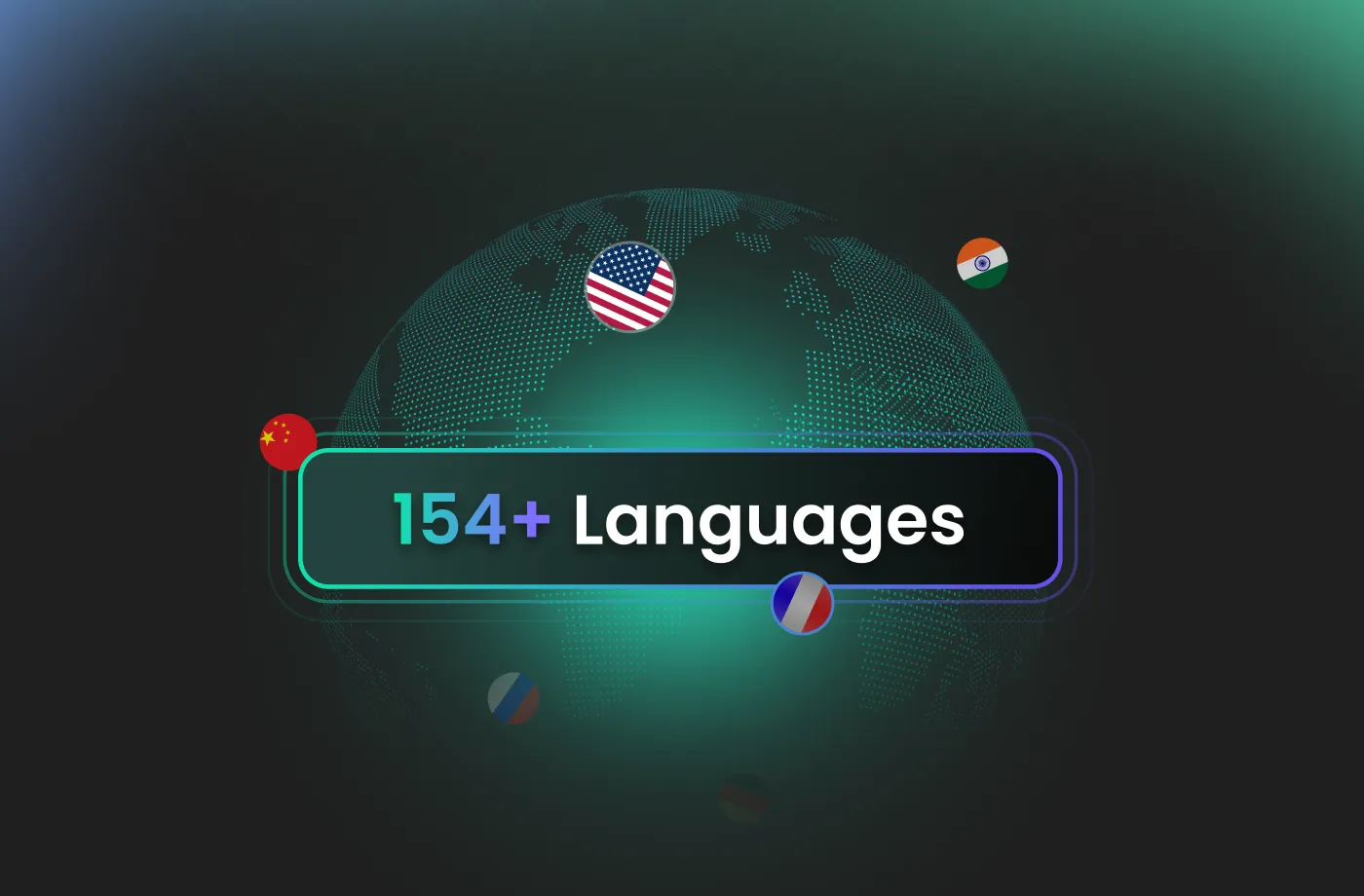
With support for over 154 languages and accents, FineVoice helps you connect with audiences worldwide. Our AI presenter voice generator enables you to localize presentations, training materials, and videos without the need for multiple voice actors. Whether you’re creating English business presentations, multilingual marketing campaigns, or international e-learning content, FineVoice has you covered. The natural pronunciation and regional accents make your content sound authentic, helping you expand globally while maintaining a professional presenter tone that resonates with diverse audiences.
How to Use the AI Presenter Voice Generator
Transform complex information into clear, engaging, and authoritative spoken content. With the FineVoice AI presenter voice generator, you can turn any text into magical speech in just three simple steps.
1
Step 1: Input Content
Enter your text or import your script file (.txt, .docx, .srt) into the AI presenter voice generator for quick conversion.
2

Step 2: Select Your Voice
Browse our diverse library to find your ideal presenter voice. Then adjust settings such as pitch and speed, or add emotions or accents to match your exact needs.
3
Step 3: Generate Presenter Voice
Click “Generate” to convert your text into a high-quality audio. Processing time varies based on file length, taking seconds to minutes.
More Than an AI Presenter Voice Generator



















Explore More Voice Categories
FAQs About FineVoice AI Presenter Voice Generator
1. Is FineVoice presenter voice generator free to use?
Yes! FineVoice offers 2,000 text-to-speech conversion characters per month. For users needing high-volume output or advanced commercial rights, we offer affordable premium plans.
2. Can I use generated audio for commercial projects?
3. Can I adjust the voice style and tone?
4. Why is my audio generation taking a few moments?
5. Does FineVoice support multiple languages?
6. Is FineVoice suitable for YouTube videos?
 FineVoice
Start Creating Realistic AI Presenter Voices
Generate presenter voices instantly with our AI Voice Generator & Text-to-Speech. Easily create high-quality voiceovers for your projects in just a few clicks.