AI Professor Voice Generator
FineVoice AI professor voice generator is a powerful, easy-to-use tool designed to transform your text into clear, intelligent, and authoritative professor AI voice narration. Whether you’re creating online lectures, academic videos, training courses, or educational podcasts, FineVoice delivers natural speech that sounds knowledgeable, calm, and professional. With advanced customization options and support for over 154 languages and accents, you can tailor every voice to match your teaching style and audience. FineVoice helps educators, content creators, and institutions communicate complex ideas with clarity, credibility, and confidence.
Text to SpeechHistory
Examples:
Settings
AI Voice

- Voice Name
- 0 Used
Create your AI voice for free.
Model
 FineVoice TTS Max
Hear Our AI Professor Voice Samples
Samuel Hawthorne
A warm tenor with lively intonation and clear articulation. Speaking speed is medium, with dynamic emphasis to maintain interest. The tone is encouraging, authoritative, and personable.
Olivia Langford
A clear soprano with smooth articulation and expressive inflection. Speaking speed is medium, slightly brisk for engagement, with emphasis on key terms. The tone is authoritative, approachable, and stimulating.
Jonathan Whitaker
A deep baritone with precise enunciation and a measured rhythm. Speaking speed is medium, deliberate, and reflective. The tone is authoritative, thoughtful, and intellectually engaging.
Eleanor Clarke
A warm mezzo-soprano with precise diction. Speaking speed is medium-slow, with thoughtful pauses for comprehension. The tone is calm, knowledgeable, and encouraging.
Authentic Professor Voices That Sound Intelligent and Trustworthy
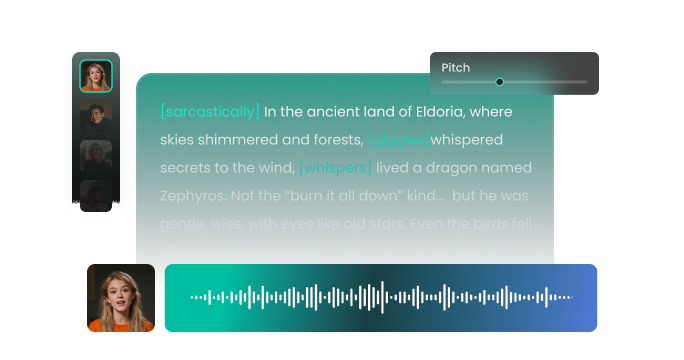
FineVoice is built to deliver professor AI voices that feel natural, articulate, and academically credible. Our AI professor voice generator captures the tone of an experienced educator—clear pronunciation, steady pacing, and confident delivery. You can adjust pitch, speed, and emphasis to create voices that suit formal university lectures, relaxed online courses, or professional training sessions. Whether you need a calm lecturer, a persuasive academic speaker, or a clear explainer voice, FineVoice helps you sound like a real professor.
Break Barriers with 154+ Languages and Accents
FineVoice offers an expansive library of over 154 languages and localized accents, making it the most versatile professor voice generator. Perfect for global universities, multilingual eLearning platforms, and international training programs. From English and Spanish to German, French, Japanese, and beyond, your professor AI voice maintains clarity and professionalism across languages. With FineVoice, you can provide high-quality instructional materials to different speakers in their primary language without the high cost of hiring multiple voice actors.
Versatile Use Cases for Educators and Creators
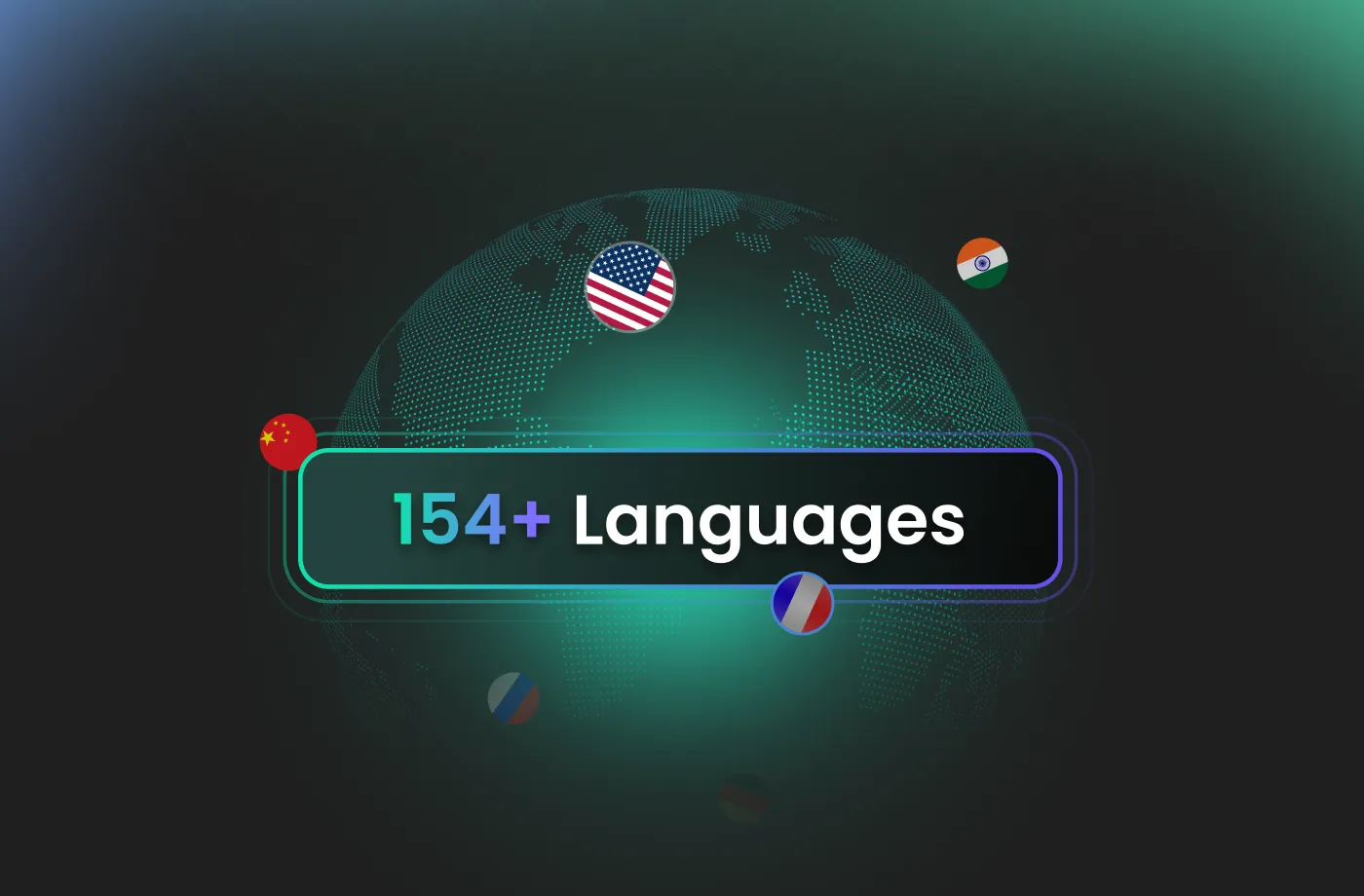
FineVoice AI professor voice generator is a powerhouse tool for a wide range of users. University professors use it to flip their classrooms by providing narrated lecture notes, while corporate trainers rely on it to build professional e-learning modules. Content creators on platforms like TikTok and YouTube use it to provide a "scholarly" narration for documentary-style videos. Even students benefit by converting dense textbooks into audiobooks for auditory learning on the go. It’s a practical, reliable solution for modern education and knowledge sharing.
Authoritative and Customizable Academic Professor AI Voices
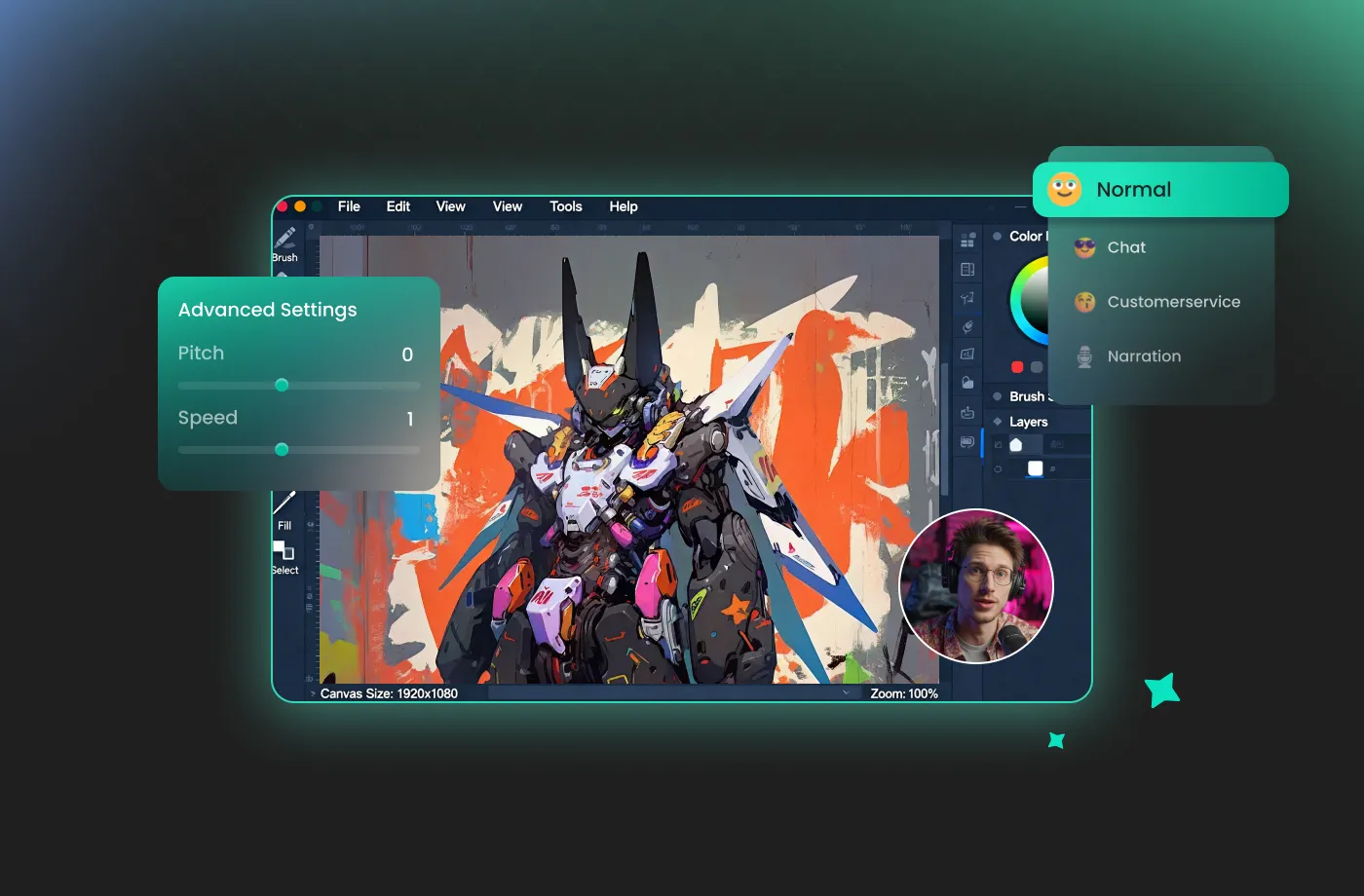
FineVoice stands out as the best professor voice generator because it allows you to fine-tune the delivery to match your specific subject matter. The clean interface lets you generate professional narration in minutes, even if you’ve never used a voice tool before. Need a stern, traditional lecturer for a history module? Or perhaps a warm, encouraging mentor for a motivational seminar? You can adjust speed, pitch, and emphasis to create a custom AI professor audio experience. This level of customization ensures that your audience stays engaged and perceives the information as coming from a credible, trustworthy source.
How to Use the AI Professor Voice Generator
Transform complex information into clear, engaging, and authoritative spoken content. With the FineVoice AI professor voice generator, you can turn any text into magical speech in just three simple steps.
1
Step 1: Input Content
Enter your text or import your script file (.txt, .docx, .srt) into the AI professor voice generator for quick conversion.
2

Step 2: Select Your Voice
Browse our extensive library to find the perfect professor AI voice. Then adjust settings such as pitch and speed, or add emotions or accents to match your teaching style.
3
Step 3: Generate Professor Voice
Click “Generate” to convert your text into professional-quality audio. Processing time varies based on file length, taking seconds to minutes.
More Than an AI Professor Voice Generator



















Explore More Voice Categories
FAQs About FineVoice AI Professor Voice Generator
1. Can I use the FineVoice AI professor voice generator for free?
FineVoice offers 2,000 text-to-speech conversion characters per month. This is perfect for evaluating the tool before upgrading to a paid plan.
2. Is commercial use allowed with FineVoice AI professor voice generator?
3. What types of projects can I create with a professor AI voice?
4. How many languages does the professor voice generator support?
5. Can I customize the professor voice style?
6. Do I need recording equipment or voice acting skills?
 FineVoice
Start Creating Realistic AI Professor Voices
Generate professor voices instantly with our AI Voice Generator & Text-to-Speech. Easily create high-quality voiceovers for your projects in just a few clicks.