AI Teacher Voice Generator
FineVoice AI teacher voice generator is designed to help you create clear, trustworthy, and engaging teacher-style voices for modern education. Whether you’re building online courses, recording lectures, or creating explainer videos, FineVoice can turn your text into natural-sounding teacher audio in just minutes. You can easily customize tone, speed, and style to match different teaching scenarios, from calm classroom explanations to energetic online lessons. With support for 154+ languages and accents, FineVoice empowers educators, trainers, and content creators to reach global audiences effortlessly.
Text to SpeechHistory
Examples:
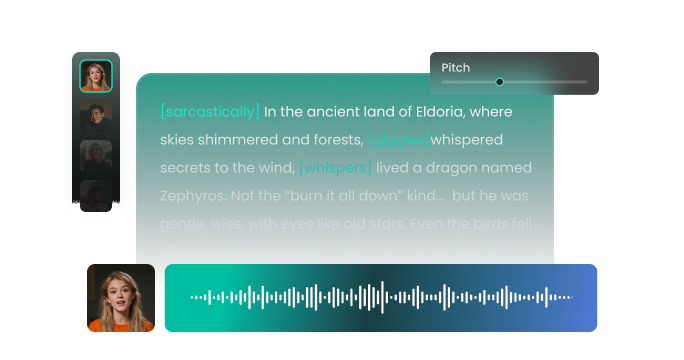
Settings
AI Voice

- Voice Name
- 0 Used
Create your AI voice for free.
Model
 FineVoice TTS Max
Hear Our AI Teacher Voice Samples
Ms. Eleanor Whitman
A warm mezzo-soprano with smooth, gentle articulation. Speaking speed is medium-slow, with thoughtful pauses. The tone is calm, approachable, and reassuring.
Mr. Samuel Porter
A bright tenor with dynamic inflection and friendly energy. Speaking speed is slightly faster than neutral, with rhythmic emphasis. The tone is motivating, engaging, and approachable.
Ms. Olivia Clarke
A clear soprano with precise articulation. Speaking speed is medium, slightly brisk to maintain attention. The tone is authoritative, encouraging, and approachable.
Mr. Daniel Hughes
A medium baritone with smooth, precise articulation. Speaking speed is medium, with pauses to emphasize key points. The tone is calm, authoritative, and supportive.
Designed for Clear, Effective Teaching
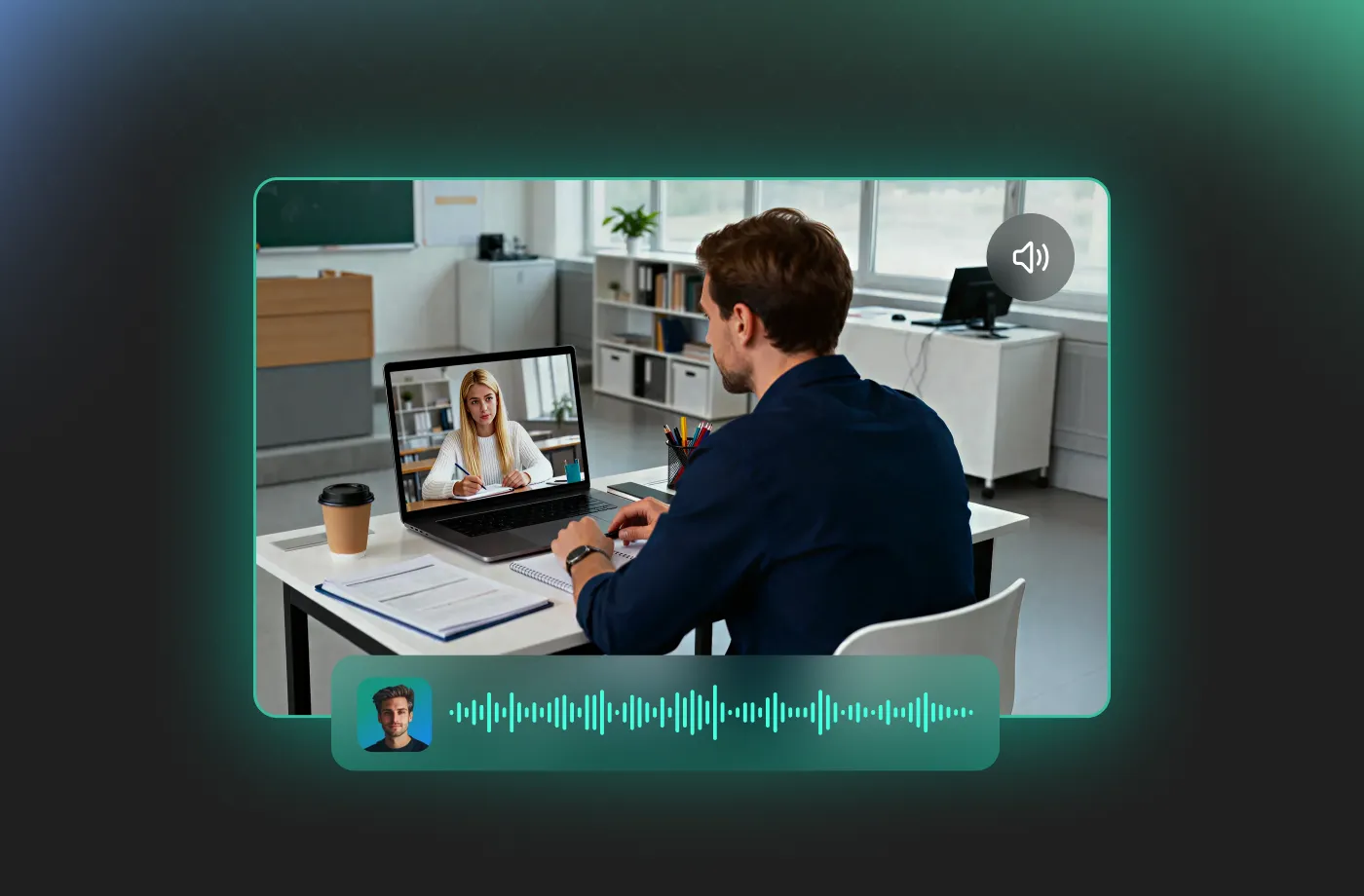
FineVoice AI teacher voice generator focuses on clarity, accuracy, and natural expression—three essentials for educational audio. Our AI teacher voice models are trained to produce teacher-style speech that sounds patient, confident, and easy to follow. You can generate voices that explain complex topics clearly, emphasize key points, and maintain a steady rhythm that helps learners stay focused. Whether you’re narrating slides, creating micro-lessons, or recording full-length courses, this teacher AI voice helps you sound professional and consistent every time. With FineVoice, you no longer need multiple takes or perfect recording environments—just clean, reliable teaching voices on demand.
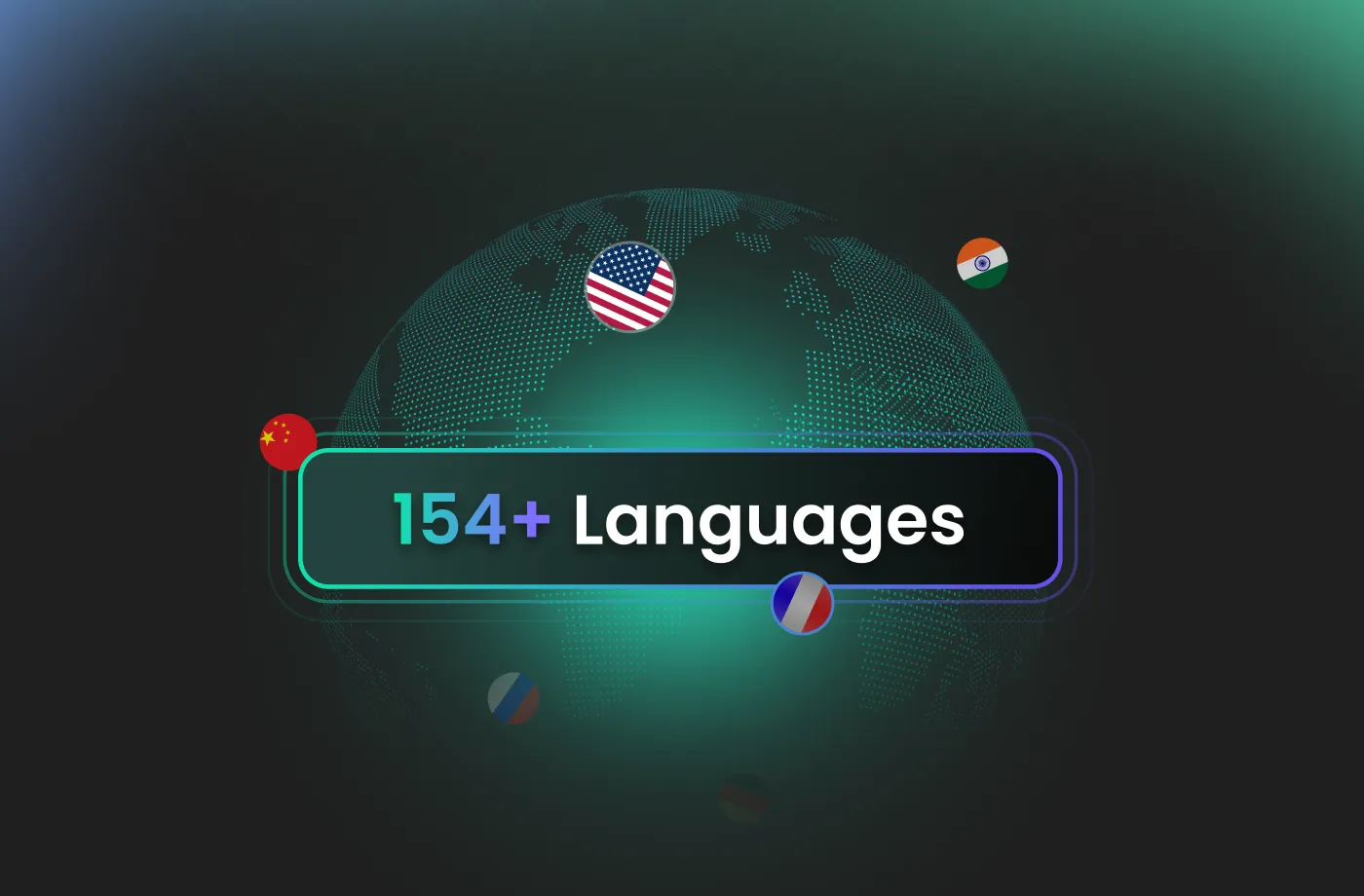
Reach Global Learners with 154+ Languages and Accents
Education has no borders, and neither should your voice. FineVoice AI teacher voice generator supports over 154 languages and accents, helping you localize your content effortlessly. You can create the same lesson in multiple languages without hiring separate voice actors or translators. This makes FineVoice an ideal solution for international schools, global e-learning platforms, and multilingual training programs. By combining natural pronunciation with regional accents, this teacher voice generator helps you connect with learners worldwide—clearly, respectfully, and effectively.
Fully Customizable Teacher AI Voices
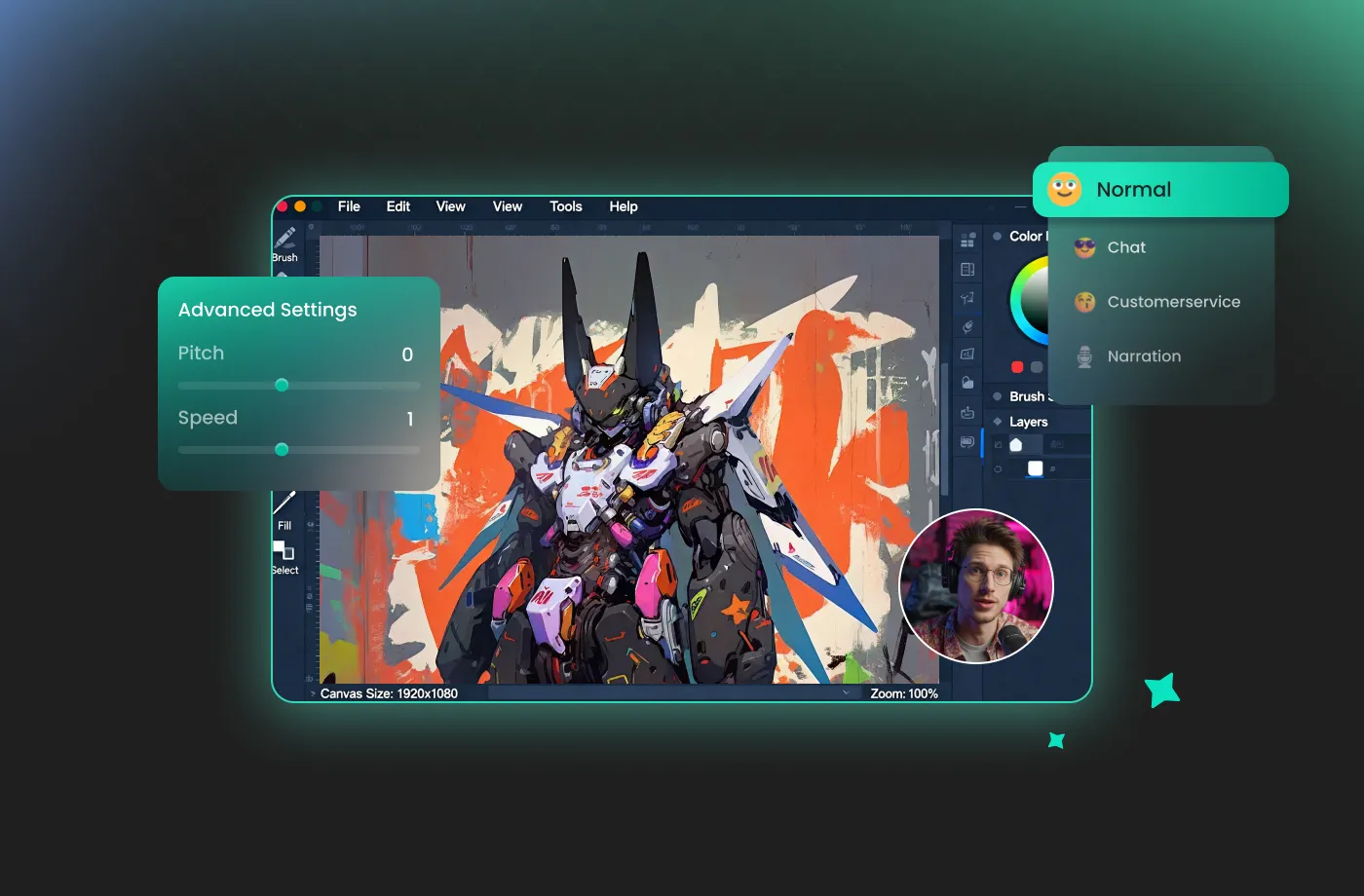
Every class has a different teaching style—and your voice should reflect that. With the FineVoice teacher voice generator, you can customize pitch, speed, tone, and emotional style to match your teaching goals. Need a calm and reassuring voice for younger students? Or a confident, authoritative tone for professional training? You’re in control. This flexibility allows you to create a teacher AI voice that fits your subject, audience, and personal teaching brand. Instead of sounding robotic or generic, your audio feels intentional, human, and aligned with how you want to communicate knowledge.
Perfect for Educators, Trainers, and Content Creators
Our AI teacher voice generator is built for anyone who teaches or explains. Teachers use it to prepare lesson audio and flipped classroom materials. Online course creators rely on it for scalable, high-quality narration. Corporate trainers create onboarding and compliance videos faster than ever. Even YouTubers and educational podcasters benefit from having a consistent teacher voice generator for drafts and testing. No matter your experience level, FineVoice makes it easy for you to turn written content into engaging spoken lessons that keep learners interested and informed.
How to Use the AI Teacher Voice Generator
Transform complex information into clear, engaging, and authoritative spoken content. With the FineVoice AI teacher voice generator, you can turn any text into magical speech in just three simple steps.
1
Step 1: Input Content
Enter your text or import your script file (.txt, .docx, .srt) into the AI teacher voice generator for quick conversion.
2
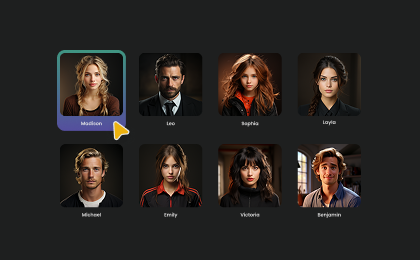
Step 2: Select Your Voice
Choose a teacher AI voice model, then adjust settings such as pitch and speed, or add emotions or accents to fit your lesson.
3
Step 3: Generate AI Teacher Voice
Click “Generate” to convert your text into professional-quality audio. Processing time varies based on file length, taking seconds to minutes.
More Than an AI Teacher Voice Generator



















Explore More Voice Categories
FAQs About FineVoice AI Teacher Voice Generator
1. Can I use FineVoice AI teacher voice generator for commercial use?
Yes. FineVoice allows commercial use of generated teacher AI voice audio under its applicable license plans. You can use the voices in paid courses, monetized videos, training materials, and business presentations.
2. Is FineVoice AI teacher voice generator free to use?
3. Do I need voice acting or audio editing experience to use this tool?
4. What types of teaching content can I create with teacher AI voice?
5. Can I customize the teacher voice style?
6. How many languages does the AI teacher voice generator support?
 FineVoice
Start Creating Realistic AI Teacher Voices
Generate teacher voices instantly with our AI Voice Generator & Text-to-Speech. Easily create high-quality voiceovers for your projects in just a few clicks.