AI Witch Voice Generator
FineVoice AI witch voice generator lets you instantly turn your scripts, dialogue, or storytelling content into rich, eerie, and immersive witch voices. Powered by advanced AI vocal modeling, FineVoice delivers cinematic depth, emotional range, and custom pitch control—perfect for videos, games, podcasts, and Halloween projects. Whether you are looking to voice a wicked antagonist for your next animation, narrate a dark fantasy audiobook, or add a chilling atmosphere to your Halloween projects, it gives you the creative freedom to build audio that inspires and entertains. From the raspy whispers of a forest hag to the commanding tone of a powerful sorceress, your storytelling possibilities are now limitless.
Text to SpeechHistory
Examples:
Settings
AI Voice

- Voice Name
- 0 Used
Create your AI voice for free.
Model
 FineVoice TTS Max
Hear Our AI Witch Voice Samples
Morwen Blackbriar
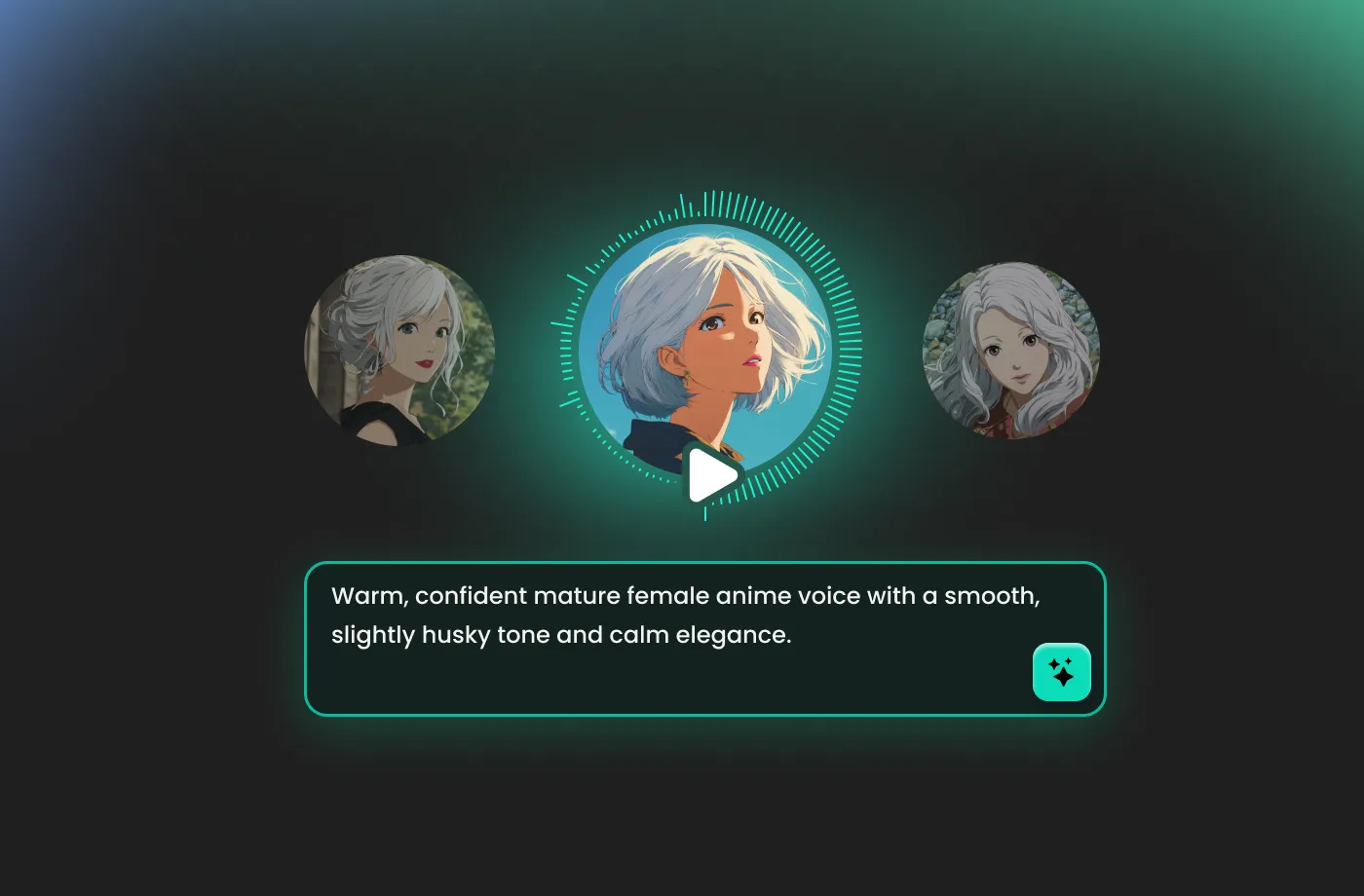
A low, husky contralto with a gravelly edge. Speaking speed is slow and deliberate. The tone is dark, controlled, and faintly threatening, as if every word has been considered twice before being spoken.
Lysara Quickspell
A bright, expressive mezzo-soprano. Speaking speed is fast and lively, with quick shifts in pitch. The tone is playful, confident, and slightly cheeky, full of personality and charm.
Mirelda Ashroot
A low, smoky alto with a rough, earthy texture. Speaking speed is medium, with sharp emphasis on key words. The tone is grounded, intense, and unapologetically blunt.
Transform Any Text Into Magical, Cinematic Audio
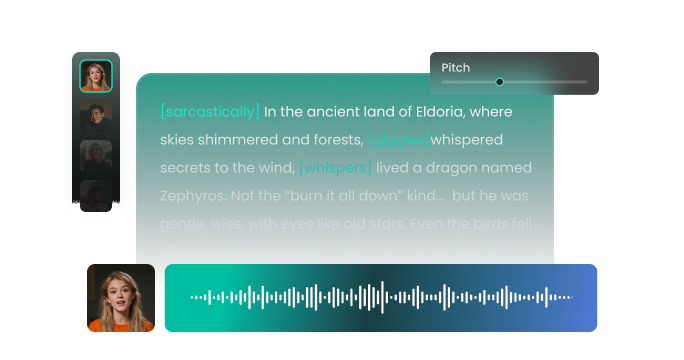
With FineVoice, you can produce captivating witch voiceovers simply by entering text, uploading a script, or pasting dialogue. Our AI witch voice generator instantly creates audio that sounds authentic, dramatic, and deeply atmospheric. Use it to bring fantasy characters to life, elevate game storylines, or add supernatural personality to videos and reels. This tool is not just for entertainment—it also supports educators, storytellers, and marketers who want to grab attention with creativity. Even better, FineVoice provides a level of realism that sets your content apart from the competition.
Perfect for Games, Videos, Podcasts & Roleplay
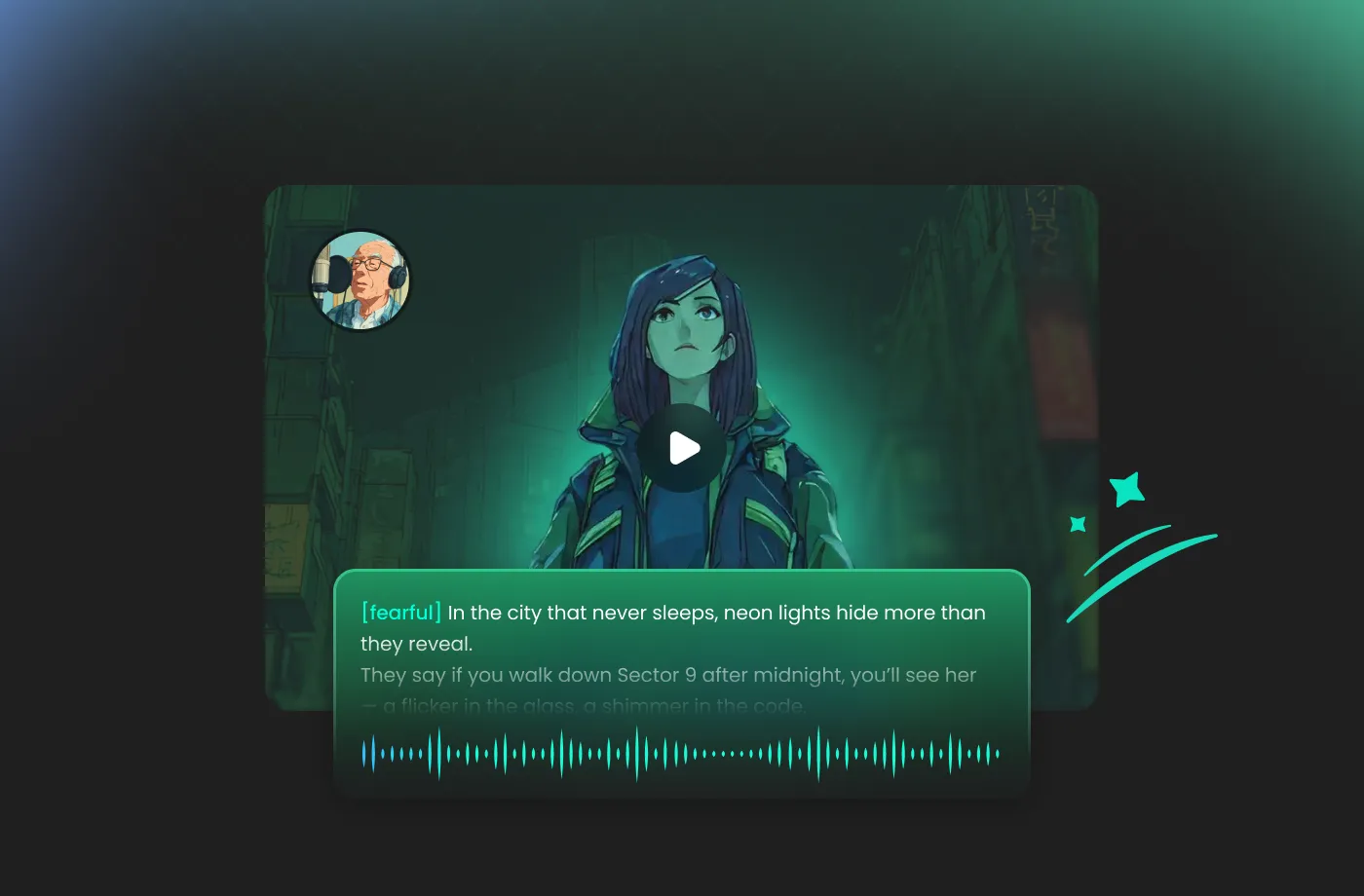
FineVoice AI witch voice generator is a favorite among RPG players, modders, fantasy streamers, audiobook creators, and Halloween content makers. Bring dark magic to YouTube content, enhance tabletop campaigns, or surprise your audience with a powerful vocal twist. If you're a fan of fantasy franchises, the tool also lets you craft audio inspired by dark medieval worlds. For creators seeking a fast, flexible, and high-quality witch AI voice generator, FineVoice delivers professional results with little effort.
Fully Customizable Witch Voices With Fine Control
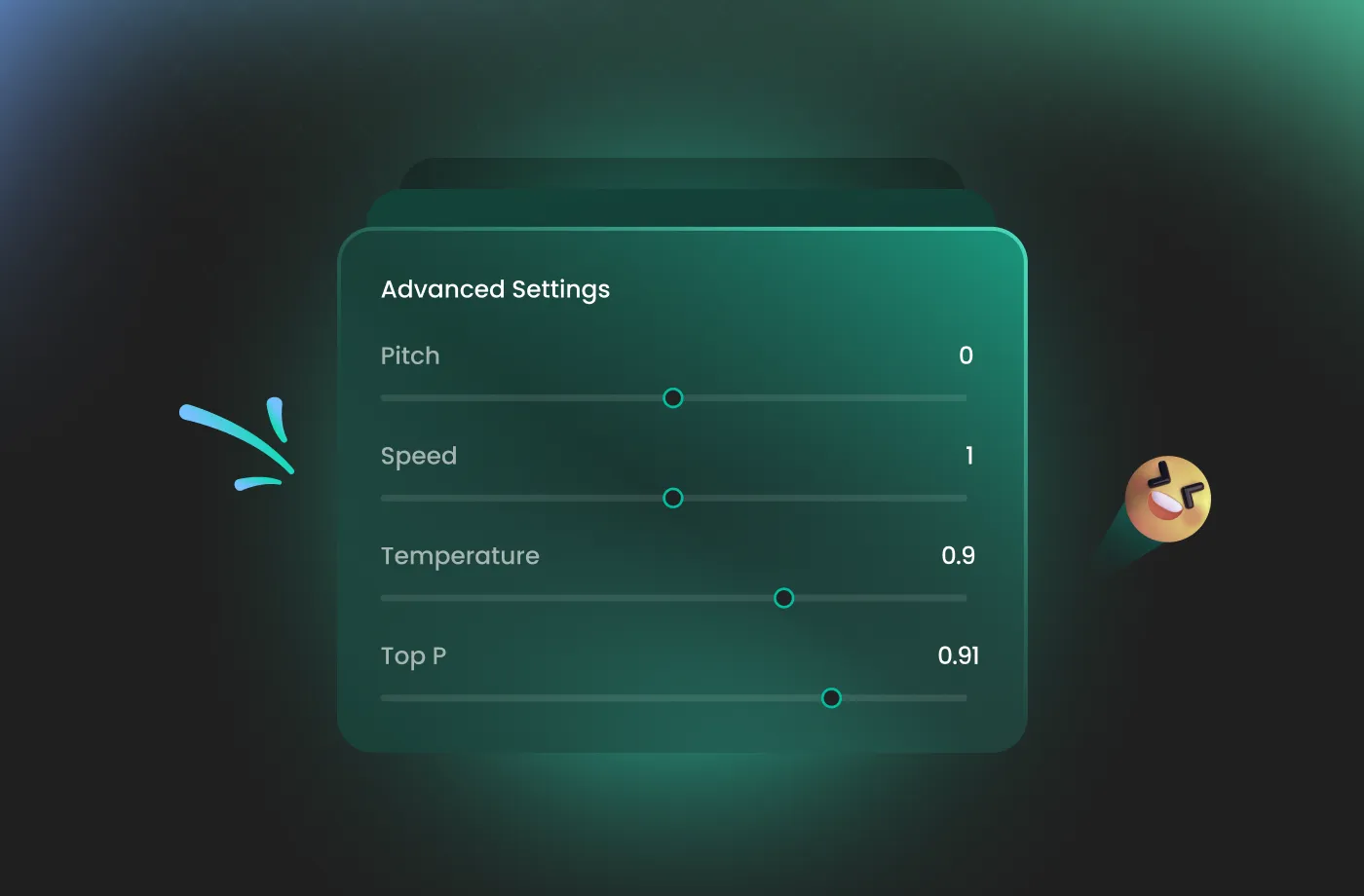
Every voice you generate is yours to customize—adjust tone, intensity, pace, and mood to match your project. Whether you want a charming, mischievous forest witch or a sinister villain from a dark realm, you have full control. Add breathiness, sharpen clarity, or deepen the voice for power and drama. Want your witch to sound more sorrowful than scary? Simply tweak the settings. Perfect for fantasy role-play and cinematic audio scenes. With these flexible features, you can shape your own unique voice identity.
Speak Like a Witch in 154+ Languages and Accents
FineVoice supports over 154 languages and hundreds of accents, making it the ideal AI witch voice generator for multicultural, global projects. Create witch voices in English, Japanese, Spanish, French, German, Korean, and many more—without losing tone or character. You can localize your games, podcasts, or stories for international markets without losing the "witchy" essence of the performance. From narration and character dialogue to lessons and guided meditation, you can give your audience immersive storytelling in any language they speak.
How to Use the AI Witch Voice Generator
Creating enchanting witch voices has never been easier. With the FineVoice AI Witch voice generator, you can turn any text into magical speech in just three simple steps.
1
Step 1: Input Content
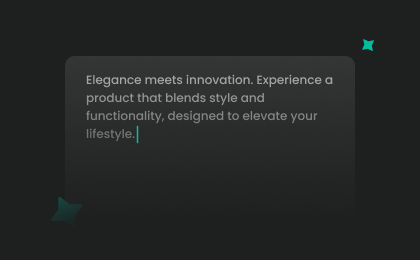
Enter your text or import your script file (.txt, .docx, .srt) into the AI Witch voice generator for quick conversion.
2
Step 2: Select Your Voice
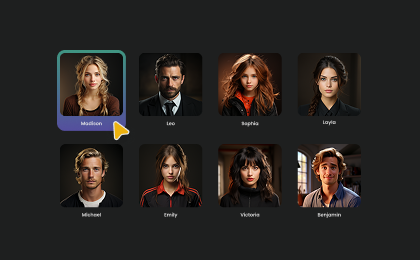
Browse our extensive library to find the perfect Witch AI voice. Then adjust settings such as pitch and speed, or add emotions or accents to match your project.
3
Step 3: Generate Witch Voice
Click “Generate” to convert your text into a professional-quality audio. Processing time varies based on file length, taking seconds to minutes.
More Than an AI Witch Voice Generator

Sexy

Alien
Cowboy

Glitch

Husky

Sultry

Demon

Monster

Deep

Epic

Robot
Adult Male

Cartoon

Elderly Male

Female Robot

Creepy

Seductive

Adult Female

Voices for Video Games

Festive Holiday

Romantic Story

Angry
Leprechaun

Elderly Female
Demonic

Baritone

Superhero

Vampire

Angel

Cyborg

Dragon
Dwarf

Elf

Evil

Fairy

Fantasy Creature

Grandma

Grandpa

Hobbit

Lich

Magician

Mermaid

Military

Minion

Nasal

Ogre
Pirate

Princess

Raspy

Samurai

Sassy

Scared

Shaman

Wizard
Soldier

Squeaky
Clown
Explore More Voice Categories
FAQs About FineVoice AI Witch Voice Generator
1. Can I use the witch AI voice generator for free?
Yes! We offer a free tier that allows you to explore our library and test the vocal quality. For high-volume projects and advanced features, you can upgrade to a premium plan at any time.
2. Can I use witch voice files for commercial projects?
3. Do I need any special skills to create a witch AI voice?
4. Does the witch AI voice generator support multiple languages?
5. Can I customize the witch voice tone and style?
6. What can I create with the FineVoice AI Witch Voice Generator?
7. How do I make my witch voice sound more evil?
 FineVoice
Start Creating Realistic AI Witch Voices
Generate witch voices instantly with our AI Voice Generator & Text-to-Speech. Easily create high-quality voiceovers for your projects in just a few clicks.