AI Scared Voice Generator
FineVoice AI scared voice generator lets you transform any script into a convincing, fear-stricken voice with trembling tones, shaky breaths, and emotional intensity. Whether you're producing spooky narration, horror podcasts, suspenseful video scenes, or dramatic storytelling, this tool delivers the perfect scared voice effect with just a click. Say goodbye to costly voice actors and tedious recording sessions. FineVoice provides a vast library of expressive AI voices and precise customization controls, allowing you to fine-tune the pitch, speed, and emotional intensity for the ultimate scare. Elevate your project with professional-grade, spine-tingling audio that will leave your listeners on the edge of their seats. Start generating your unsettling voiceover for free today!
Text to SpeechHistory
Examples:
Settings
AI Voice

- Voice Name
- 0 Used
Create your AI voice for free.
Model
 FineVoice TTS Max
Hear Our AI Scared Voice Samples
Oliver Quinn
Mid-range voice with a shaky, quivering quality. Medium-fast pace with occasional stutters. Tone is high-pitched when anxious, soft when fearful.
Mason Reed
Deep voice with occasional cracking. Starts steady, then escalates into faster, shaky pacing. Tone moves between incredulity, nervousness, and panic.
Lila Hart
Soft alto with high-pitched trembling in stressed moments. Medium pace with frequent pauses and gasps. Tone is fragile, hesitant, and anxious.
Harper Lane
Light, airy soprano with a trembling undertone. Fast pacing when panicking, soft whispers when frightened. Suggested SFX: echoing footsteps, wind whistling, or subtle creaks for a haunted environment.
Realistic Emotion Rendering for Horror & Suspense
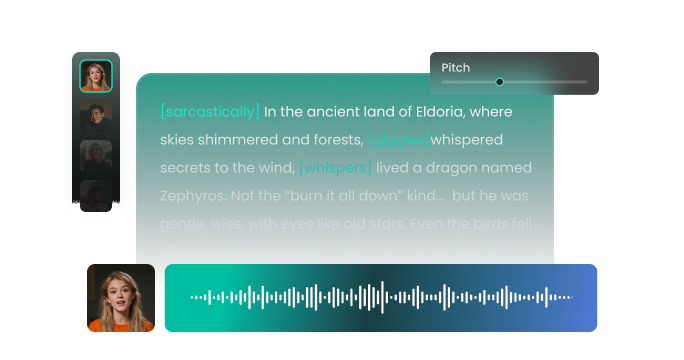
FineVoice AI scared voice generator excels at capturing nuanced emotional fear, producing audio that feels genuinely panicked and immersive. With Its advanced AI models, you can use shaky tones, rapid breathing, and subtle cracks in the voice to deliver performances that elevate any horror or thriller content. Whether you’re creating supernatural stories, jump-scare moments, or eerie atmospheric scenes, the scared voice output immediately boosts tension and makes your audience feel the intensity. Simply input your script, and watch as it transforms into a realistic, fearful voice that breathes life into your most vulnerable characters. It’s especially useful for podcasters, storytellers, and YouTubers looking to add professional-level audio drama to their productions.
Next-Level Gaming Immersion with Realistic Scared Voice
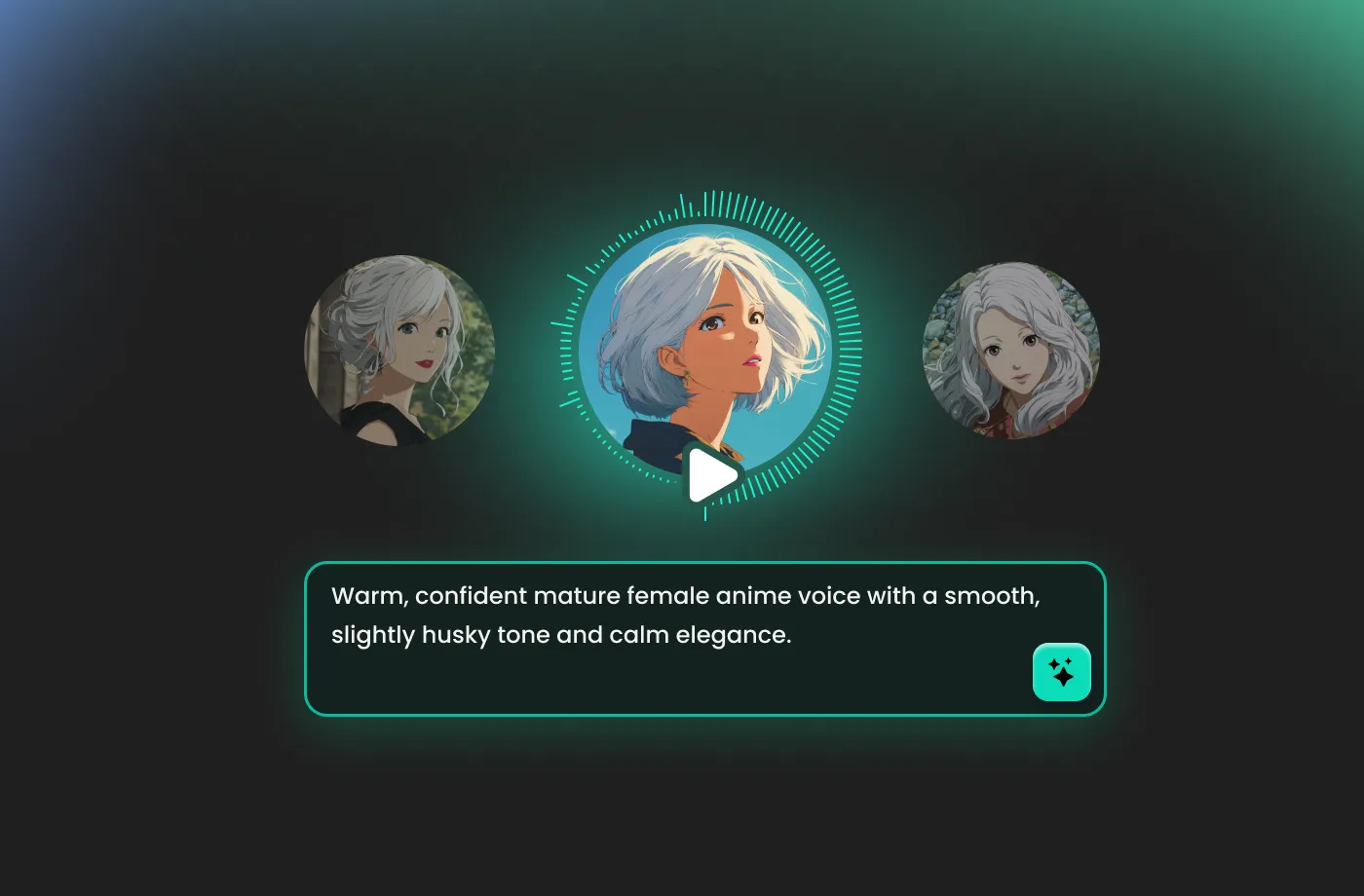
The video game industry thrives on atmosphere, and audio is half the battle. Our scared voice text to speech tool offers a groundbreaking way to inject raw, authentic emotion into your in-game dialogue. Imagine your survival-horror character whispering a panicked plea or your RPG character delivering a trembling monologue of dread—all generated from text in seconds. FineVoice AI scared voice generator allows you to rapidly prototype and integrate dialogue, speeding up production while maintaining a consistently high-quality, realistic, fearful voice. This versatility and speed ensure a dynamic and deeply immersive experience that players will remember long after they put the controller down.
Versatile Scared Voice Styles for Any Creative Need
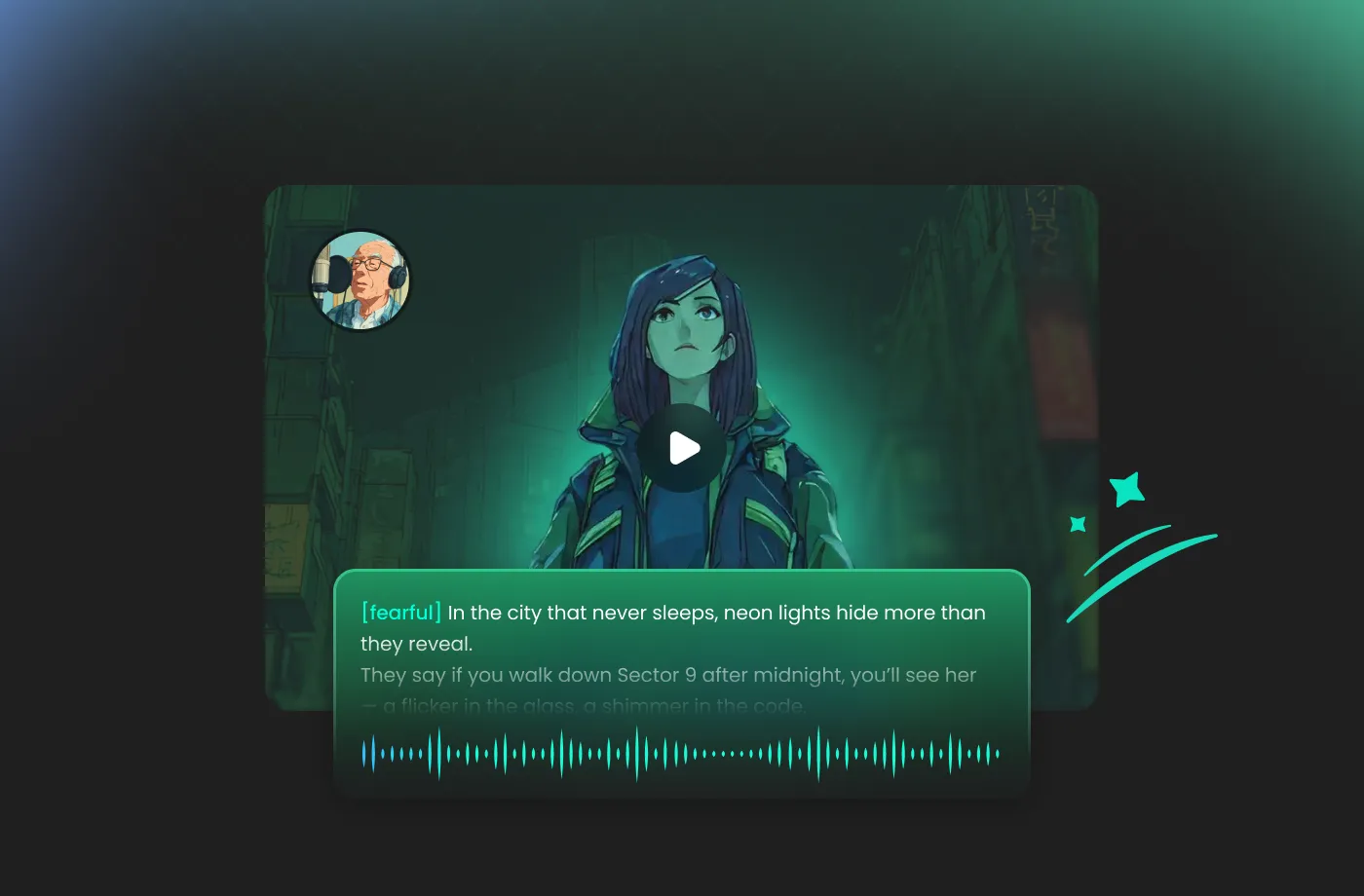
With FineVoice AI scared voice generator, you’re not limited to just one type of fear. FineVoice includes a variety of emotional ranges—from mild distress and uncertainty to full-blown terror and panic. You can match the tone of your scene perfectly, whether it’s subtle unease in a suspenseful narrative or a terrified scream in a fast-paced horror sequence. With its customizable settings, you can adjust pitch, speed, intensity, and trembling effects, giving you total control over the final sound. It’s an ideal solution for game developers, animators, and role-players who need multiple fear levels to bring their characters to life.
Easy, Fast, and Beginner-Friendly Way to Scared Audio
FineVoice AI scared voice generator is designed to make scared voice text-to-speech accessible for everyone—even beginners. Simply paste your script, choose a scared voice style, and generate high-quality audio in seconds. No recording equipment, no voice acting experience, and no complicated editing required. Its clean, intuitive interface ensures a smooth experience for content creators who need quick turnarounds or multiple variations of the same line. This streamlined process is especially helpful for indie filmmakers, video editors, and horror storytellers working under tight deadlines. FineVoice saves time while still delivering professional-grade fear effects that enhance viewer engagement and narrative impact.
How to Use the AI Scared Voice Generator
Creating enchanting, scary voice characters has never been easier. With the FineVoice AI scared voice generator, you can turn any text into magical speech in just three simple steps.
1
Step 1: Input Text
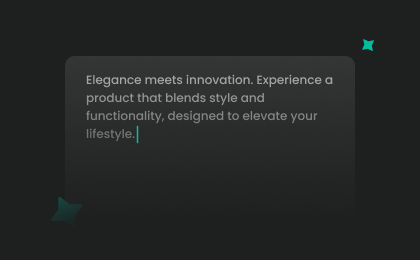
Enter your text or import your script file (.txt, .docx, .srt) into the AI scared voice generator.
2
Step 2: Select Character Voice
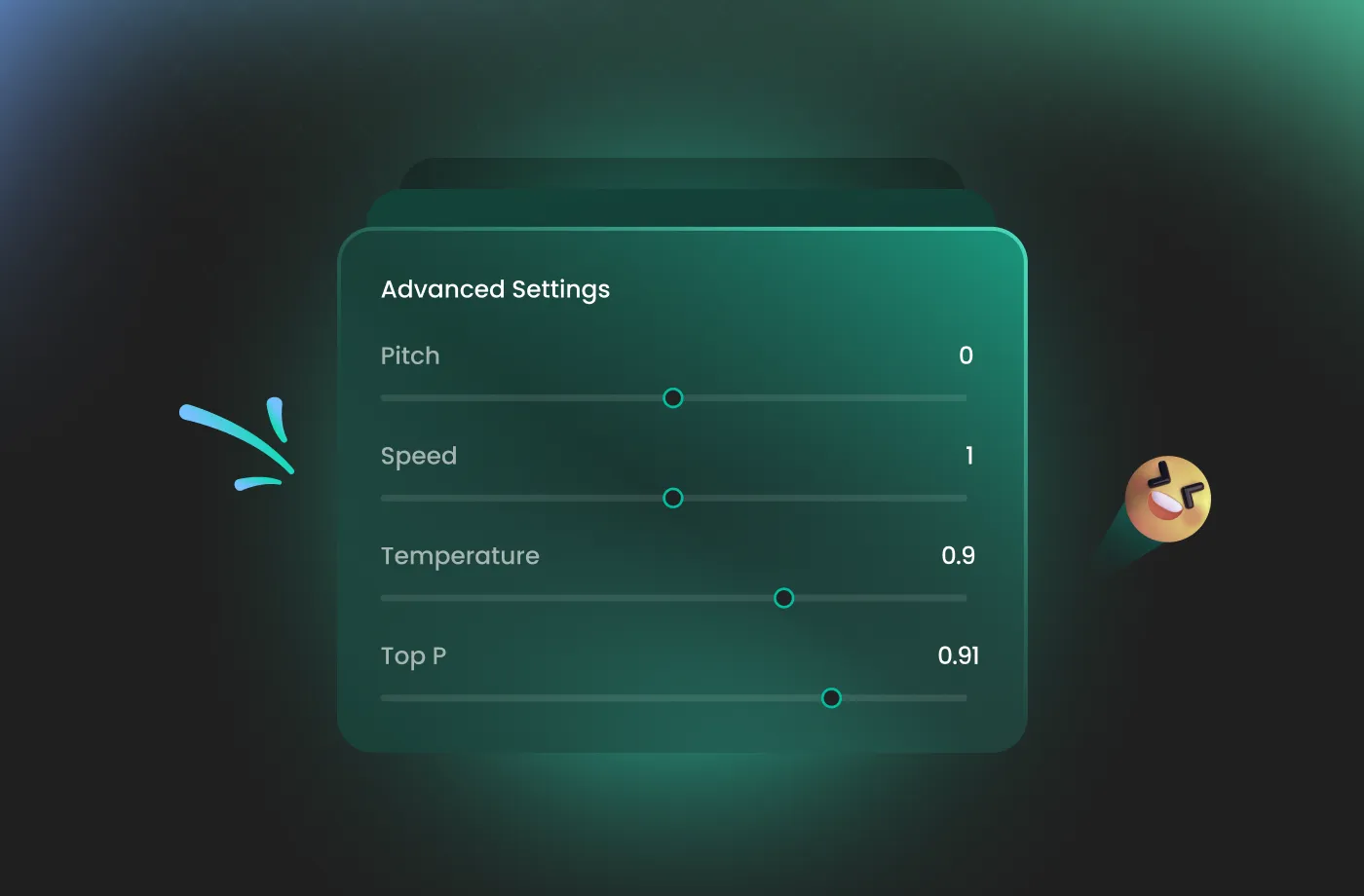
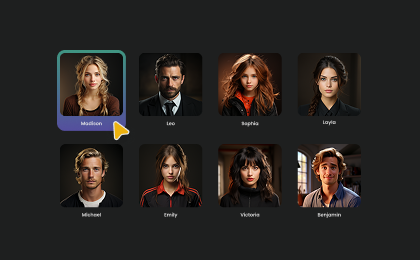
Select an AI voice model, then adjust settings such as pitch and speed, or add emotions or accents to suit your needs.
3
Step 3: Generate Scared Voice
Click "Generate" to convert text into speech. Processing time varies based on file length, taking seconds to minutes.
More Than an AI Scared Voice Generator
Sexy
Alien
Cowboy

Glitch

Husky

Sultry
Demon

Monster
Deep

Epic
Robot
Adult Male

Cartoon

Elderly Male

Female Robot
Creepy

Seductive

Adult Female

Voices for Video Games

Festive Holiday

Romantic Story
Angry
Leprechaun
Elderly Female
Demonic

Baritone

Superhero
Vampire

Angel

Cyborg

Dragon
Dwarf

Elf

Evil

Fairy

Fantasy Creature

Grandma

Grandpa

Hobbit
Lich

Magician

Mermaid
Military

Minion

Nasal

Ogre
Pirate

Princess
Raspy

Samurai
Sassy

Shaman
Explore More Voice Categories
FAQs About FineVoice AI Scared Voice Generator
1. Is the scared voice generator free to use?
FineVoice offers both free and premium usage. You can generate basic scared voice clips for free, while the premium plan unlocks higher-quality audio and advanced customization.
2. Can I customize the scared voice effect?
3. Does FineVoice support commercial use?
4. Can I download the scared voice audio?
5. Can FineVoice create scared voices for storytelling or audiobooks?
6. Does the scared voice generator support long scripts?
7. Is the tool suitable for beginners?
 FineVoice
Start Creating Realistic AI Scared Voices
Generate scared voices instantly with our AI Voice Generator & Text-to-Speech. Easily create high-quality voiceovers for your projects in just a few clicks.