AI Werewolf Voice Generator
Are you looking to add a bone-chilling layer of realism to your horror projects? Meet the FineVoice AI werewolf voice generator, the ultimate tool for creating immersive, supernatural audio. Whether you're a content creator, a tabletop gamer, or a storyteller, our werewolf text to speech tool brings the mythical predator to life with stunning clarity. From guttural growls to haunting howls, FineVoice offers a seamless experience to transform ordinary text into extraordinary soundscapes. With no recording skills required, you can generate growls, snarls, and deep werewolf tones in just seconds.
Text to SpeechHistory
Examples:
Settings
AI Voice

- Voice Name
- 0 Used
Create your AI voice for free.
Model
 FineVoice TTS Max
Hear Our AI Werewolf Voice Samples
Selene Nightpaw
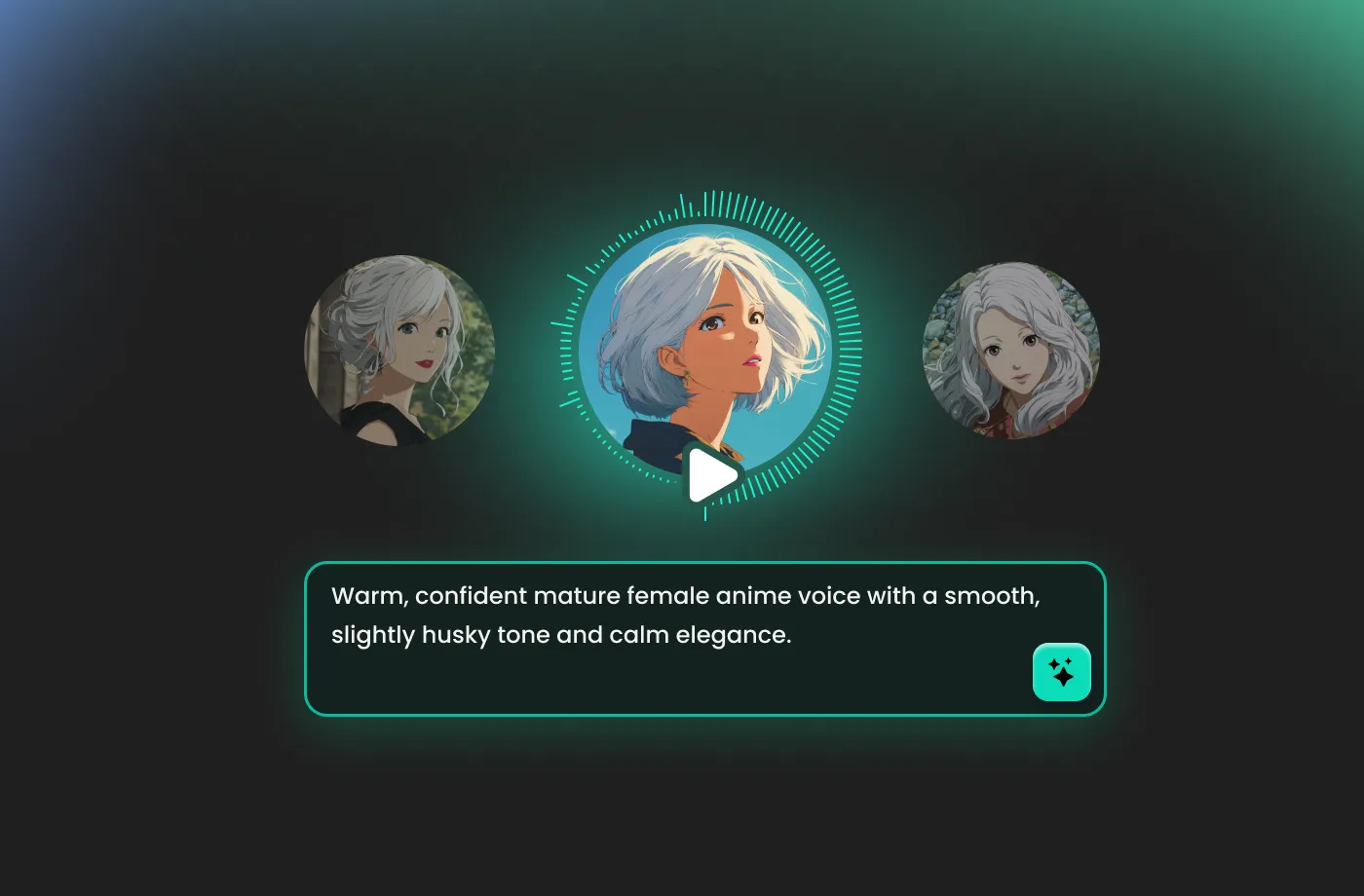
Slightly husky alto with a sultry, growling undertone. Medium pacing, smooth but with sharp inflections on threatening words. Tone alluring, sly, and dangerous.
Lyra Bloodmoon
Powerful mezzo voice with growling depth and rapid, energetic delivery. Tone intense, wild, and magnetic.
Fenrir Moonclaw
Deep, guttural baritone with a raw, growling undertone. Medium pacing, with bursts of intensity. Tone feral, commanding, and dangerous.
Unrivaled Realism for Immersive Storytelling
The secret to a great horror experience is in the details, and nothing breaks immersion faster than a generic werewolf sound. FineVoice stands out as the best werewolf voice generator because it can capture the nuances of a beastly transformation. You aren't just getting a pitch-shifted human voice; you are getting the raspy breath, the deep chest vibrations, and the predatory snarls that define a werewolf. It’s perfect for podcasters and YouTubers who want a savage transformation scene or a controlled, menacing narration.
Endless Possibilities for Creators and Gamers
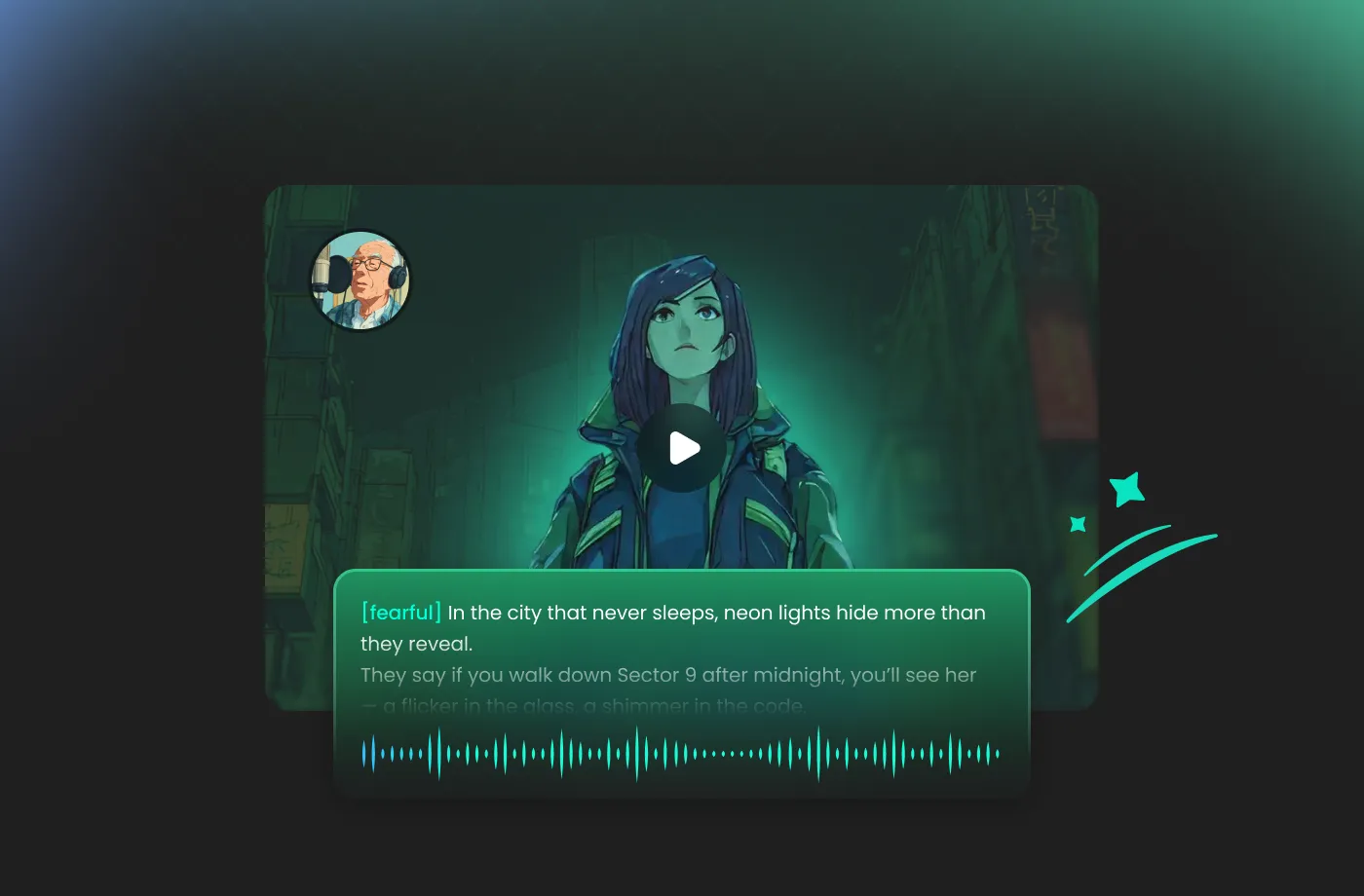
The versatility of FineVoice werewolf voice generator makes it a must-have for diverse creative projects. For video game developers and Dungeon Masters, it’s a game-changer for bringing NPCs and bosses to life during live sessions or development cycles. YouTube horror enthusiasts and podcasters use this free werewolf voice generator to create immersive atmospheres and spine-chilling character dialogue that keeps audiences on the edge of their seats. Even social media creators looking for the next viral werewolf filter find our tool indispensable for TikToks and Reels. With FineVoice, you can open up a world of supernatural storytelling possibilities.
Fully Customizable Voices to Match Any Werewolf Character
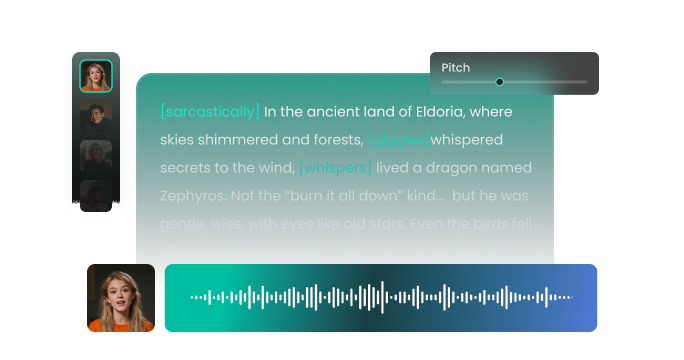
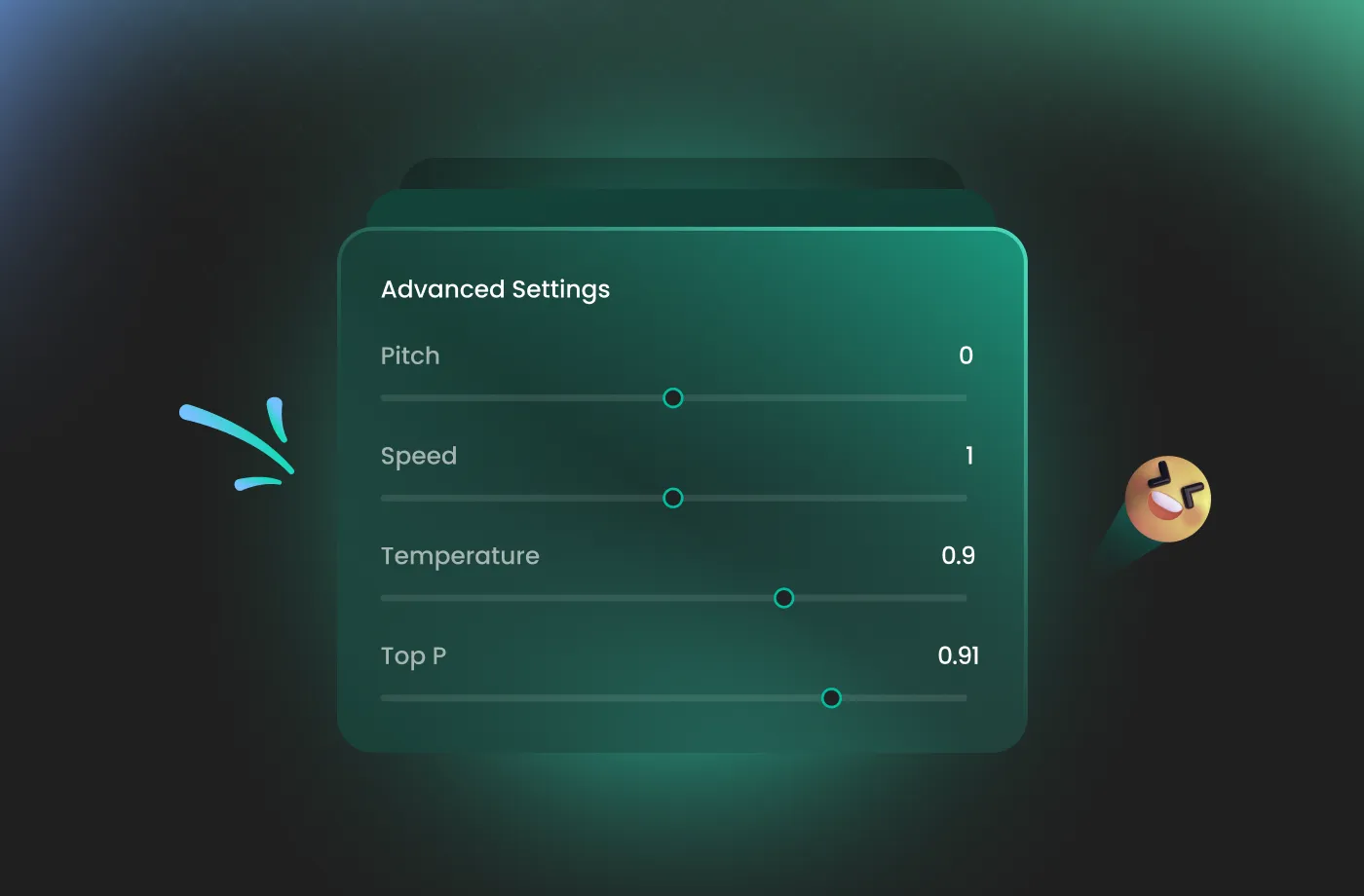
Every werewolf has a unique personality, and FineVoice werewolf AI voice generator gives you the tools to express it. Do you need a low, intimidating whisper for a dialogue-heavy scene or a ferocious roar for an action sequence? With flexible voice controls, you can adjust pitch, speed, tone, and intensity to create anything from a slow, menacing alpha werewolf to a wild, feral beast. You can fine-tune each voice to match specific scenes, emotions, or character arcs, ensuring your audio always fits the story. Whether you want subtle growls or explosive rage, FineVoice helps you shape the perfect monster voice every time.
Global Creativity with Support for 154+ Languages
FineVoice werewolf voice generator empowers creators worldwide by supporting 154+ languages and accents. You can create realistic werewolf voices in English, Spanish, Japanese, Chinese, and many more, without sacrificing tone or emotional depth. This multilingual support is ideal for international games, dubbed videos, global marketing campaigns, and cross-cultural storytelling. You can reach a worldwide audience with localized content that feels authentic and terrifying in any tongue. FineVoice can ensure your werewolves can haunt dreams in every corner of the planet, making professional-grade localization accessible to everyone.
How to Use the AI Werewolf Voice Generator
Creating terrifying werewolf voices has never been easier. With the FineVoice AI werewolf voice generator, you can turn any text into magical speech in just three simple steps.
1
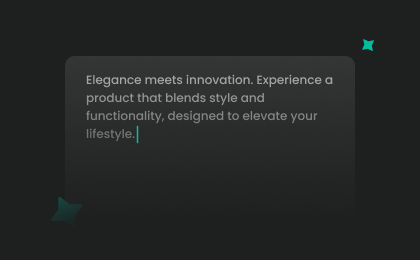
Step 1: Input Content
Enter your text or import your script file (.txt, .docx, .srt) into the AI werewolf voice generator for quick conversion.
2
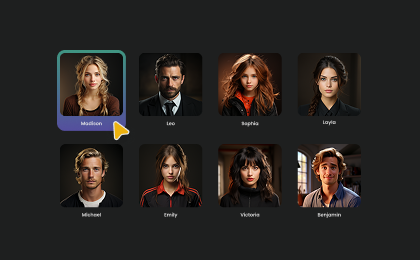
Step 2: Select Your Voice
Choose your preferred werewolf AI voice from our extensive library. Then adjust settings such as pitch and speed, or add emotions or accents to match your project.
3
Step 3: Generate Werewolf Voice
Hit the “Generate” button to hear your script come to life. Once you’re satisfied, download your high-quality audio file and add it to your project.
More Than an AI Werewolf Voice Generator












Explore More Voice Categories
FAQs About FineVoice AI Werewolf Voice Generator
1. Is FineVoice werewolf voice generator free to use?
Yes. FineVoice offers a free plan with 2,000 text-to-speech conversion characters per month that allows you to generate AI werewolf voices. Paid plans are available for users who need higher-quality downloads, longer audio, or commercial usage.
2. Can I use FineVoice for commercial projects?
3. Can I customize the werewolf voice sound?
4. Does FineVoice support multiple languages and accents?
5. Can beginners use the FineVoice werewolf voice generator?
6. Can I use this AI werewolf voice generator for YouTube videos?
 FineVoice
Start Creating Realistic AI Werewolf Voices
Generate werewolf voices instantly with our AI Voice Generator & Text-to-Speech. Easily create high-quality voiceovers for your projects in just a few clicks.