AI Gnome Voice Generator
Ever wondered what a gnome sounds like? Step into a world of myth and magic with the FineVoice AI gnome voice generator. This powerful tool allows you to create realistic and enchanting gnome voices instantly, whether for games, storytelling, videos, or creative projects. With support for over 154 languages and fully customizable tones, you can craft playful, mischievous, or wise gnome voices that fit any scenario. Ranges from grumpy old mountain dwellers to cheerful garden sprites. Bring your magical gnome characters to life today with FineVoice!
Text to SpeechHistory
Examples:
Settings
AI Voice

- Voice Name
- 0 Used
Create your AI voice for free.
Model
 FineVoice TTS Max
Hear Our AI Gnome Voice Samples
Fizzlebrim Nocknut
A low, raspy baritone with a slightly nasal timbre. Speaking speed is slow and deliberate. The tone is grumbling, sarcastic, and slightly exasperated.
Boddin Tinkerfoot
A high, fast-paced tenor with a slightly squeaky edge. Speaking speed is quick and bouncy. The tone is energetic, playful, and slightly nervous, like he’s always juggling ideas.
Merrigold Pebblepocket
A bright mezzo-soprano with a slightly husky edge. Speaking speed is medium with quick bursts for emphasis. The tone is sly, teasing, and lively.
Tilda Brightwhistle
A high, lilting soprano with a musical cadence. Speaking speed is medium-fast, with rhythmic ups and downs. The tone is bright, bubbly, and infectious.
Unleash the Whimsy: What Does a Gnome Sound Like?
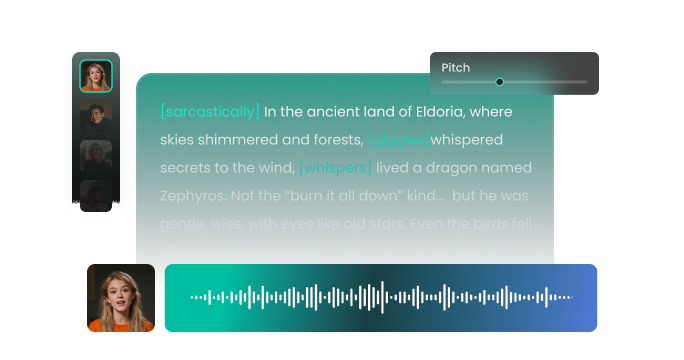
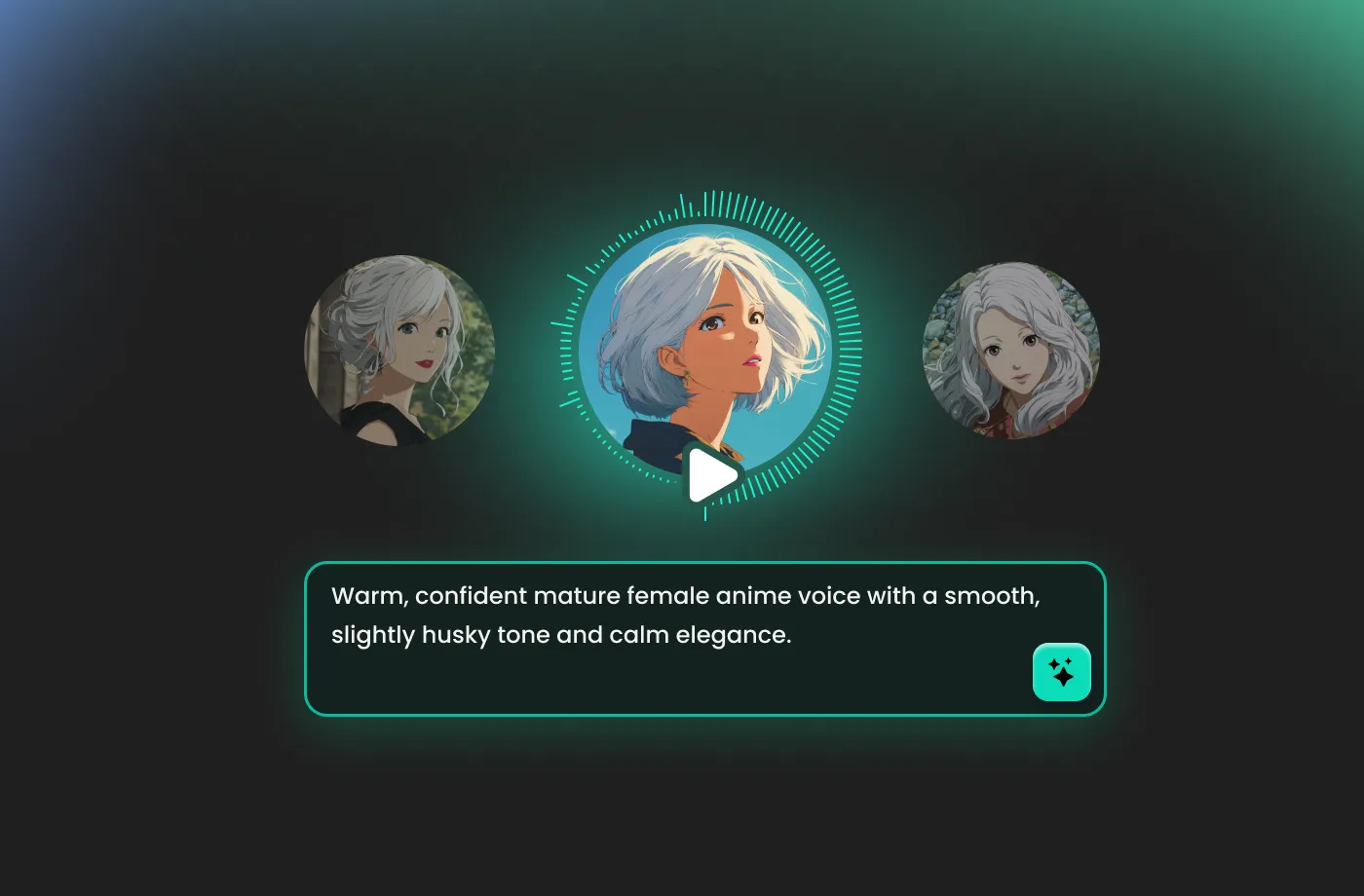
If you’ve ever wondered what a gnome sounds like, think of a voice that is earthy, energetic, and brimming with personality. FineVoice AI gnome voice generator delivers unparalleled customization and realism. You can adjust pitch, tone, speed, and emotional expression to create the exact gnome voice you imagine. Whether it’s a high-pitched giggle, a gravelly warning, or a wise, echoing voice, FineVoice captures it all. This level of sonic detail ensures your characters feel grounded in their fantasy roots, providing an immersive experience for your listeners.
Bring Gnome Voices to Life in Any Project
FineVoice gnome AI voice generator is a must-have for various creative niches. Dungeon Masters can use it to create prerecorded dialogue for NPCs, adding a layer of professional production to their weekly sessions. YouTubers and TikTokers can utilize FineVoice to craft hilarious skits or unique "gnome-core" narrations that stand out in a crowded feed. Storytellers can enchant audiences with authentic voices, and content creators can add humor or whimsy to their projects. Even educators can use these charming voices to make sessions more interactive for children. Our generator provides a high-quality gnome AI voice for any project.
Total Creative Control with a Personalized Gnome Voice
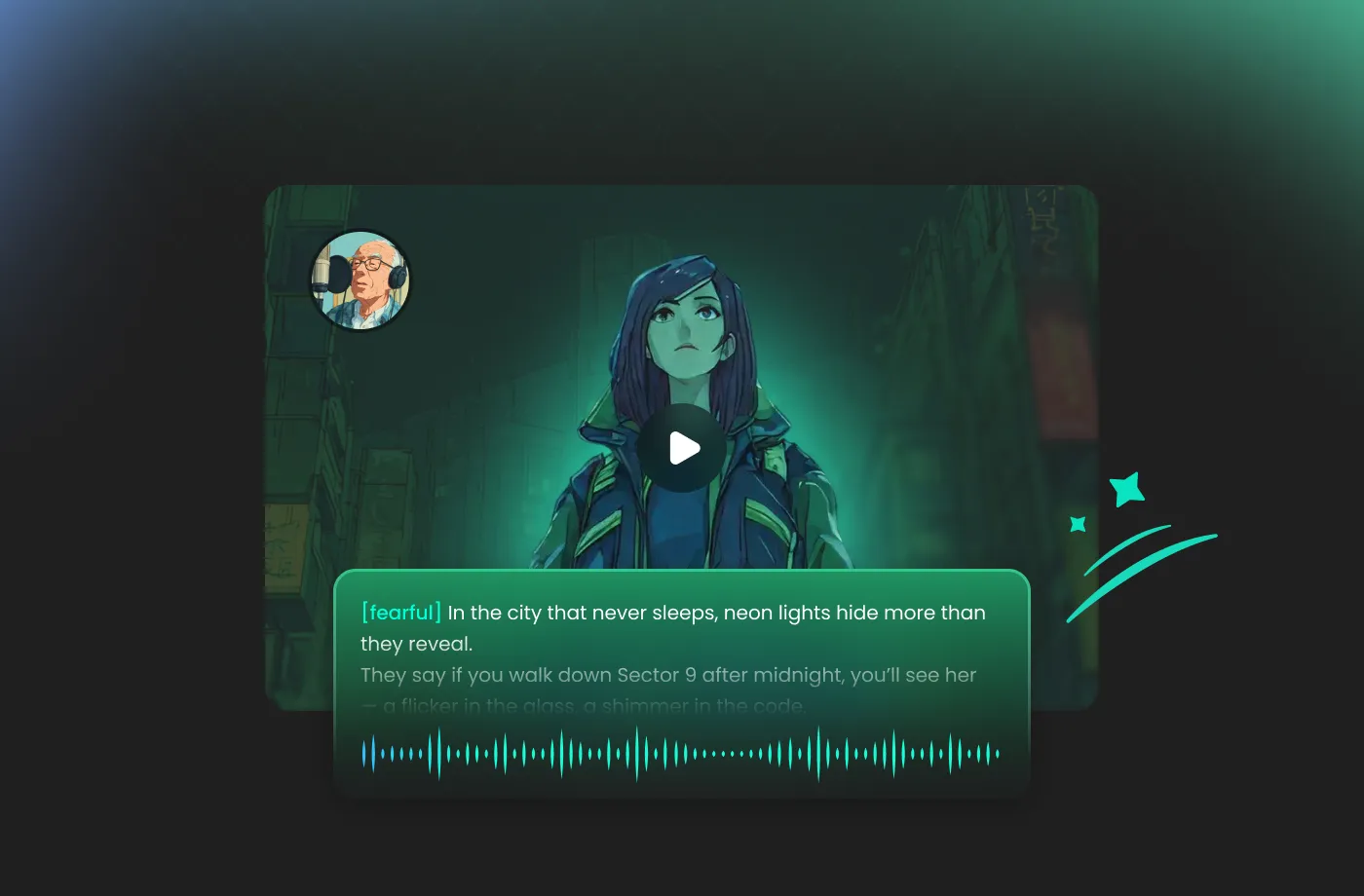
FineVoice AI gnome voice generator offers deep customization options. Once you select your base gnome AI voice, you can fine-tune the pitch, speed, and emotional emphasis to match your specific vision. Need a wise, ancient gnome elder with a slow, raspy drawl? Or perhaps a frantic, caffeine-fueled gnome inventor? You can manipulate the output until it perfectly matches the sound in your head. Creating magical gnome voices has never been more convenient, inclusive, or inspiring.
Speak Gnome Voice with 154+ Languages
FineVoice supports over 154 languages and accents, allowing your gnome AI voice to speak globally. Customize accents, dialects, and emotional nuances to fit the cultural and narrative context of your projects. Whether you want a mischievous gnome speaking in English, a wise storyteller in German, or a playful character in Japanese, our AI gnome voice generator makes it possible. The result is a lifelike, immersive experience that brings your gnomes vividly to life.
How to Use the AI Gnome Voice Generator
Creating enchanting gnome voices has never been easier. With the FineVoice AI gnome voice generator, you can turn any text into magical speech in just three simple steps.
1
Step 1: Input Content
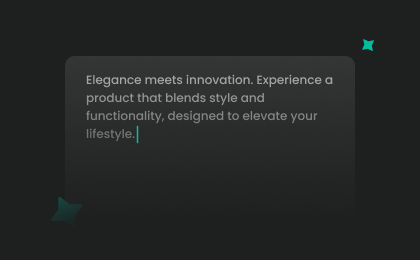
Enter your text or import your script file (.txt, .docx, .srt) into the AI gnome voice generator for quick conversion.
2

Step 2: Select Your Voice
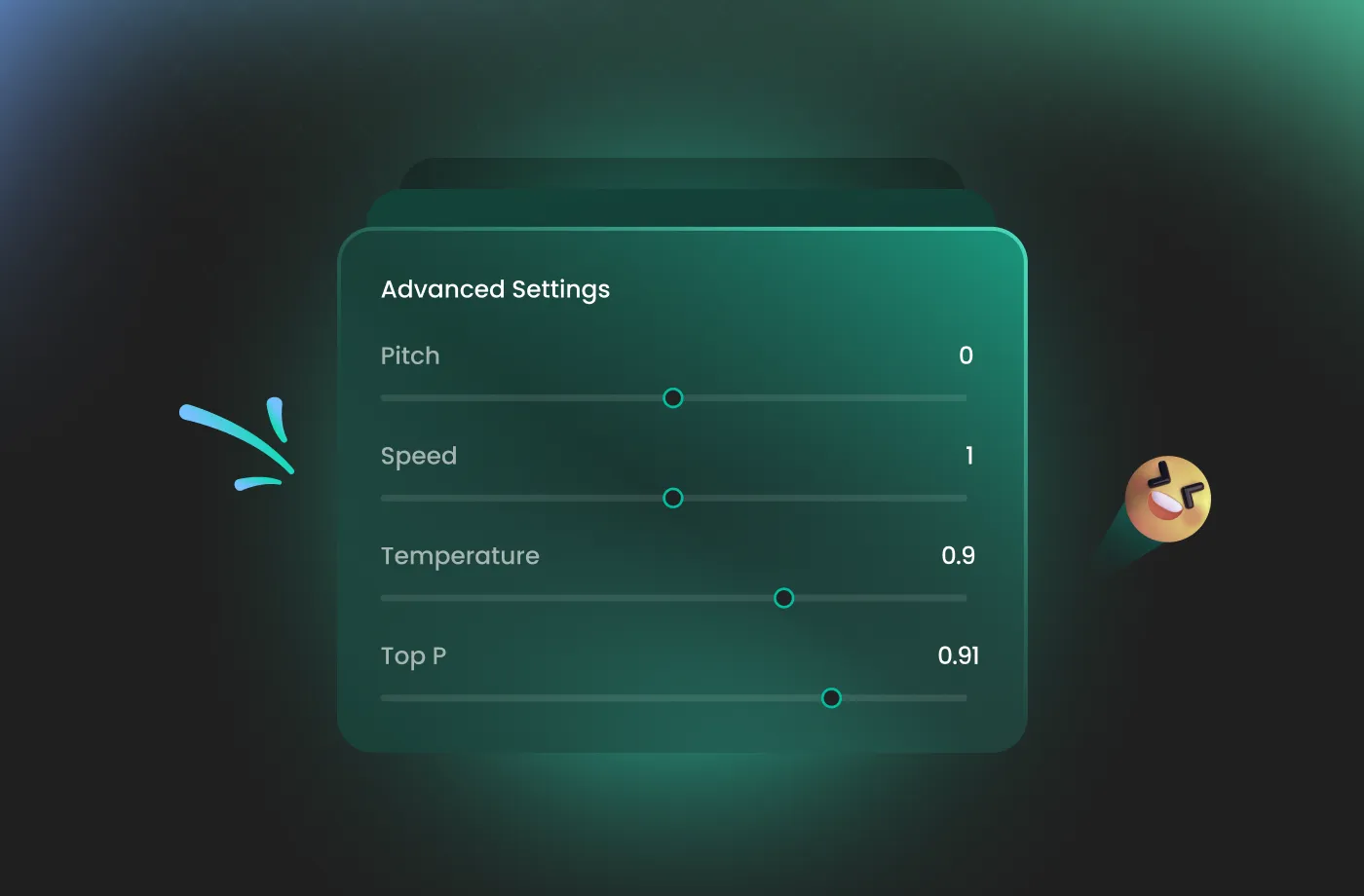
Browse our extensive library to find your favorite gnome AI voice. Then adjust settings such as pitch and speed, or add emotions or accents to define exactly what gnomes sound like in your world.
3
Step 3: Generate Gnome Voice
Click “Generate” to convert your text into high-quality audio. Processing time varies based on file length, taking seconds to minutes.
More Than an AI Gnome Voice Generator

















Explore More Voice Categories
FAQs About FineVoice AI Gnome Voice Generator
1. Is the Gnome AI voice generator free to use?
Yes! FineVoice offers 2,000 text-to-speech conversion characters per month. You can explore a variety of gnome profiles and generate short audio clips to see if they fit your project before committing to a premium plan.
2. Can I use FineVoice gnome voices for commercial projects?
3. How customizable are Gnome voices?
4. Does the AI gnome voice generator support multiple languages?
5. How do I make my gnome AI voice sound more playful?
6. Can I upload my own script for the gnome voice?
7. How long does it take to generate a Gnome AI voice?
 FineVoice
Start Creating Realistic AI Gnome Voices
Generate gnome voices instantly with our AI Voice Generator & Text-to-Speech. Easily create high-quality voiceovers for your projects in just a few clicks.