AI Screaming Voice Generator
FineVoice AI screaming voice generator helps you turn plain text into powerful, high-energy screaming voices in just a few clicks. Whether you’re creating game characters, dramatic videos, memes, or intense audio effects, FineVoice delivers bold emotion instantly. You don’t need voice acting skills or recording equipment—just type your text, choose a screaming voice, and generate audio online. With customizable pitch, speed, and intensity, FineVoice gives you full creative control.
Text to SpeechHistory
Examples:
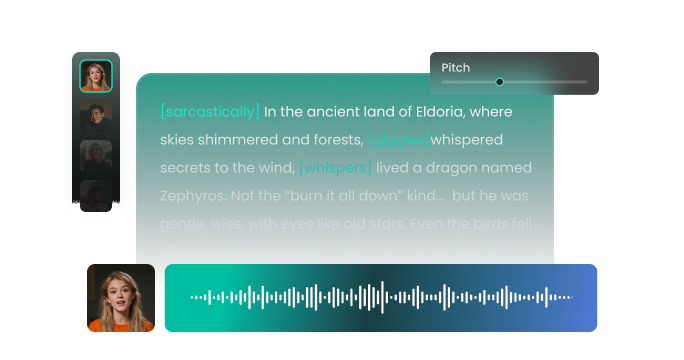
Settings
AI Voice

- Voice Name
- 0 Used
Create your AI voice for free.
Model
 FineVoice TTS Max
Hear Our AI Screaming Voice Samples
Rex Tanner
Loud, rough baritone. Rapid pacing when angry or startled. Tone intense, raw, and urgent, with occasional raspy overtones.
Clara Finch
Light mezzo-soprano, trembly and breathy. Medium-to-fast pacing, sharp tonal inflections. Tone panicked, terrified, yet expressive.
Lila Crane
Soprano, sharp and piercing. Variable speed, rising in pitch during emotional peaks. Tone intense, raw, and fearful.
Marcus Vail
Mid-range tenor, strained and high-pitched at peaks. Fast pacing, tense articulation. Tone urgent and frantic.
Realistic AI Screaming Voices with Extreme Emotion
FineVoice delivers raw, intense, and emotionally charged AI screaming voices that sound natural—not robotic. Our screaming text to speech tool captures urgency, anger, fear, and excitement with impressive realism. You can create anything from subtle emotional outbursts to full-volume screams for dramatic moments. This makes it ideal for horror games, reaction videos, animations, and storytelling. Instead of hiring voice actors or straining your own voice, you get studio-ready screaming audio instantly. If you want a screaming AI voice generator that truly sounds alive, FineVoice gives you that edge.
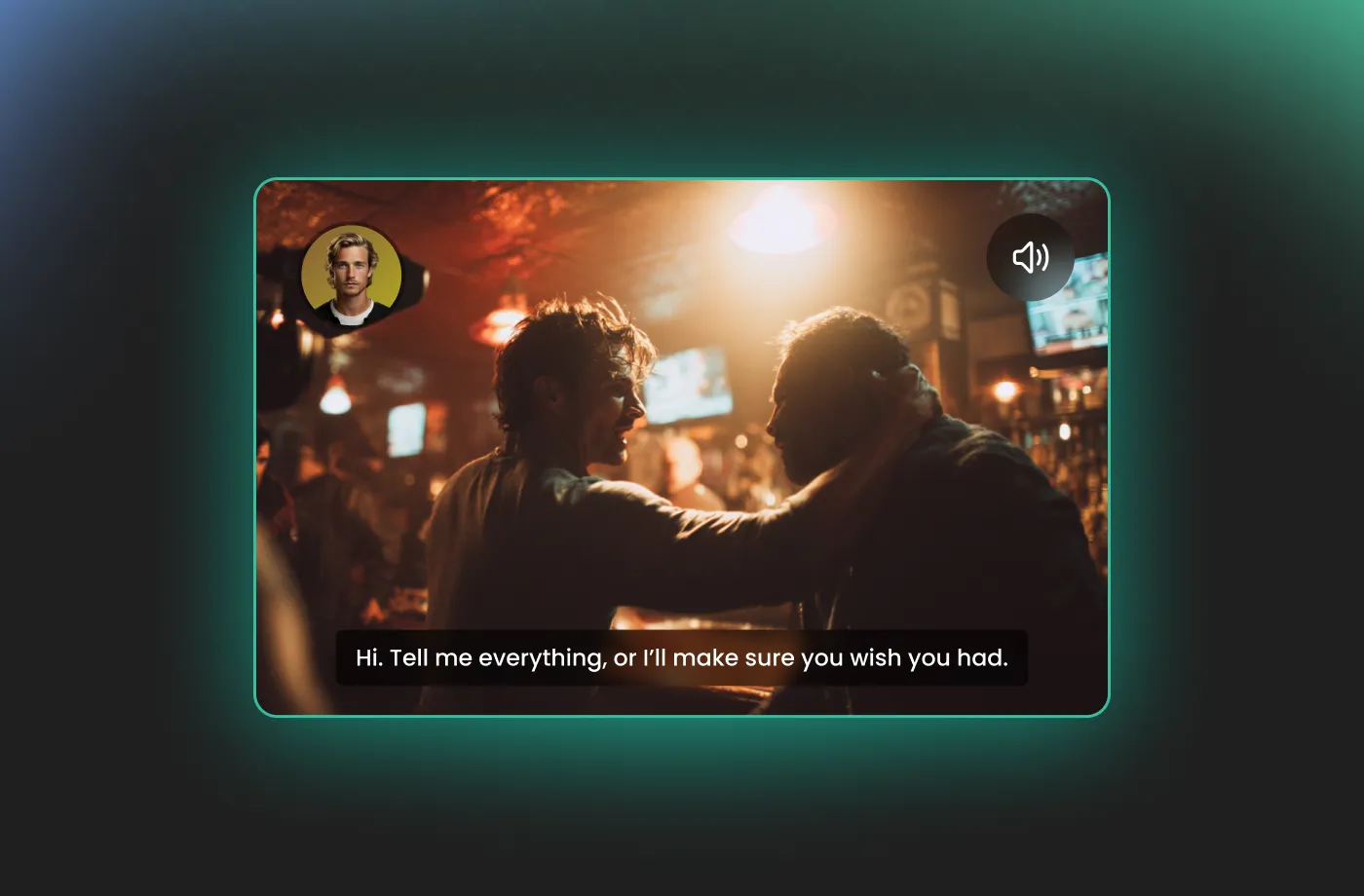
Perfect for Games, Videos, Memes, and Creative Content
FineVoice AI Screaming Voice Generator is designed for creators who need impact. Game developers use it for battle cries and character reactions. Video creators use it for dramatic scenes, jump scares, and comedic exaggeration. Meme creators love it for viral, over-the-top audio moments. You can generate screaming voice effects anytime, anywhere. No software downloads, no complex setup—just fast results. Whether you’re working on YouTube, TikTok, podcasts, or indie games, it fits seamlessly into your workflow.
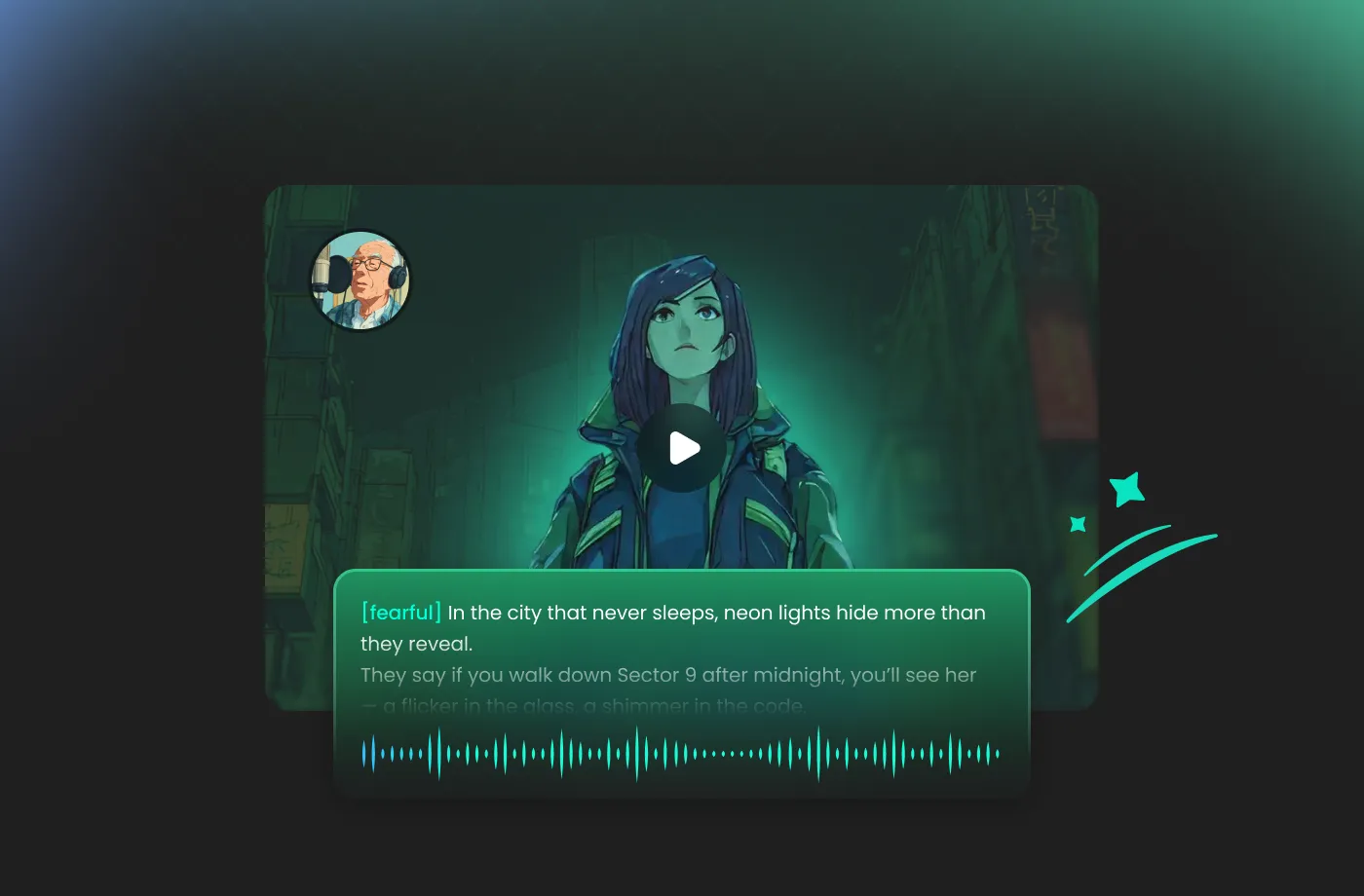
Full Voice Customization: Pitch, Speed & Intensity
FineVoice lets you adjust pitch, speaking speed, and emotional intensity to match your exact creative vision. Want a high-pitched panic scream? A deep, aggressive roar? Or a controlled but intense shout? You can fine-tune every detail until it sounds right. This level of customization sets FineVoice apart as one of the best screaming AI voice generator tools available. Instead of one-size-fits-all output, you get unique, tailored screaming voices that match your character, scene, or brand perfectly.

Fast, Online & Easy—No Experience Required
FineVoice is built for speed and simplicity. You don’t need technical knowledge or audio editing skills. Just enter your text, choose a screaming voice, and generate audio in seconds. You can adjust the pitch to create anything from a deep, guttural roar to a high-pitched, piercing shriek. This makes it perfect for beginners and professionals alike. It’s the perfect solution for filmmakers and game developers who need a specific AI screaming voice that fits a high-stakes scene without the need for expensive studio sessions or professional voice actors.
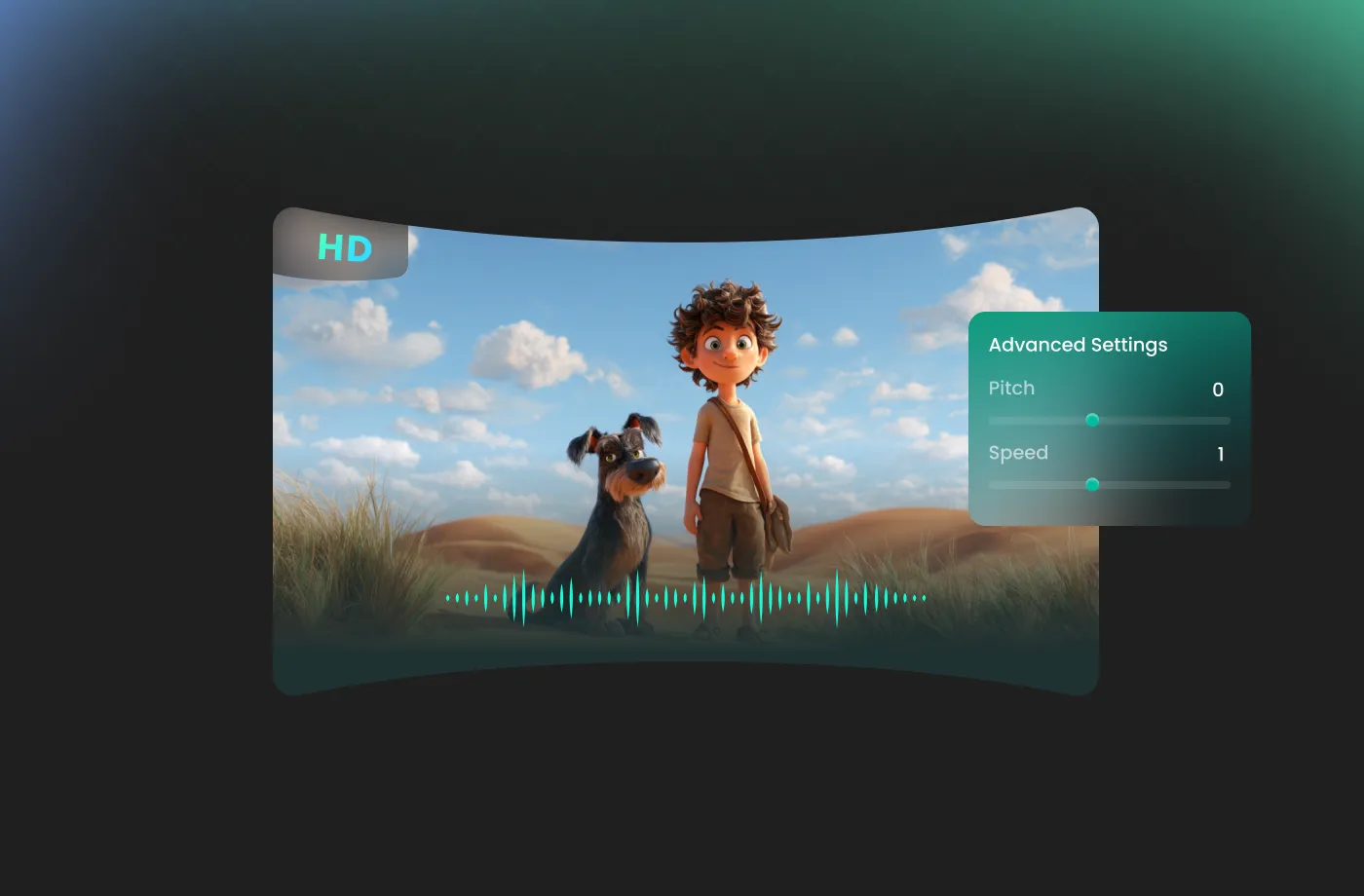
How to Use the AI Screaming Voice Generator
Creating a powerful screaming voice has never been easier. With FineVoice AI screaming voice generator, you can turn any text into magical speech in just three simple steps.
1
Step 1: Enter Your Script
Input your text you want shouted or upload a script file (.txt, .docx, .srt) into the AI screaming voice generator.
2

Step 2: Select Screaming Voice
Browse our library to find your favorite screaming AI voices. Adjust settings such as pitch and speed, or add emotions or accents to suit your needs.
3
Step 3: Generate Screaming Audio
Click the "Generate" button and watch the magic happen. Within seconds, your high-quality audio file will be ready. Download it and drop it straight into your project!
More Than an AI Screaming Voice Generator
























Explore More Voice Categories
FAQs About FineVoice AI Screaming Voice Generator
1. Is there a screaming voice generator free version?
Yes! FineVoice offers a free plan with 2,000 text-to-speech conversion characters per month that allows you to generate screaming AI voices. Paid plans are available for users who need higher-quality downloads, longer audio, or commercial usage.
2. Can I use the AI screaming voice for commercial projects?
3. Are FineVoice AI screaming voices updated regularly?
4. Can I adjust the pitch of the screaming voice?
5. Does this screaming text to speech tool support multiple languages?
6. Is FineVoice suitable for horror games and videos?
 FineVoice
Start Creating Realistic AI Screaming Voices
Generate screaming voices instantly with our AI Voice Generator & Text-to-Speech. Easily create high-quality voiceovers for your projects in just a few clicks.