AI E Sports Commentator Voice Generator
Level up your gaming content with FineVoice AI e-sports commentator voice generator! Instantly create professional, energetic commentary that keeps your audience on the edge of their seats. Whether you're streaming, producing highlight reels, or creating tutorials, FineVoice makes it easy to add a real commentator’s voice without hiring anyone. Adjust tone, excitement, and pacing to match the action in your game. Whether you’re recapping a pentakill in League of Legends or a last-second clutch in Valorant, it can capture the raw emotion and rapid-fire delivery of a world-class caster. Immerse your audience in the heat of the battle with high-fidelity, lifelike commentary.
Text to SpeechHistory
Examples:
Settings
AI Voice

- Voice Name
- 0 Used
Create your AI voice for free.
Model
 FineVoice TTS Max
Hear Our AI E Sports Commentator Voice Samples
Selena Hale
Smooth, confident, mid-range pitch. Medium pacing with crisp enunciation. Tone: insightful, controlled energy, analytical but warm.
Jackson Turner
Warm, engaging tenor with dynamic range. Medium-fast pacing, upbeat, humorous banter, animated inflection. Tone: fun, friendly, crowd-pleasing.
Ava Quinn
Low, steady alto with fierce emotional energy. Medium pacing with dramatic crescendos, suspense-building pauses, and powerful emphasis. Tone: intense, passionate, immersive.
Ryder Blake
Fast-paced, high energy, sharp articulation, mid-low pitch with bold projection. Tone: electric, punchy, playful hype.
Instant Pro-Level Commentary with E-Sports Commentator Voice
Stop worrying about scripting or recording your own voice. With FineVoice e-sports commentator AI voice generator, you can generate realistic, high-energy commentary in seconds. It can capture the excitement, pacing, and intensity of a professional esports commentator, so every play feels thrilling. Perfect for Twitch, YouTube, and gaming highlight reels, this feature saves you hours of editing and lets you focus on creating engaging content. Whether it’s a clutch win or a nail-biting moment, your commentary will sound polished, dynamic, and perfectly timed. Fans won’t just watch—they’ll feel the excitement!
Customizable Hype Levels for Every Play
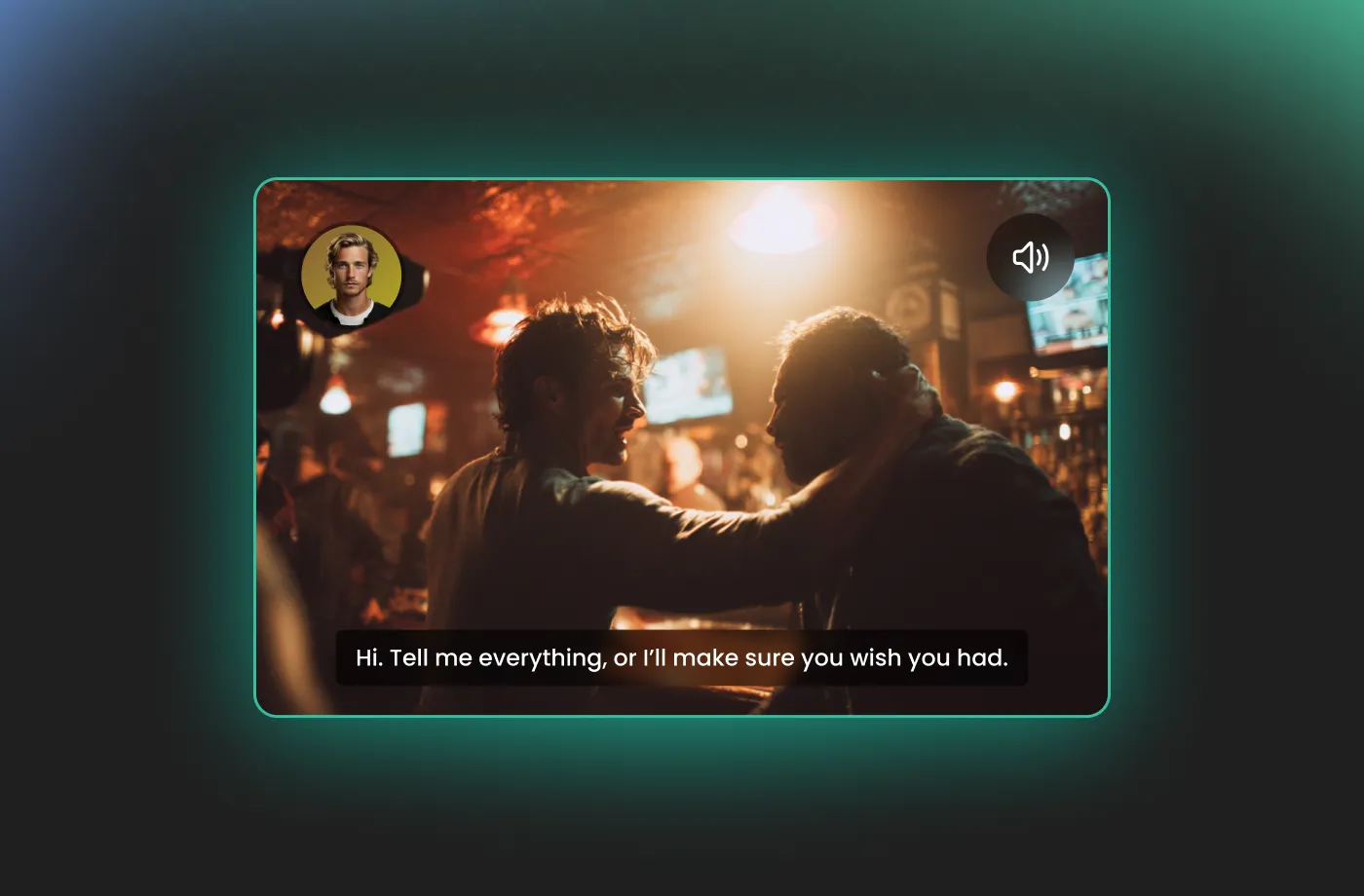
FineVoice AI e-sports commentator voice generator allows you to fine-tune the excitement meter of the output. You can choose from multiple commentator voices and adjust the excitement level to suit your content. Whether you need a calm, analytical breakdown for a strategy guide or high-octane, rapid-fire commentary for a montage, you are in total control. No prior experience is needed—you can tweak settings in real time to get the perfect sound. This flexibility ensures your commentary matches your unique streaming or content creation style, helping you engage your audience and build a loyal fan base.
Perfect for Any Gaming Scenario
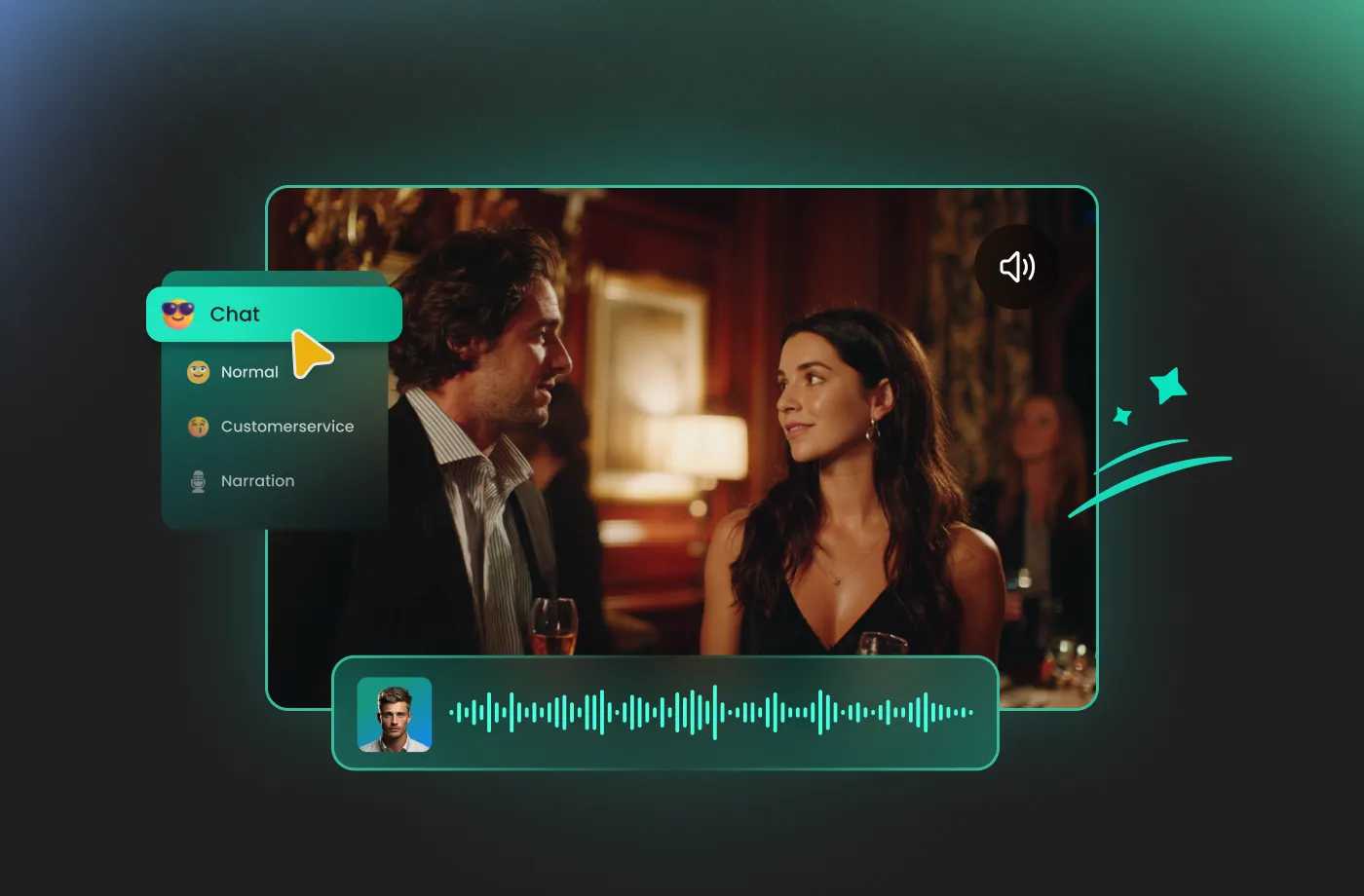
Whether you’re streaming competitive esports, creating YouTube content, or producing highlight reels, FineVoice e-sports commentator AI voice generator fits every scenario. Use it for tournaments, strategy guides, or casual gameplay videos—your content will always sound professional and entertaining. FineVoice can adapt to different styles and pacing, making every call, play, or analysis sound authentic. This versatility ensures that no matter your game or audience, your commentary always enhances the viewer experience and keeps fans coming back for more.
Multilingual Support for Global Reach
Gaming is a global language, and now your commentary can be too. FineVoice e-sports commentator AI voice generator supports more than 154 languages, allowing you to localize your content for audiences around the world. Whether you want a fiery Spanish-style announcer or a precise Korean-style shoutcaster, FineVoice maintains the iconic esports energy across different dialects. It’s the perfect tool for reaching international fans and building a truly global gaming brand.
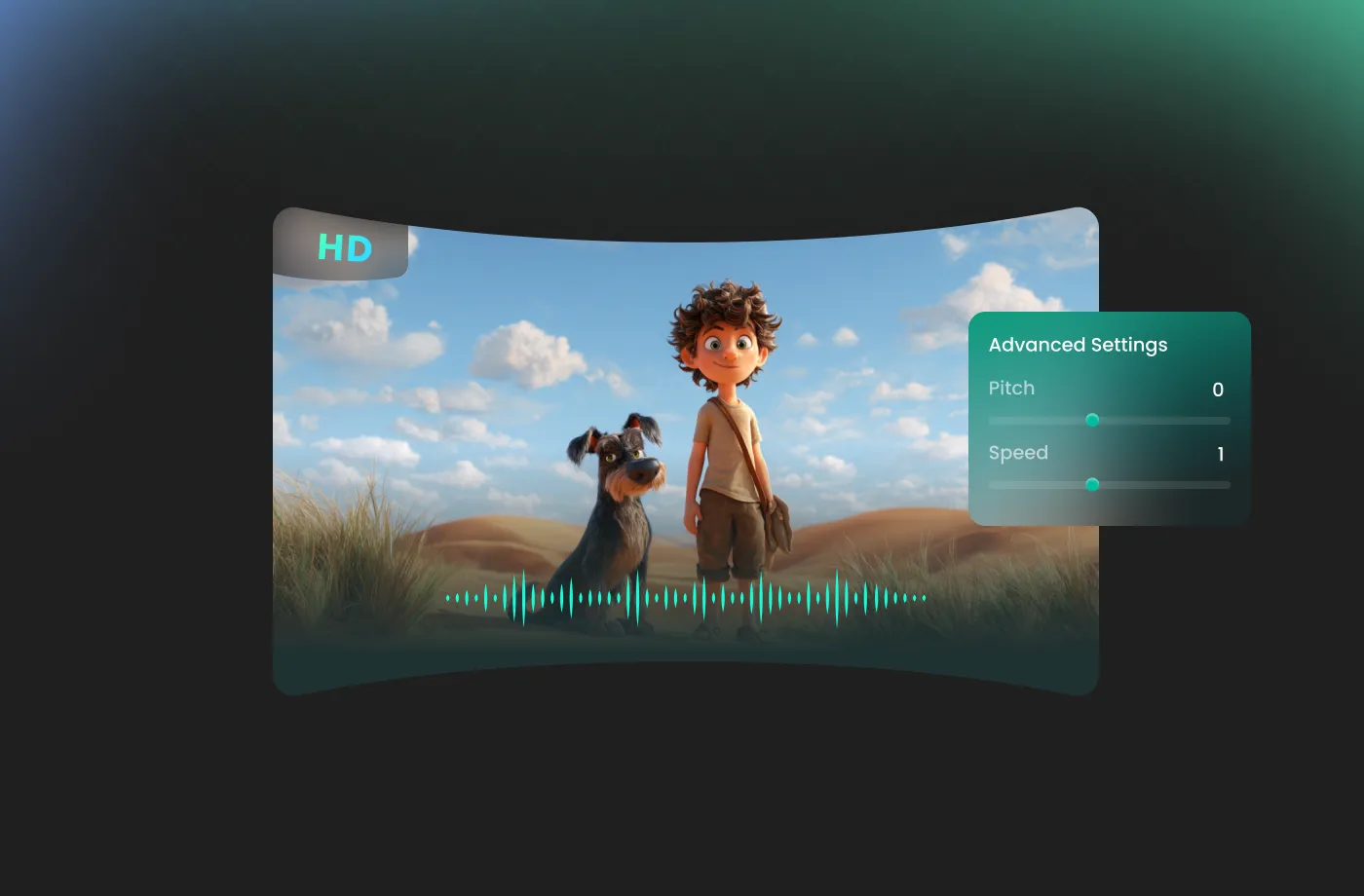
How to Use the AI E-Sports Commentator Voice Generator
Creating professional-grade gaming commentary has never been easier. Follow these three simple steps to bring your gameplay to life with elite-level hype.
1
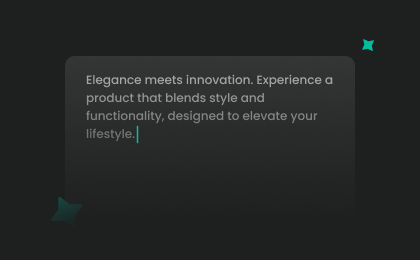
Step 1: Enter Your Script
Input your play-by-play commentary or upload a script file (.txt, .docx, .srt) into the AI e-sports commentator voice generator.
2
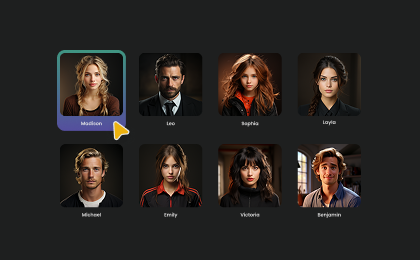
Step 2: Select Your Voice
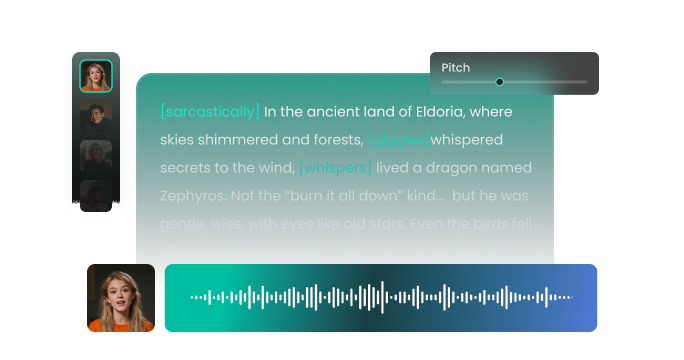
Browse our library to find your favorite E-Sports voices. Adjust settings such as pitch and speed, or add emotions or accents to suit your needs.
3
Step 3: Generate E-Sports Commentator Audio
Click the "Generate" button and listen as your text is transformed into a high-impact voiceover. Within seconds, your high-quality audio file will be ready. Download it and drop it straight into your project!
More Than an AI E Sports Commentator Voice Generator
























Explore More Voice Categories
FAQs About FineVoice AI E-Sports Commentator Voice Generator
1. Is the AI E-Sports Commentator Voice Generator free to use?
Yes! FineVoice offers a free plan with 2,000 text-to-speech conversion characters per month. Premium plans are available for higher usage limits, advanced features, and commercial needs.
2. How many languages does the AI E Sports Commentator Voice Generator support?
3. Can I use the generated audio for commercial purposes?
4. Can I customize pitch, speed, and tone?
5. Is the AI E-Sports Commentator Voice Generator beginner-friendly?
6. Can I clone my own voice to sound like a professional commentator?
7. How fast can I generate commentary?
 FineVoice
Start Creating Realistic AI E-Sports Commentator Voices
Generate e-sports commentator voices instantly with our AI Voice Generator & Text-to-Speech. Easily create high-quality voiceovers for your projects in just a few clicks.