AI Zombie Voice Generator
FineVoice AI zombie voice generator gives you the power to turn any text into a haunting, realistic zombie voice in seconds. Whether you’re creating horror content, voiceovers, video game characters, or Halloween messages, this zombie voice text to speech tool delivers spine-chilling sound quality. You can upload scripts, customize effects, adjust vocals, and generate unlimited undead voices instantly. Perfect for creators, gamers, and storytellers who want to bring eerie, decayed, and horror-inspired audio to life. Unleash your darkest ideas with zombie voice.
Text to SpeechHistory
Examples:
Settings
AI Voice

- Voice Name
- 0 Used
Create your AI voice for free.
Model
 FineVoice TTS Max
Hear Our AI Zombie Voice Samples
Evelyn Corpsebloom
A thin, breathy alto with intermittent rasp and gurgle. Speaking speed is slow to moderate. The tone is haunting, eerie, and unnervingly playful.
Garrick Rotbane
A low, guttural baritone with a rasping texture. Speaking speed is slow and deliberate. The tone is eerie, menacing, and weary, with a dragging rhythm that emphasizes decay and patience.
Thorne Vilegut
A hoarse, raspy tenor with sudden, sharp bursts of vocal energy. Speaking speed is variable—mostly fast and erratic. The tone is frenzied, aggressive, and raw.
Marla Festerveil
A deep, hoarse contralto with gravelly undertones. Speaking speed is slow and rhythmic, with elongated vowels. The tone is sinister, calm, and chillingly confident.
Hyper-Realistic Zombie AI Voice Effects
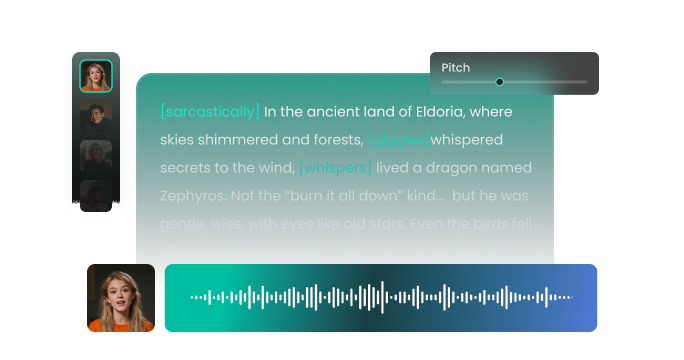
FineVoice zombie AI voice generator replicates eerie, undead sound textures with incredible detail. You’ll hear hissing breaths, decayed whispers, and spine-tingling growls that instantly transform your content’s tone. With FineVoice, you can generate highly authentic recordings that sound like they came straight out of a horror movie or survival game. It’s the perfect scary voice for Halloween videos, storytelling, Twitch streams, and more. No audio editing expertise needed—just enter text, choose your voice, and generate unforgettable results.
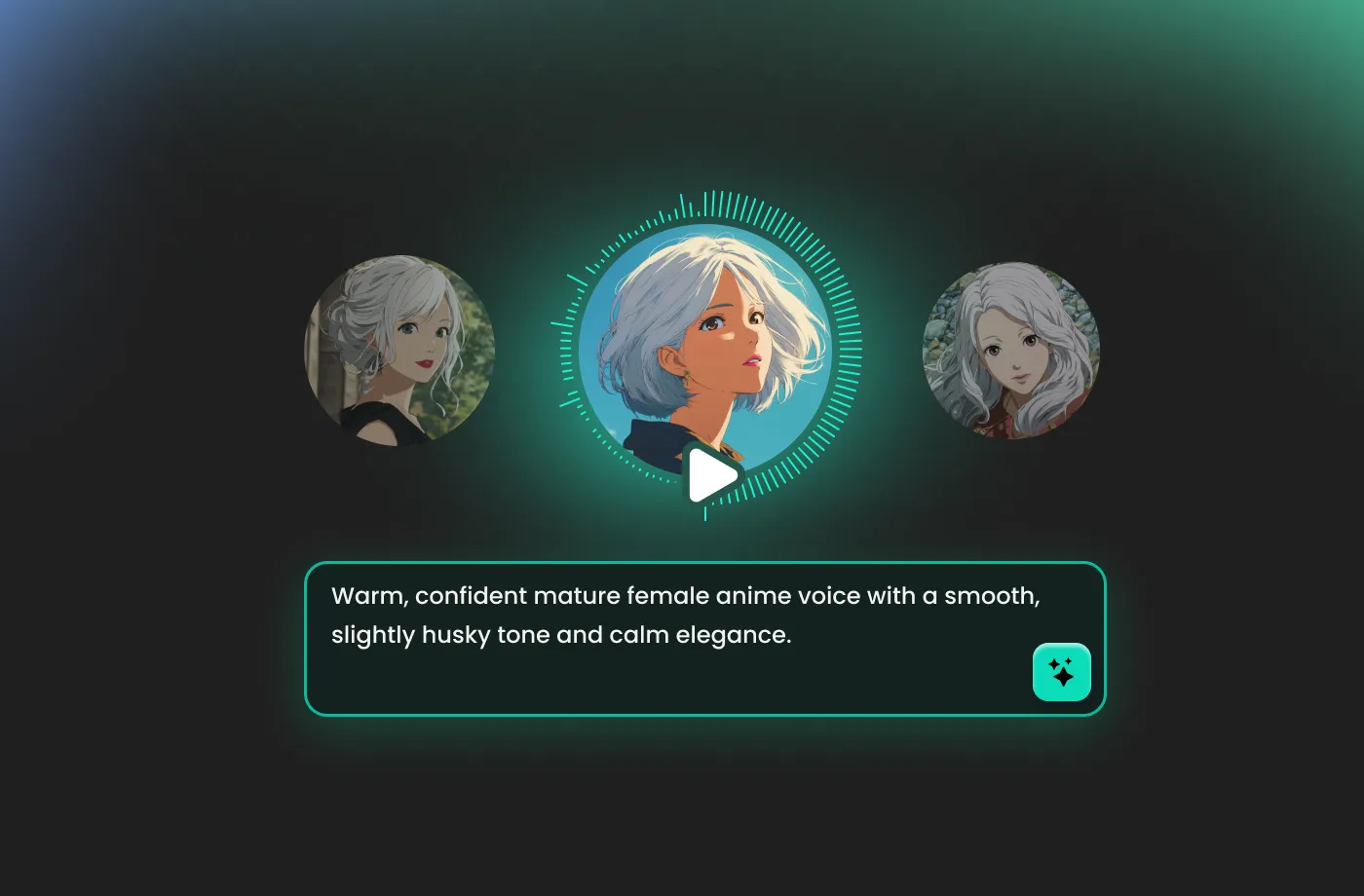
Endless Use Cases for Creators, Gamers, Pranksters & Businesses
Whether you're a YouTuber, game developer, streamer, podcast host, or educator, FineVoice zombie voice generator fits into endless creative scenarios. You can use it to produce character voices, video dubbing, warning alerts, cinematic soundtracks, haunted animations, or joke messages to surprise your friends. Educators can transform lessons into immersive audio, while marketing teams can enhance seasonal promotions with spooky voiceovers. Our zombie voice text to speech tool adapts easily to projects of any size—from personal clips to commercial productions.
Limitless Customization Zombie Voices for Every Scary Scenario
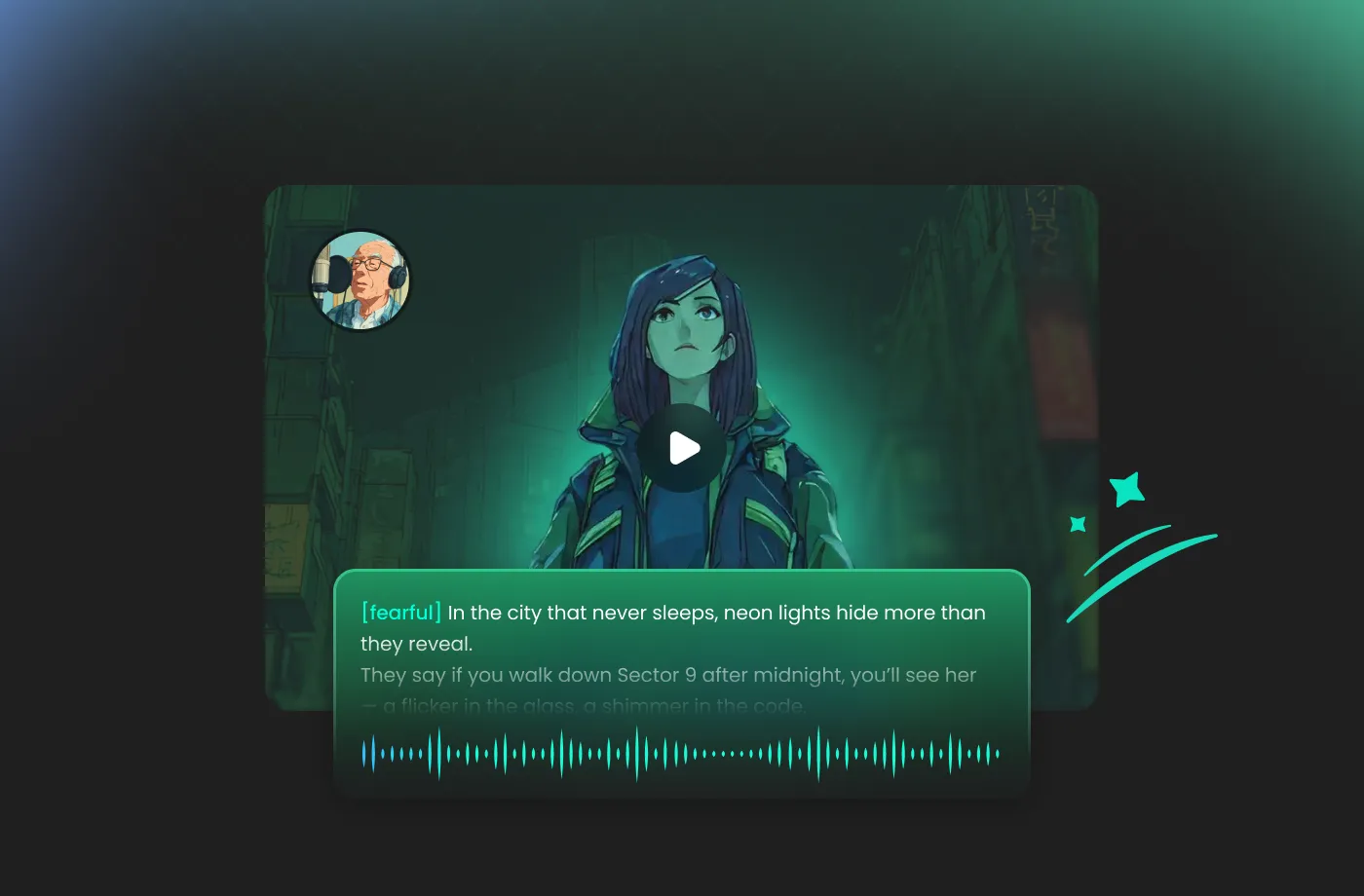
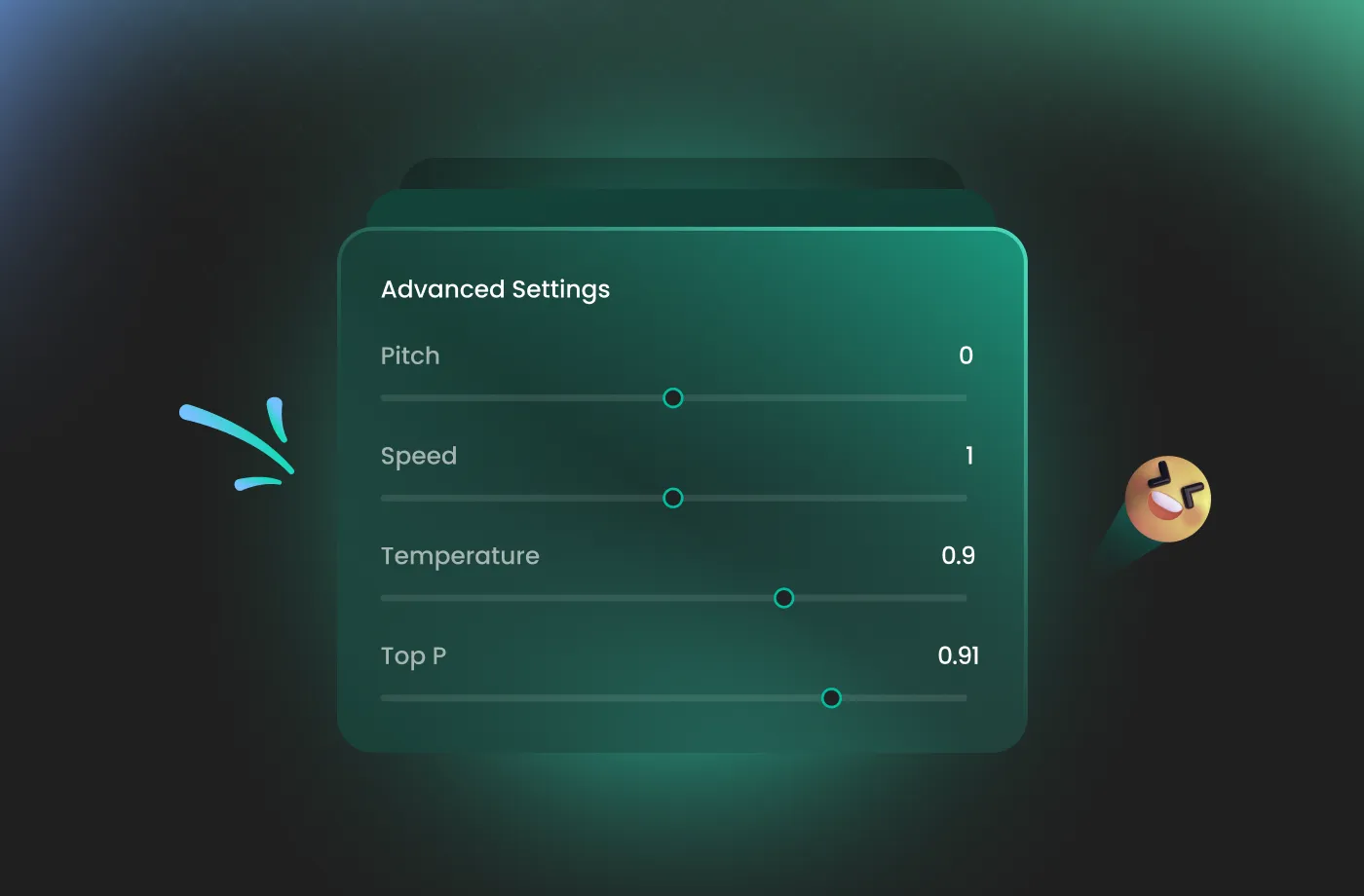
Not all zombies are created equal, and your audio shouldn't be either. Whether you need the slow, dragging moan of a classic walker or the high-pitched, frenetic screech of a runner, FineVoice zombie AI voice generator gives you total control. You can adjust the pitch, speed, and intensity of the vocal fry to match the specific vibe of your project. You can fine-tune the decay of the voice to sound more guttural or more ghostly, ensuring your audio fits perfectly within your world-building, whether it’s a post-apocalyptic wasteland or a haunted Victorian mansion. With just a few slider adjustments, the voice becomes uniquely yours.
Unmatched Atmospheric Immersion and Depth
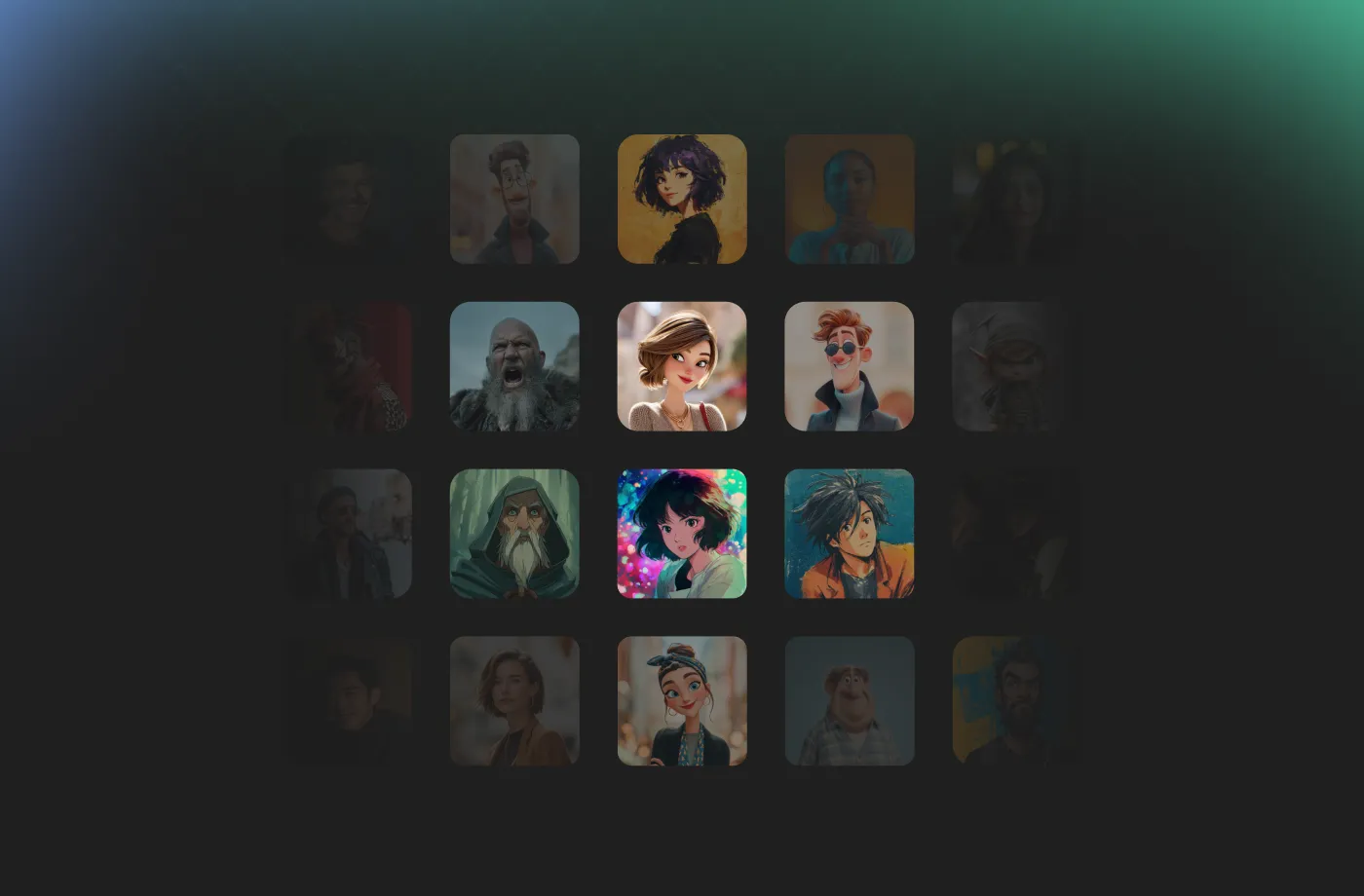
FineVoice zombie AI voice generator is a sophisticated engine designed to evoke genuine psychological dread. By leveraging advanced neural networks, it understands the weight, rhythm, and terrifying pauses required for high-impact horror dialogue. It intelligently infuses your scripts with the involuntary gasps and wet snarls that define the genre, creating a soundscape that feels dangerously real. Whether you are crafting a cinematic trailer or a jump-scare for a podcast, FineVoice ensures that every syllable drips with atmospheric tension. You no longer have to settle for flat, monotone voices; instead, you receive a dynamic performance that reacts to your text.
How to Use the AI Zombie Voice Generator
Creating enchanting zombie voices has never been easier. With the FineVoice AI zombie voice generator, you can turn any text into magical speech in just three simple steps.
1
Step 1: Input Content
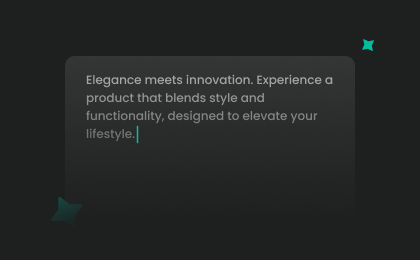
Enter your text or import your script file (.txt, .docx, .srt) into the AI zombie voice generator for quick conversion.
2
Step 2: Select Your Voice
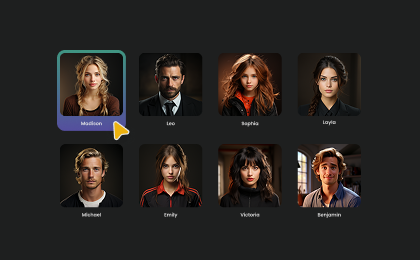
Browse our extensive library to find your preferred zombie AI voice. Then adjust settings such as pitch and speed, or add emotions or accents to match your project.
3
Step 3: Generate Zombie Voice
Click “Generate” to convert your text into high-quality audio. Processing time varies based on file length, taking seconds to minutes.
More Than an AI Zombie Voice Generator





Explore More Voice Categories
FAQs About FineVoice AI Zombie Voice Generator
1. Is the zombie AI voice generator free to use?
Yes, you can try the zombie voice generator for free with basic features. Premium plans unlock more voices, effects, and export formats.
2. Does the zombie AI voice support multiple languages?
3. Can I use the generated zombie audio for commercial projects?
4. Can I customize the sound of my zombie voice?
5. What are some creative uses for zombie AI voice audio?
6. Do I need voice acting experience to use this tool?
7. How do I get the best results from a zombie voice generator?
 FineVoice
Start Creating Realistic AI Zombie Voices
Generate zombie voices instantly with our AI Voice Generator & Text-to-Speech. Easily create high-quality voiceovers for your projects in just a few clicks.