AI Sidekick Voice Generator
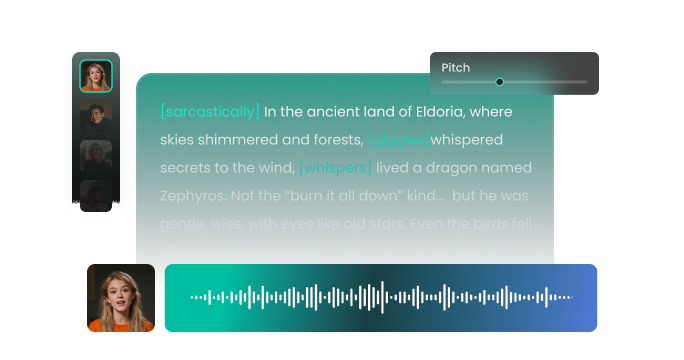
Are you tired of robotic, lifeless narrations that drive your audience away? FineVoice AI sidekick voice generator helps you create engaging, personality-driven companion voices that feel alive, responsive, and emotionally rich. Whether you’re building a game character, narrating a story, producing a video, or designing interactive content, it lets you craft the perfect sidekick AI voice in seconds. With natural speech flow, adjustable tone, and expressive delivery, your sidekick no longer sounds robotic or flat. You stay in control—choosing voice styles, emotions, and pacing—while FineVoice handles the realism.
Text to SpeechHistory
Examples:
Settings
AI Voice

- Voice Name
- 0 Used
Create your AI voice for free.
Model
 FineVoice TTS Max
Hear Our AI Sidekick Voice Samples
Luna Brightwing
Bright soprano with lively inflection. Speaking speed is quick and bubbly. Tone is upbeat, expressive, and warm, with a sense of wonder.
Theo Finch
Light baritone with dry wit. Speaking speed is moderate with precise timing. Tone is conversational, supportive, and subtly sarcastic.
Ivy Calder
Mid-range mezzo-soprano with confident clarity. Speaking speed is moderate with expressive emphasis. Tone is supportive, witty, and grounded.
Max “Sparks” Holloway
Mid-to-high baritone with bright energy. Speaking speed is fast and animated. Tone is upbeat, expressive, and slightly comedic, with frequent emotional shifts.
Create a Sidekick AI Voice with Real Personality
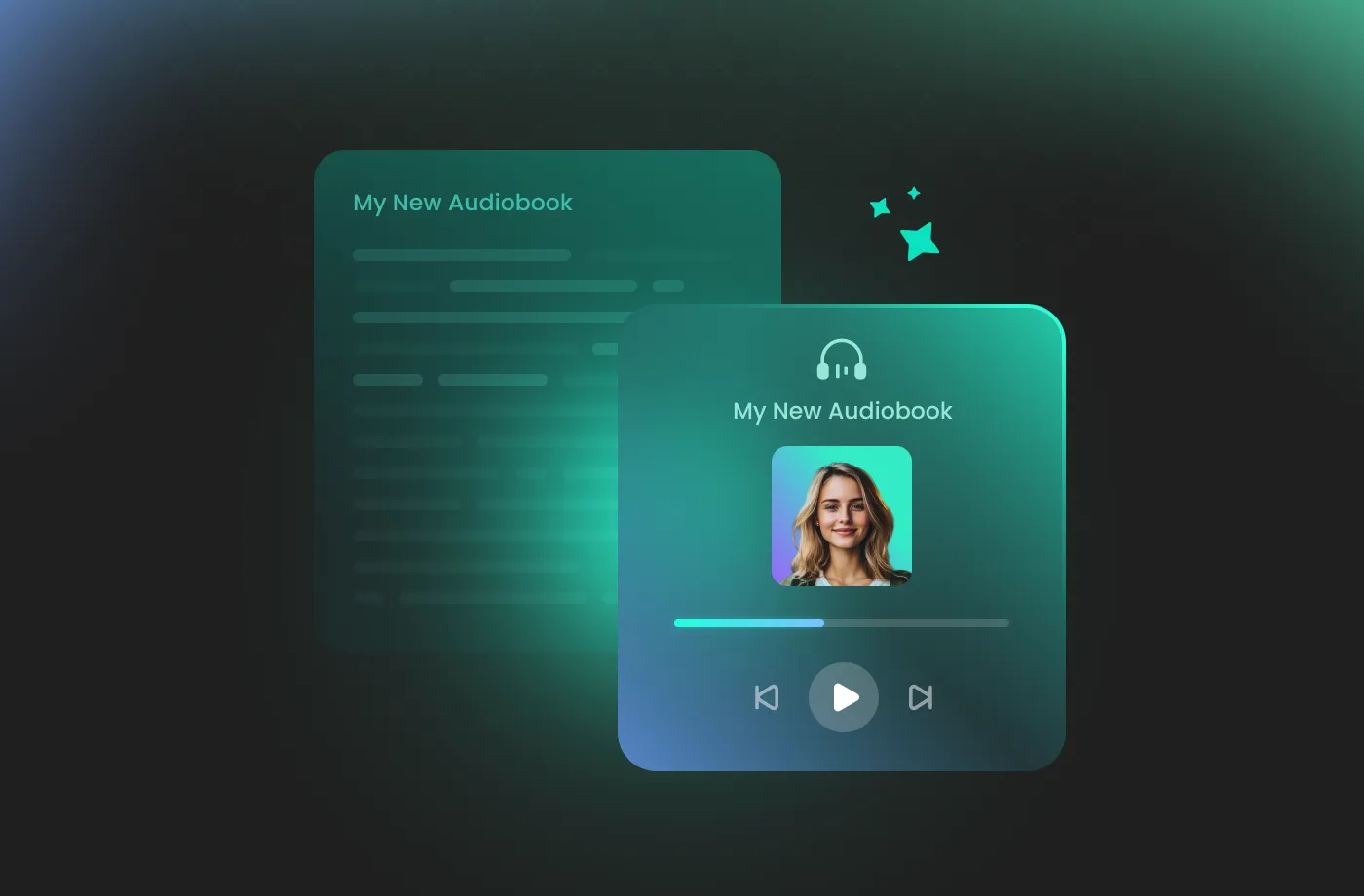
FineVoice AI sidekick voice generator lets you design voices that sound supportive, witty, curious, brave, or playful, depending on your story’s needs. Instead of generic narration, you get a sidekick AI voice that reacts naturally and enhances the main character’s presence. This is perfect for games, animations, audiobooks, and role-based content where emotional contrast matters. By fine-tuning pitch, pacing, and expression, your sidekick sounds like a real companion, not an afterthought.
Built for Games, Stories, and Interactive Content
Sidekicks shine in interactive worlds—and this tool is built with creators like you in mind. Whether you’re developing a game, producing a YouTube series, or designing dialogue-heavy content, FineVoice sidekick AI voice generator adapts seamlessly. You can create consistent voices across scenes, quests, or episodes without re-recording or expensive voice sessions. If you want to scale your content fast without sacrificing quality, FineVoice delivers professional-grade audio that fits perfectly into dynamic, story-driven experiences.

Full Control Over Tone, Speed, and Emotion
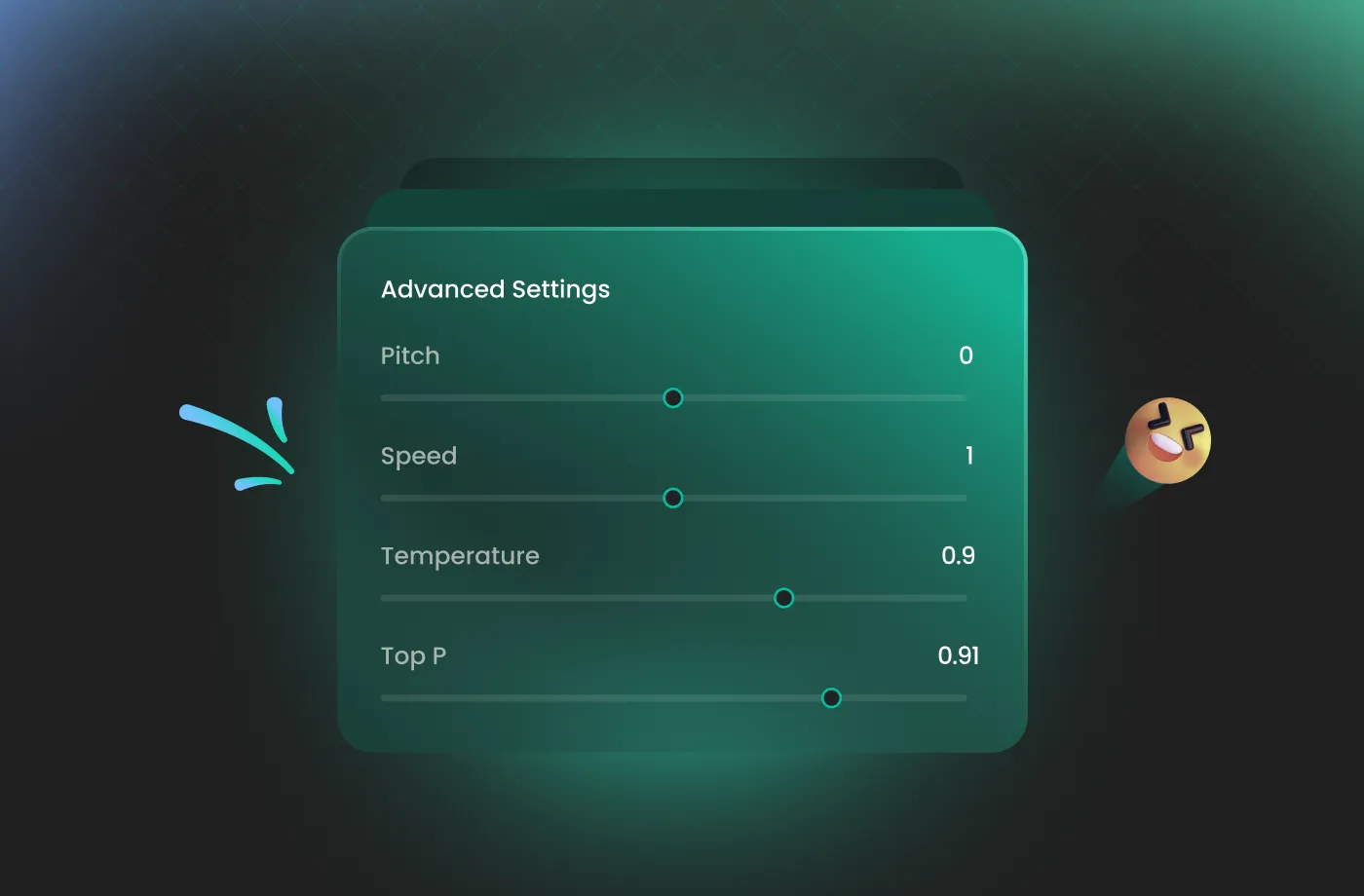
Every sidekick has a unique rhythm and mood—and you control it all. With FineVoice, you can easily adjust pitch, speaking speed, and emotional intensity to match each moment. Need an excited companion during action scenes or a calm guide during tutorials? Need a sense of urgency for a limited-time offer? Dial up the tempo. Want a somber, reflective tone for a documentary? Soften the delivery and lower the pitch. This granular control ensures that your audio perfectly mirrors the mood of your visuals, creating a seamless and professional immersive experience that stands out in a crowded digital landscape.
Fast, Natural, and Studio-Quality Sidekick Voice Output
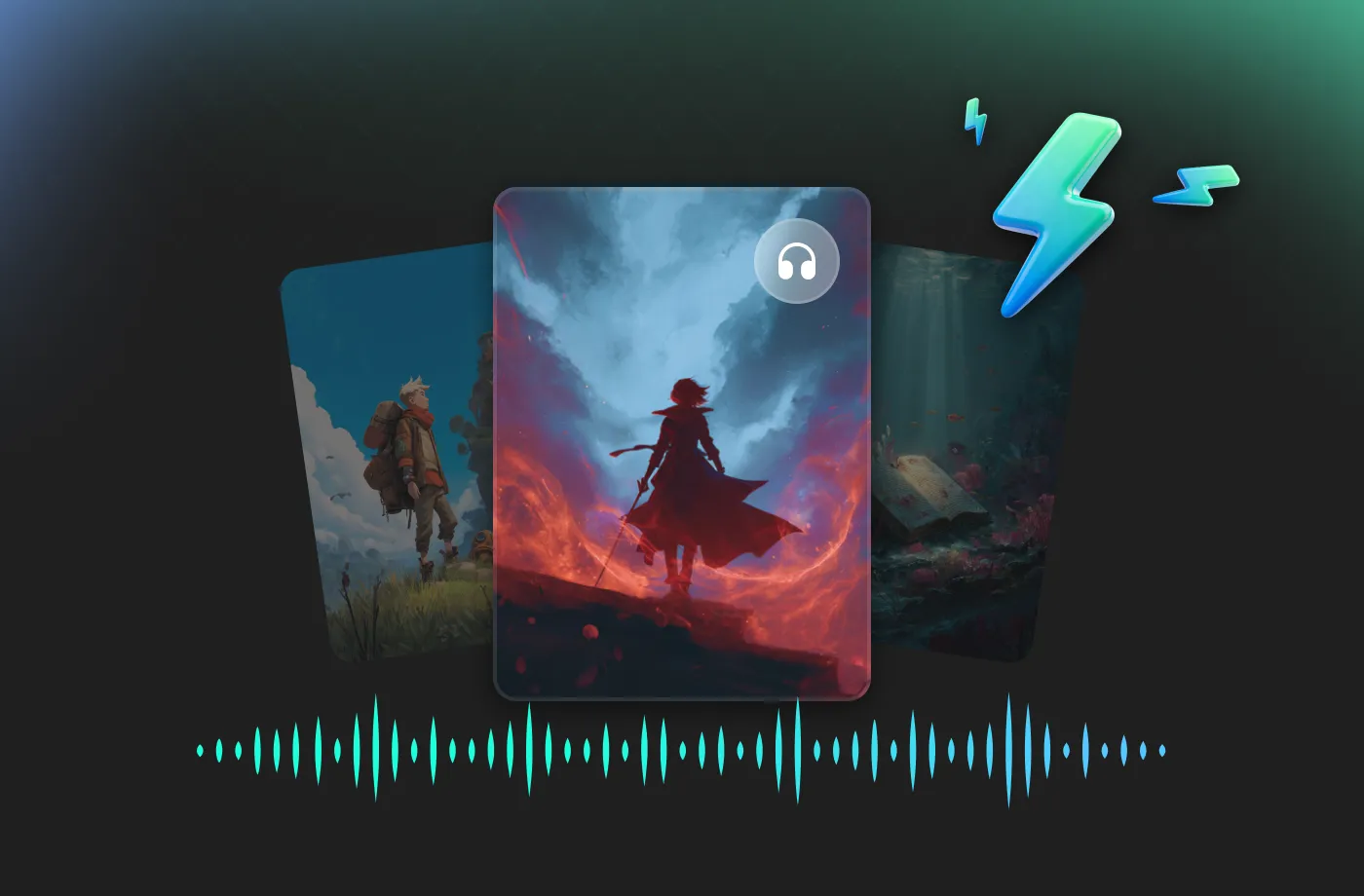
FineVoice AI sidekick voice generator delivers high-quality voice output in seconds, without sacrificing clarity or realism. Whether you need a deep, authoritative voice for a corporate presentation or a bright, energetic character for a TikTok ad, you’ll find the perfect match here. The voices sound smooth, balanced, and clean—ready for direct use in games, videos, podcasts, or apps. No complex setup, no audio engineering skills required. Just generate, download, and use. With support for multiple languages and regional accents, FineVoice empowers you to go global instantly, allowing you to connect with international audiences.
How to Use the AI Sidekick Voice Generator
Creating a perfect sidekick AI voice has never been easier. With FineVoice AI sidekick voice generator, you can turn any text into magical speech in just three simple steps.
1
Step 1: Enter Your Script
Input your text or upload a script file (.txt, .docx, .srt) into the sidekick AI voice generator.
2

Step 2: Select Your Voice
Browse our library to find your ideal sidekick AI voice. Adjust settings such as pitch and speed, or add emotions or accents to suit your needs.
3
Step 3: Generate Sidekick Audio
Click the "Generate" button to download your high-quality audio file. Your sidekick voice is ready to use in any project.
More Than an AI Sidekick Voice Generator






















Explore More Voice Categories
FAQs About FineVoice AI Sidekick Voice Generator
1. What is the FineVoice AI sidekick voice generator?
FineVoice AI sidekick voice generator is an advanced text-to-speech tool that converts text into expressive, lifelike companion voices. It helps you create realistic sidekick AI voice performances for games, videos, audiobooks, animations, and interactive storytelling—without recording or voice actors.
2. Is the AI sidekick voice generator free to use?
3. How many languages does the sidekick AI voice generator support?
4. Can I use generated sidekick AI voices for commercial projects?
5. Can I customize pitch and speaking speed?
6. Can I use the sidekick AI voice generator for YouTube or podcasts?
 FineVoice
Start Creating Realistic AI Sidekick Voices
Generate sidekick voices instantly with our AI Voice Generator & Text-to-Speech. Easily create high-quality voiceovers for your projects in just a few clicks.